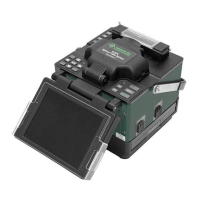
910FS Splicer
Greenlee / A Textron Company 4455 Boeing Dr. • Rockford, IL 61109-2988 USA • 815-397-7070
41
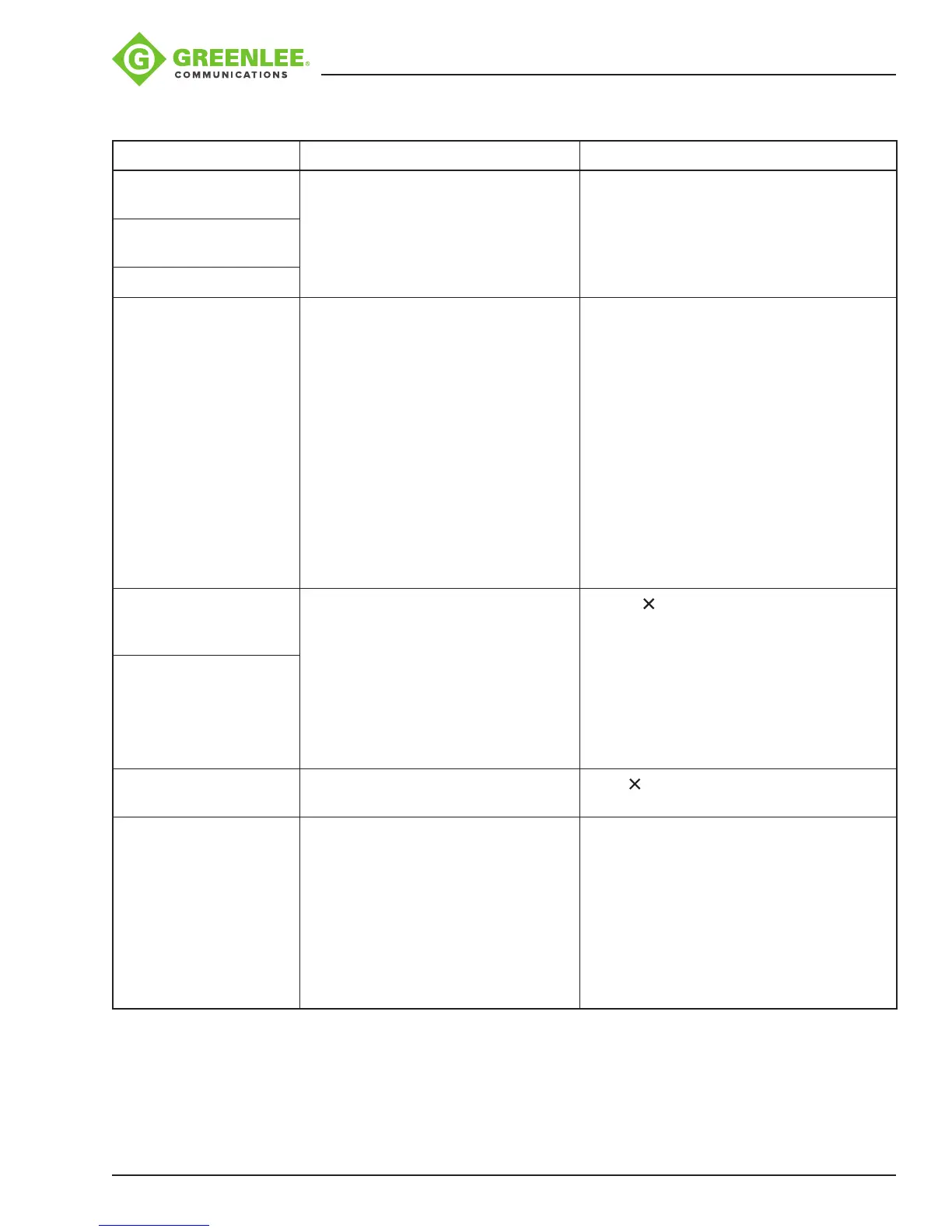
Error Messages
Error Message Reason Solution
Left/Right/L-R ber set
too close!
• The ber end-face is placed on the
electrode centerline, or beyond it.
• The cleave length (bare ber part) is
too long.
• Dust or dirt is on the objective lens
or the wind protector mirror.
• Conrm the setting position of the
stripped ber end on the ber cleaver.
Check the cleave length.
• Clean the lens or the mirror when dust or
dirt exists.
Left/Right/L-R ber set
too far!
Reset Left/Right bers!
Clear Left/Right bers! • Dust or dirt is on the objective lens
or the wind protector mirror.
• “Cleaning Arc” time is too short or
OFF.
• Splicing indistinct core bers with
the SM or DS modes.
• “Align” is set to “Core” to splice
indistinct core bers when using
other splice modes.
• “Focus” is incorrectly set when
using other splice modes.
• Completely prepare the ber again (strip,
clean, and cleave).
• Clean the lens or the mirror if dust or dirt
exists.
• Set the “Cleaning Arc” time to “30ms.”
When splicing carbon-coated bers, set
to “100ms.”
• Use the MM mode to splice indistinct
core bers (i.e., MM ber).
• Set “Align” to “Clad” to splice indistinct
bers (i.e., MM ber).
• Set “Focus” to “Edge” to splice indistinct
core bers (i.e., MM ber). To splice
distinct core bers, enter “Auto” or the
correct focus value.
Left/Right ber X/Y set
error!
• The ber is not set correctly at the
bottom of the V-groove. The ber
position is out of focus range.
• Dust or dirt is on the ber surface
resulting in focus failure.
• Dust or dirt is on the objective lens
or the wind protector mirror.
• Press , and re-position the ber to seat
it correctly at the bottom of the V-groove.
• If bers are not shown, use “screen
adjust.” Follow the procedure displayed
to enable the entire ber to be displayed.
• Completely prepare the ber again (strip,
clean, and cleave).
• Clean the lens or the mirror if dust or dirt
exists.
X/Y Motor out of range!
Cover is open! The wind protector is opened during
splicing operation.
Press after closing the wind protector.
Left/Right/L-R ber
angle errors, shape
errors and clear left &
right errors
• “Core Angle Limit” is set too low.
• Dust or dirt is on the V-groove or the
clamp chip.
• Bad ber end-face.
• The splicer measures the core angle only
when using other splice modes. Increase
the “Core Angle Limit” to an adequate
limit. (1.0 degree is standard.)
• Clean the V-groove and clamp chip, and
set the bers again. If the error occurs
again, strip, clean, and cleave the bers.
• Check the condition of ber cleaver. If the
blade is worn, rotate the blade to a new
position.


 To Next Page