910FS Splicer
Greenlee / A Textron Company 4455 Boeing Dr. • Rockford, IL 61109-2988 USA • 815-397-7070
16
Notes:
• Splice point sometimes looks a bit fatter than other parts. This is considered a
normal splice and does not affect splice loss.
• To change threshold for estimated splice loss or cleave angle, refer to “Splice
Mode” in this manual for details.
• Splice loss may be improved in some cases by additional arc discharges.
Press for an additional arc discharge (re-arc). Splice loss estimate and
splice check are performed again. Splice loss may be worsened in some cases
by additional arc discharges (re-arcs). Additional arc discharge can be set to
“disabled”, or limited to the number of additional arcs.
• Splicing result is automatically saved in splicer memory.
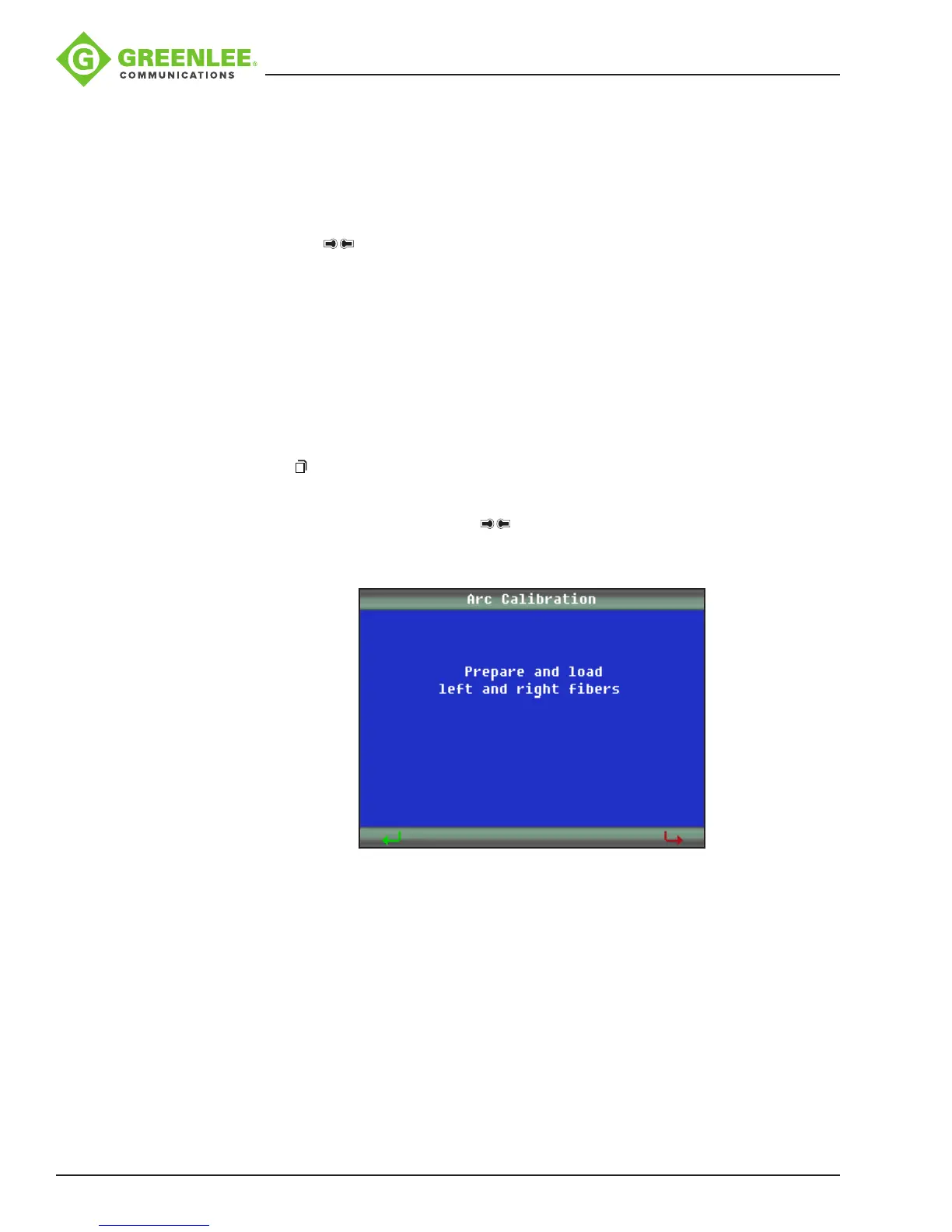
Arc Calibration
When a splicing session is rst started or if the splicing environment has changed, it is
recommended that the technician perform an arc calibration.
1. Place cleaved bers into the splicer.
2. Press and navigate to the “Maintenance” menu. Select “Arc Calibration.”
3. Follow the on-screen prompts.
Note: It might be necessary to push up to three times until “the arc adjust OK”
prompt is achieved.


 To Next Page