BALANCING 34
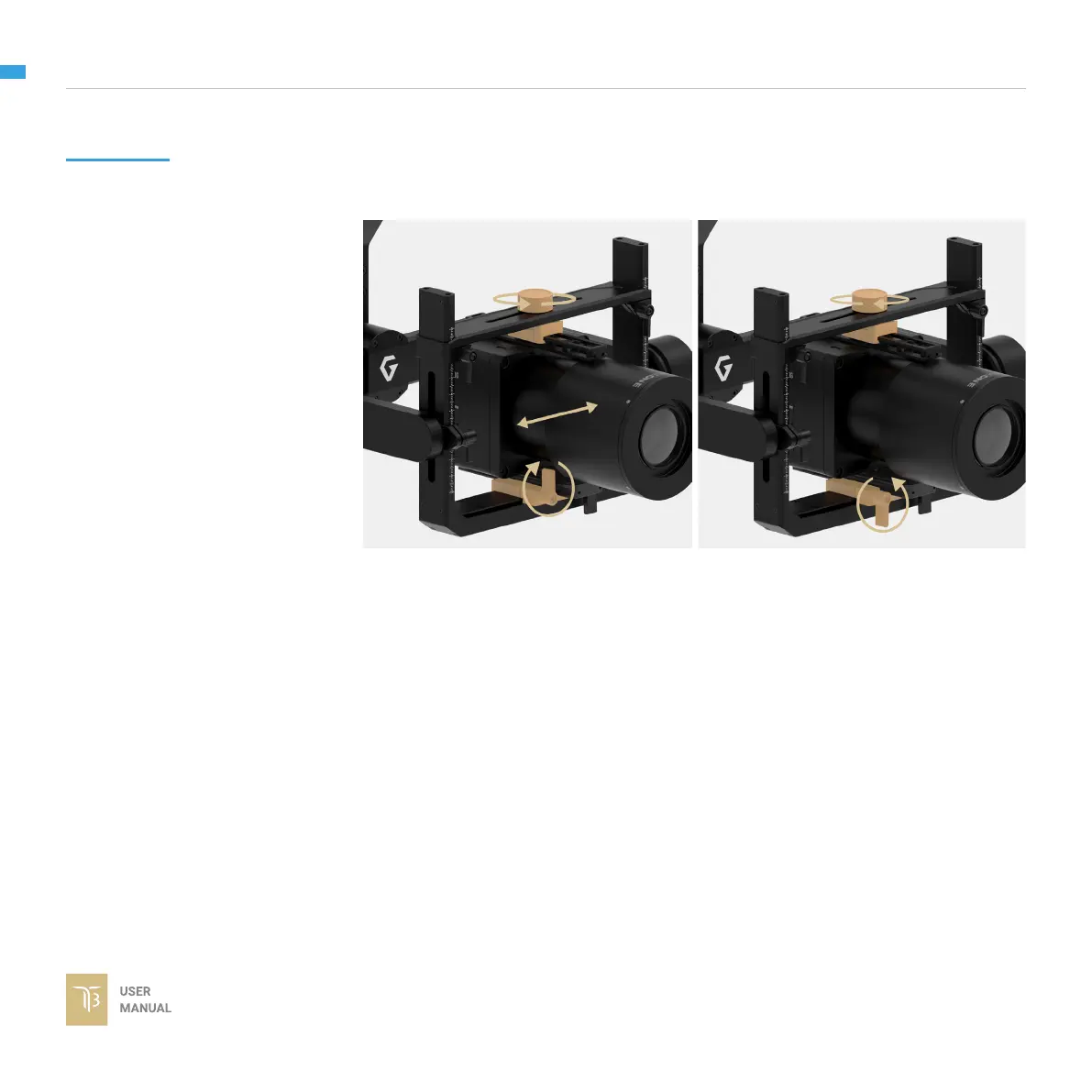
ROLL AXIS BALANCE
When the proper left-right roll balance is achieved, the camera will stay level when
you remove your hands.
1. Loosen the thumb screw on the left
of the camera plate and also loosen
the top bar knob, then gently slide the
camera left or right until the roll axis
remains level.
2. Tighten the left thumb screw and
the top bar knob to lock the camera in
position.



 To Next Page