UPGRADING FIRMWARE 54
HOW TO UPGRADE
01 - Power on the T7.
02 - Connect USB cable from T7 controller to Mac/PC.
03 - Run the gTune Desktop software.
04 - In the software, select “Serial” option on “connection” tab.
05 - Select the port in the list.
06 - Click on the “Connect” button.
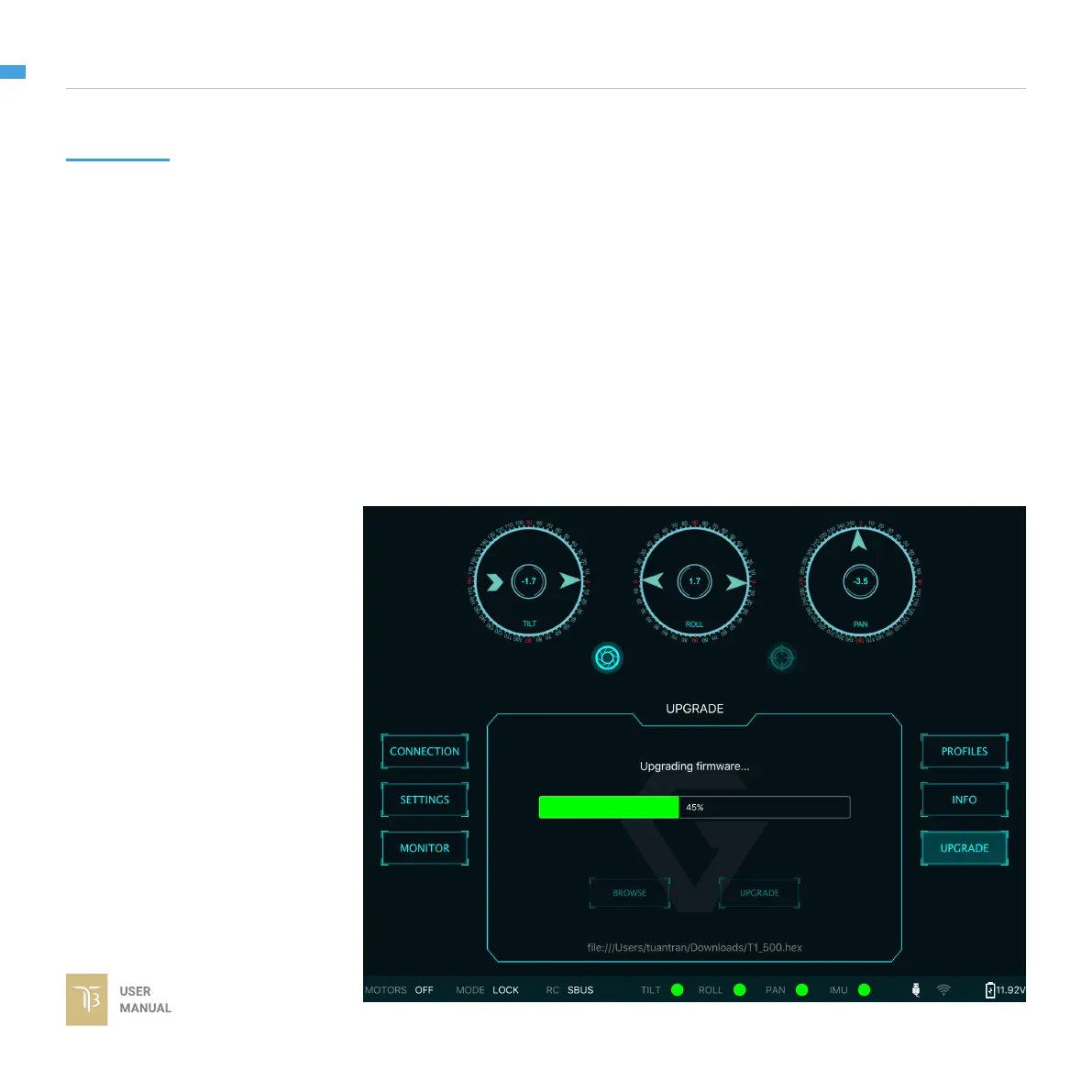
07 - Go to “Upgrade” tab.
08 - “Browse” to rmware le from your computer.
09 - Make sure the RF receiver (if available) is already removed.
10 - Click “Upgrade” button. The process will take about 2 minutes. When the
rmware is upgraded successfully, the T7 will be restarted automatically.



 To Next Page