SOFTWARE & TUNING 37
STIFFNESS TUNING
GENERAL METHOD
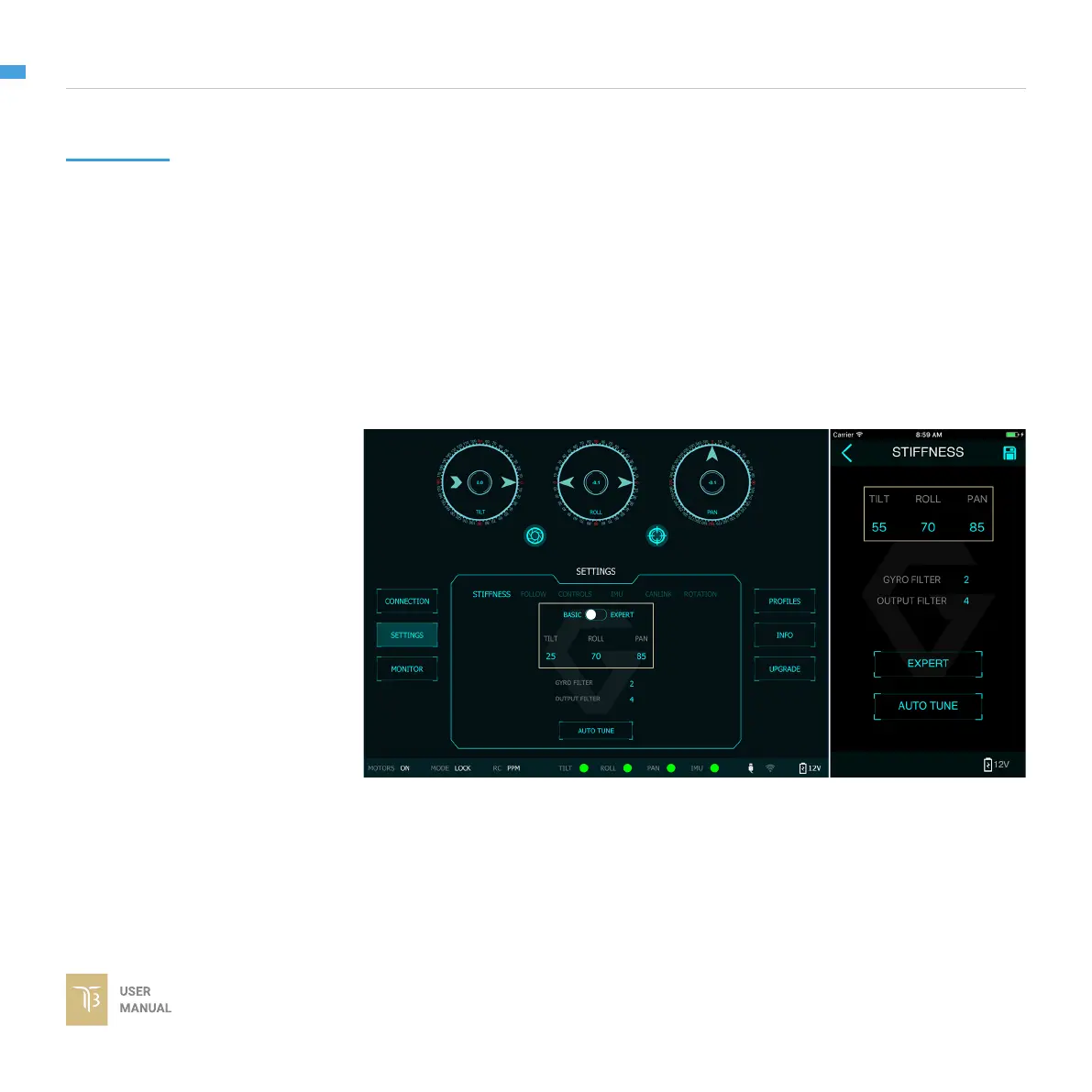
Stiffness setting has a signicant impact on the performance of the T7. This
setting adjusts the degrees to which the gimbal tries to correct for unwanted
camera movement and hold the camera stable. The higher you can run the
setting without vibration or oscillation, the better.
Start with a low value of 20 for all axes then turn motors ON. Slowly increase this
setting until you feel an oscillation in each axis, then reduce it until the oscillation
subsides. You can touch the camera to feel the oscillation during tuning. Increase
the stiffness setting 5-10 points at a time until oscillation appears then reduce 5
points until oscillation subsides.



 To Next Page