-18-
Model G0785 (Mfd. Since 3/15)
Power Connection
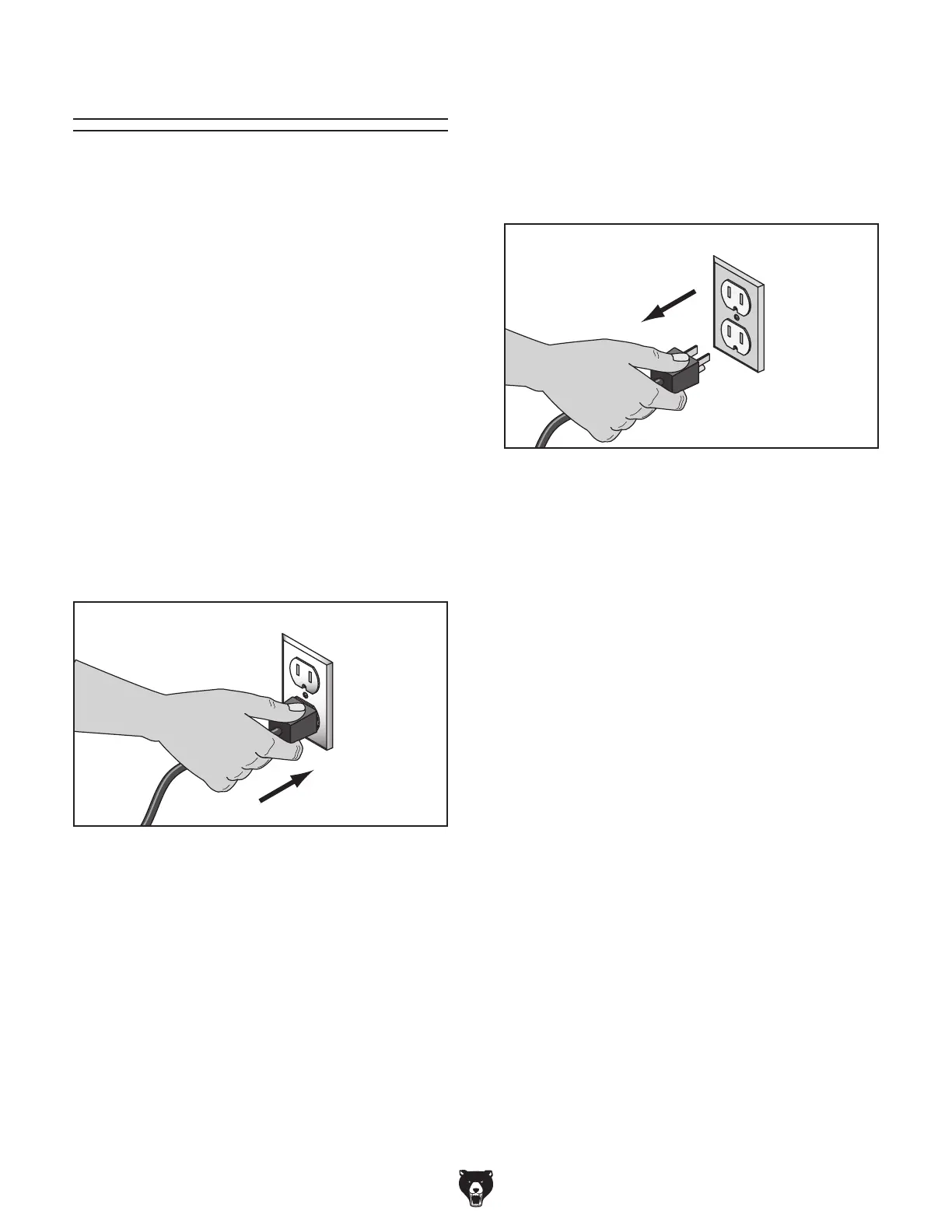
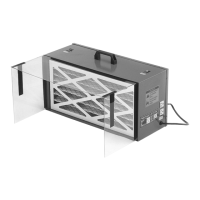
Connecting Power
Figure 16. Connecting power.
1. Turn the machine power switch OFF.
2.
Insert the power cord plug into a matching
power supply receptacle. The machine is
now connected to the power source.
Disconnecting Power
Figure 17. Disconnecting power.
1. Turn the machine power switch OFF.
2.
Grasp the molded plug and pull it completely
out of the receptacle. Do not pull by the cord
as this may damage the wires inside.
After you have completed all previous setup
instructions and circuit requirements, the machine
is ready to be connected to the power supply.
To prevent accidental damage to the power cord,
make sure it is kept away from potential damage
sources at all times—whether connected or not.
Potential damage sources include high traffic
areas, sharp objects, heat sources, harsh chemi-
cals, water, damp areas, etc.
To avoid unexpected startups or property dam-
age, use the following steps whenever connecting
or disconnecting the machine.


 To Next Page