181
GB
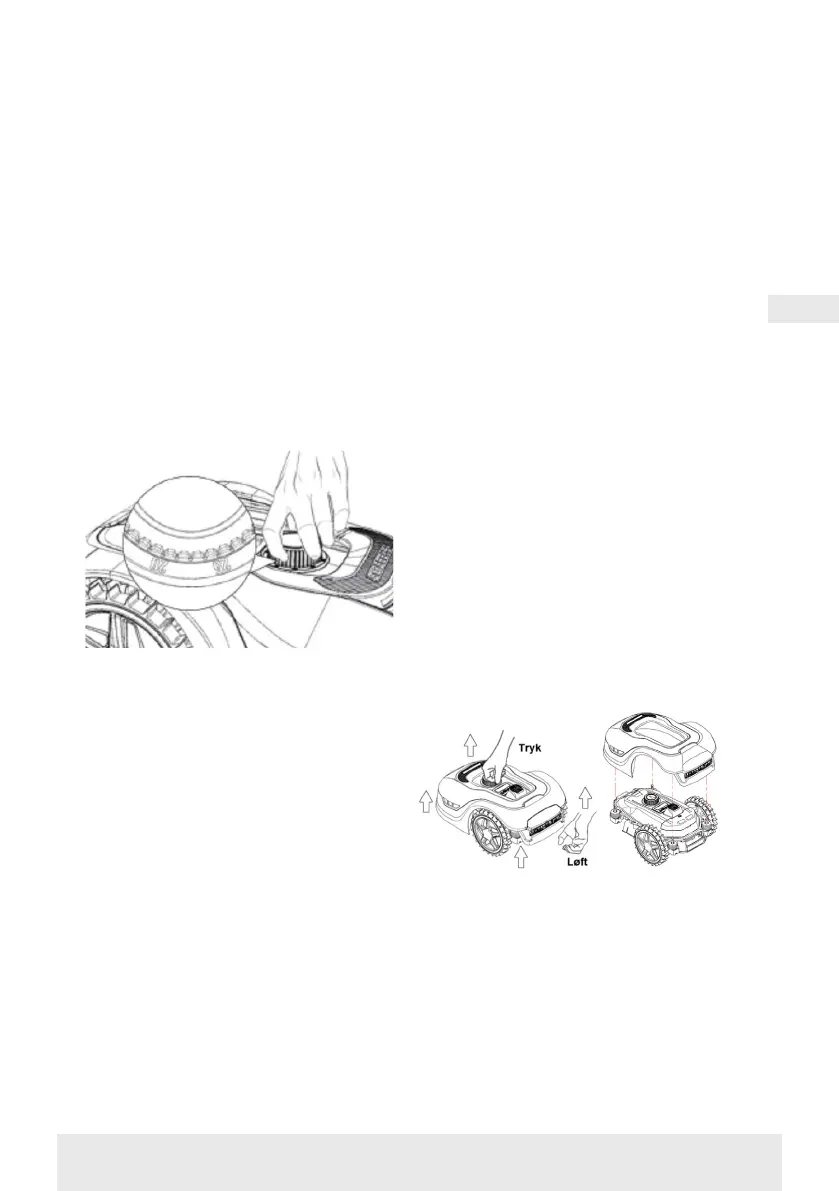
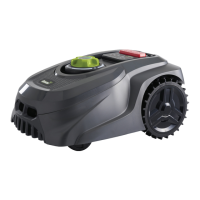
The cutting height is set by pressing
the STOP button (if the robot is
running). When the robot is stationary,
the cutting height can be adjusted by
turning the height adjustment knob on
top of the robot (see picture).
The robotic lawnmower can cut grass
when it is wet, but this will lead to more
grass accumulating on the underside of
the robot, more friction on the blades,
louder noise and more risk of it getting
stuck. Remove the grass with a soft
brush.
(ALWAYS switch the robot off
completely before working on the
blades)
Cutting restrictions for the robotic
lawnmower
If you and your neighbour both have
a robotic lawnmower, there must be
a minimum of 1 metre between the
boundary cables to avoid interference
between the cable signals.
It is also important that the charging
station is installed at least 10 metres
from the neighbouring boundary cable.
If your neighbour has a robotic
lawnmower from another
manufacturer, you may need to
keep a distance of 2 metres from the
neighbour's boundary cable to avoid
interference.
RAIN SENSOR
The robot has a built-in rain sensor. If it
detects water, the robot will stop cutting
grass and return to the charging station
and wait 3 hours. The rain sensor
settings can be adjusted in the app. See
section ‘Using the app’.
HANDLING THE ROBOTIC
LAWNMOWER
Removing the cover
The upper cover can be removed if
necessary. Follow this procedure:
Press down on the robot's height
adjustment button (keep it pressed)
Get hold of back the corner of the he
underside of the lawnmower deck and
pull up until you feel it release its hold.
Then get hold of the opposite back
corner and pull it up to release.
Repeat the process with each of the 2
front corners (one at a time)
Once the cover’s top has been released,
you can remove it (there are no cables
holding it in place)


 To Next Page