160
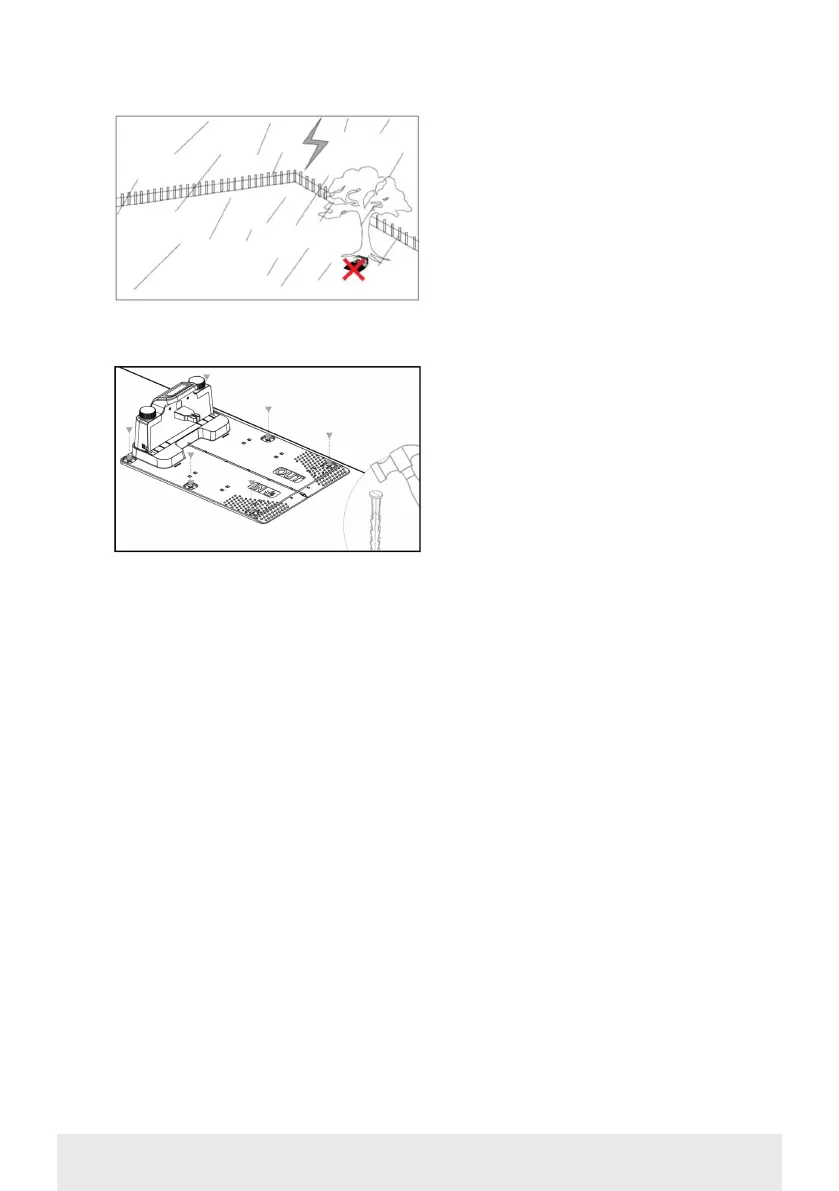
Secure the charging station with the 6
screws/pegs provided.
Make sure that the ‘OUT’ area is facing
the edge of the lawn
Once you have found the correct
location and the charging station is set
up, DO NOT connect the power yet.
First, lay the boundary cable out and
connect it to the charging station.
The power can be then connected.
BOUNDARY CABLE
Laying the boundary cable is the most
important part of the installation, as
good cabling gives a better result.
The robotic lawnmower cannot cut
right to the edge of the lawn due to
safety requirements (distance from
lawnmower deck to blades). You
should therefore be aware that a grass
edge will be left all around the lawn,
which cannot be cut by the robotic
lawnmower.
You will need to cut this grass with
a lawn trimmer or a conventional
lawnmower regularly.
Alternatively, you can lay a wide paved
edging strip (at least 12 cm) all around
the lawn at the same level as the grass
for the robot to drive over, thereby
avoiding the need for a grass edge that
cannot be cut. See section ‘Cutting
along paving’
Ideally, you want this uncut strip to be
as narrow as possible, so you should
place the boundary cable as close to the
edge as possible.
Under optimal conditions, a distance of
20 cm is ideal, but some requirements
will need to be met:
• The lawn must be completely flat at
the edges so that the robot cannot slip
out in wet conditions
• There should be no flowers, plants or
branches hanging over the lawn
• The wheels must not drive over the
soil when in operation
• The wheels and lawnmower deck
must not come into contact with any
high edges
That is, the robot must be able to drive
unhindered all the way around the
boundary cable without coming into
contact with anything and not drive
into a soil bed.



 To Next Page