8
STYLE 3
This style incorporates the classic GSE 2x5 display style along with three smaller displays which will show
the gross, tare and net parameters. Press the
> key to toggle through the different parameter choices.
Setup - Access application menu,
Application Menu
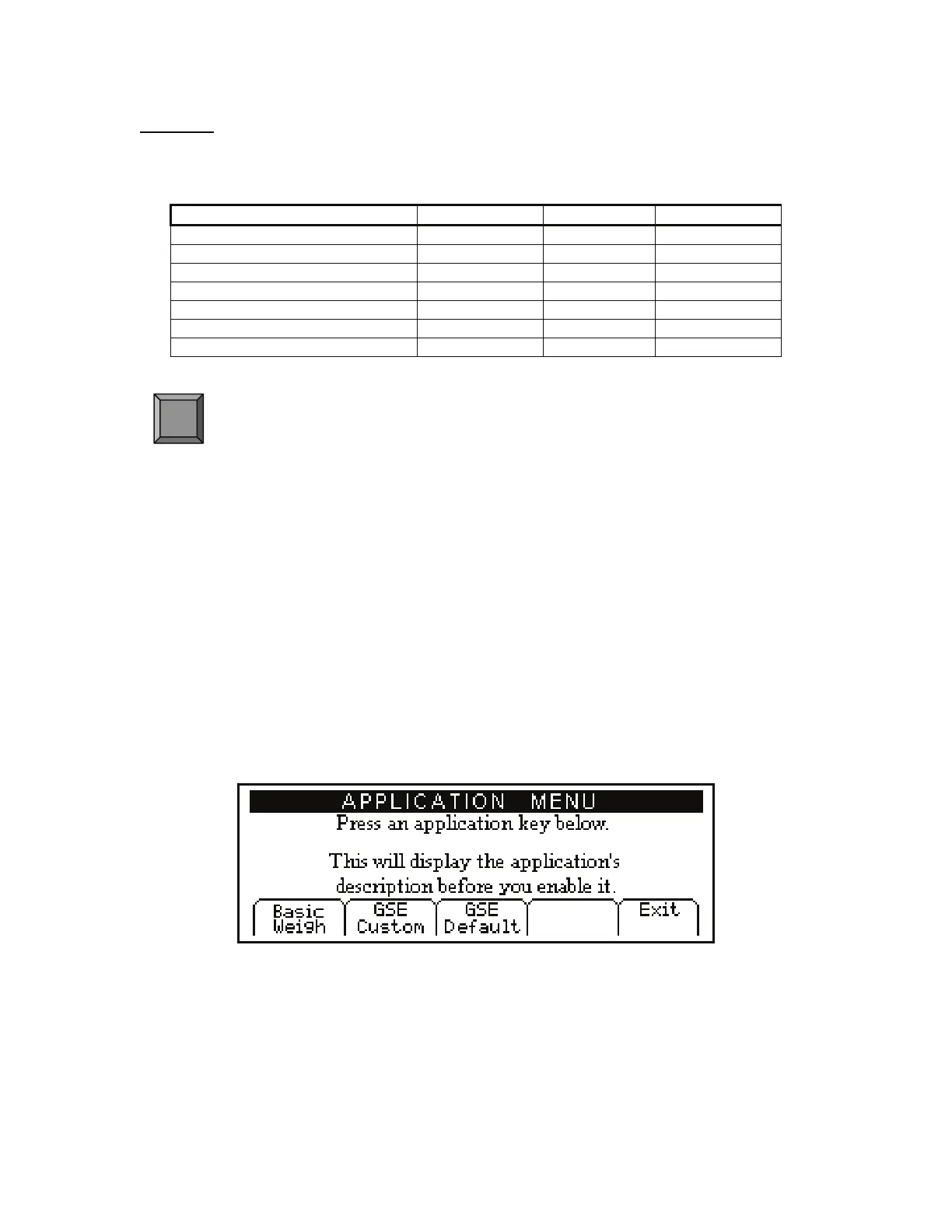
The application menu provides access to other built in applications. Loading the application menu will
erase the current application.
From the application menu explanation screen press
to load the application menu or press K exit
back to the BASIC WEIGH mode.
If
was pressed in the previous step the display will show ARE YOU SURE ???. Press to proceed
or press
K exit back to the BASIC WEIGH mode.
If
was pressed in the previous step the display will show ENTER ACCESS CODE. Key in the access
code and press
or press K exit back to the BASIC WEIGH mode.
Figure 8: Application Menu Screen
Note: Enable the APW LOOKUP from the GSE CUSTOM tab. Press 4.
CAL (Calibration)
Refer to Chapter 4: Calibration on page 23 for complete instructions on calibrating the Model 672.
Medium Display Small Display Small Display Small display
Gross Gross Tare Net
Net Gross Tare Net
Tare Gross Tare Net
Quantity Total Gross Tare Net
Part # Gross Tare Net
Quantity Gross Tare Net
APW (average piece weight) Gross Tare Net
F5



 To Next Page