33
Table 3: Additional Conformance Parameters
PARAMETER DESCRIPTION COMMENT
P110 Full Scale Capacity Verify proper scale capacity.
P111 Division Size Verify allowable scale divisions.
P112 Zero Track Verify required selection.
P114 Motion Verify required selection.
P118 Zero Range Verify required selection.
P212 Print Stability Verify required selection.
P126 Æ P130 Multi-Range Verify proper configuration.
P131 Æ P134 Unit selection
Verify certifiable unit selection.
†
P151 Æ P154 Custom Units Verify name and conversion factor.
P600 Æ P646 Rename Parameters Verify acceptable names.
* Custom units must be site approved. Lb/oz is not approved for legal-for-trade installations.
SEALING AND AUDIT TRAILS
Most legal-for-trade installations will require the Model 672 to be sealed. A sealed scale cannot be
accessed for setup or calibration changes without breaking a physical seal or incrementing an event
counter, thus providing evidence of tampering.
The Model 672 has two types of sealing provisions, a physical seal and a three event audit trail counter.
Check with your local weights and measures authority to determine your requirements.
Physical Seal
The most common sealing method is a lead-wire seal. The Model 672 provides an easy means of applying
this type of seal as shown in Figure 12.
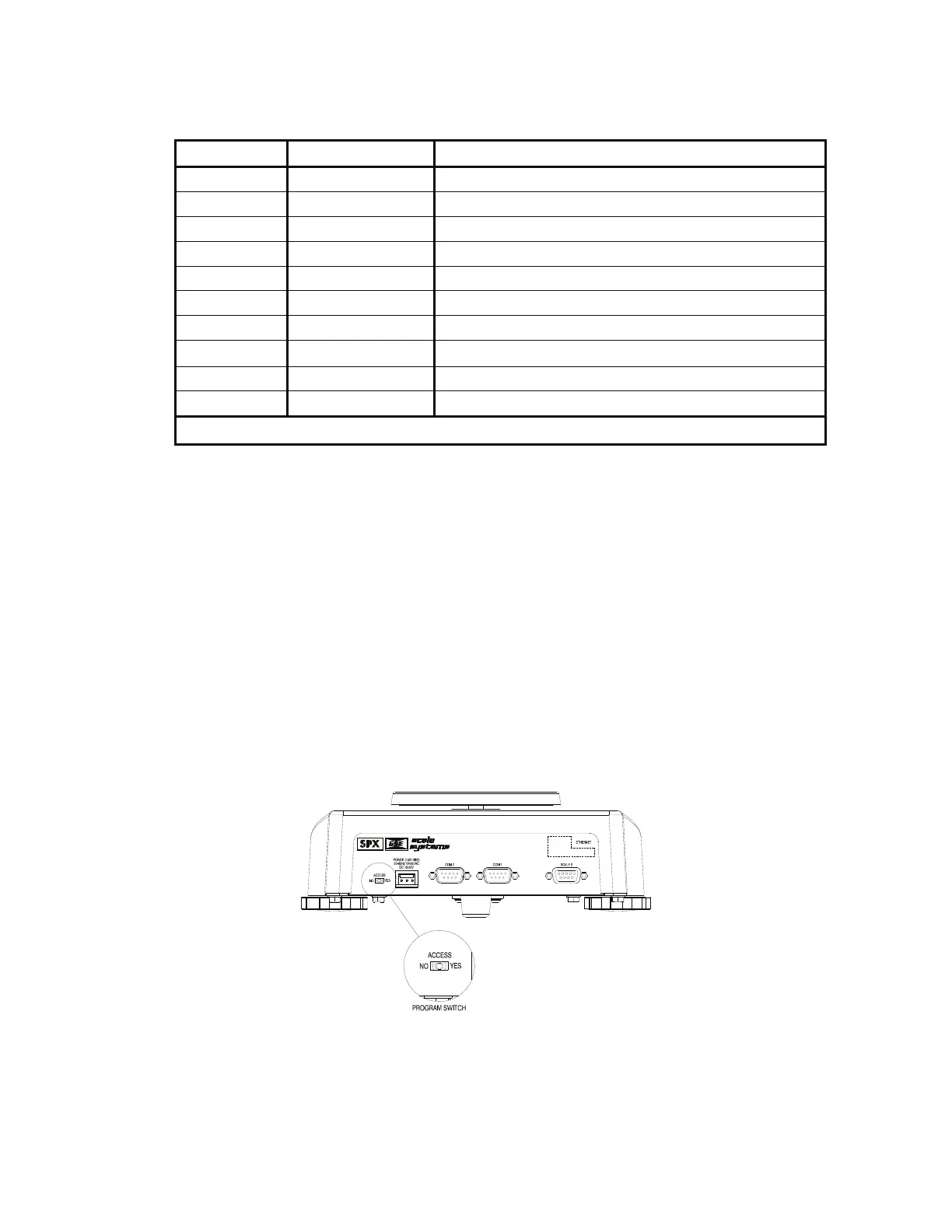
1. Before applying a wire seal, move the program switch to the ‘NO’ position as shown in Figure 11.
This will prevent access to the Setup and Calibration Modes.
672 Precision Scale
Se ri al N o . XXXXXX
Figure 11: Program Switch
2. Remove the two screws from the bottom plate nearest the back panel.
3. Install the program switch cover over the program switch hole on the back panel. The cover will loop
over the back panel and bottom plate. Refer to Figure 12.



 To Next Page