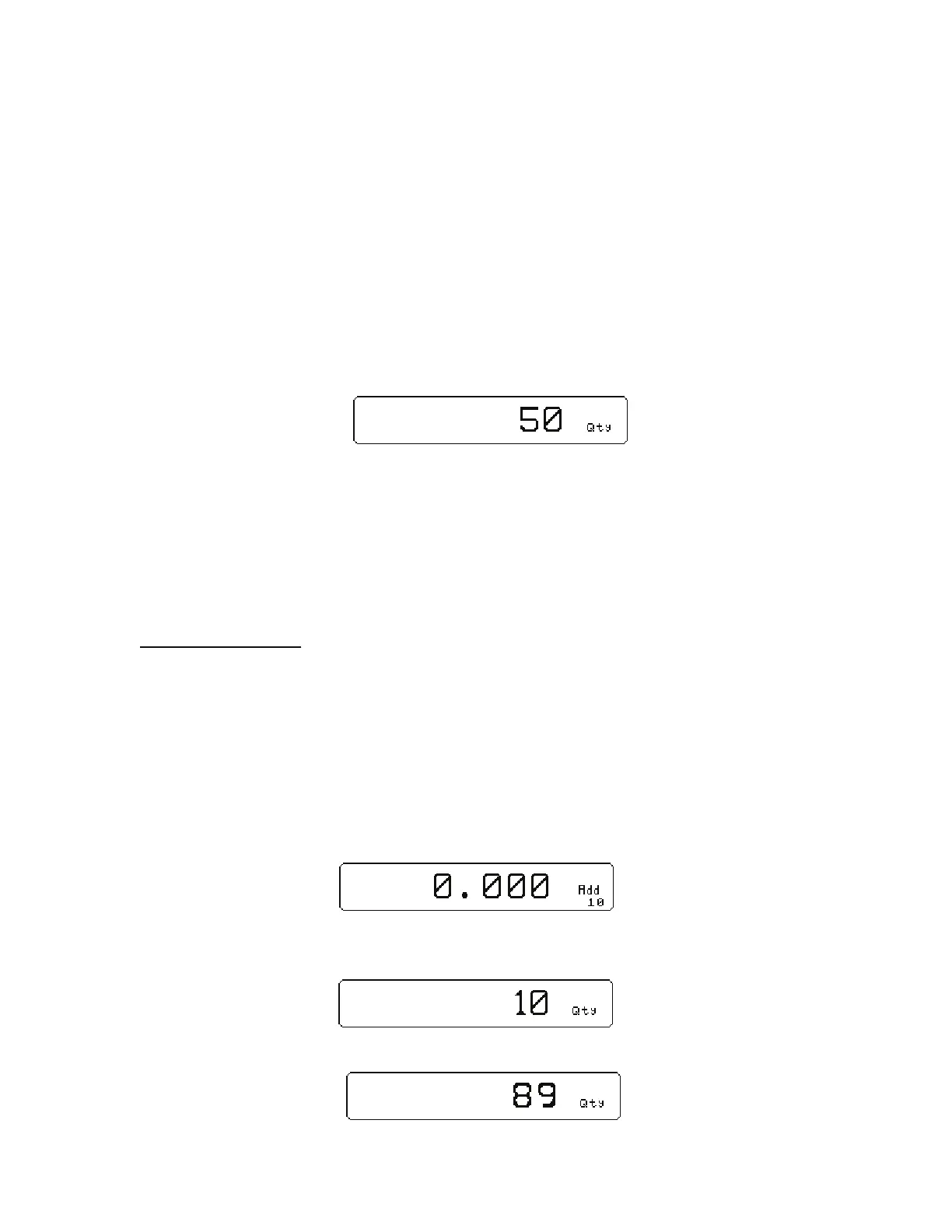
18
b. Place the sample in the container.
c. Key in the sample size and then press the
9 key. The scale will accept the current
weights as a sample and will display the quantity.
-or-
1) If the sample size is known and no container is used:
a. Place the sample on the scale.
b. Key in the sample size and then press the
9 key. The scale will accept the current
weights as a sample and will display the quantity.
Example: D J 9
APW LOOKUP
Follow the steps below to perform a sample and count parts. Also the ability exists to store part numbers,
lot numbers, bin numbers and average piece weight (APW).
Sample and Count
AUTO TARE METHOD
4. Sampling Pieces:
(c) If a container is used:
(i) Place container on scale and press the
3 Sample or 9 key. The scale will
automatically tare the container.
- or -
(d) If a container is not used:
(i) Press the
3 Sample or 9 key without the sample pieces on the scale. The
scale will tare to establish a net zero reference.
5. Add the sample pieces and press the
3 Accept key to accept the sample.
6. Continue to add pieces to count.



 To Next Page