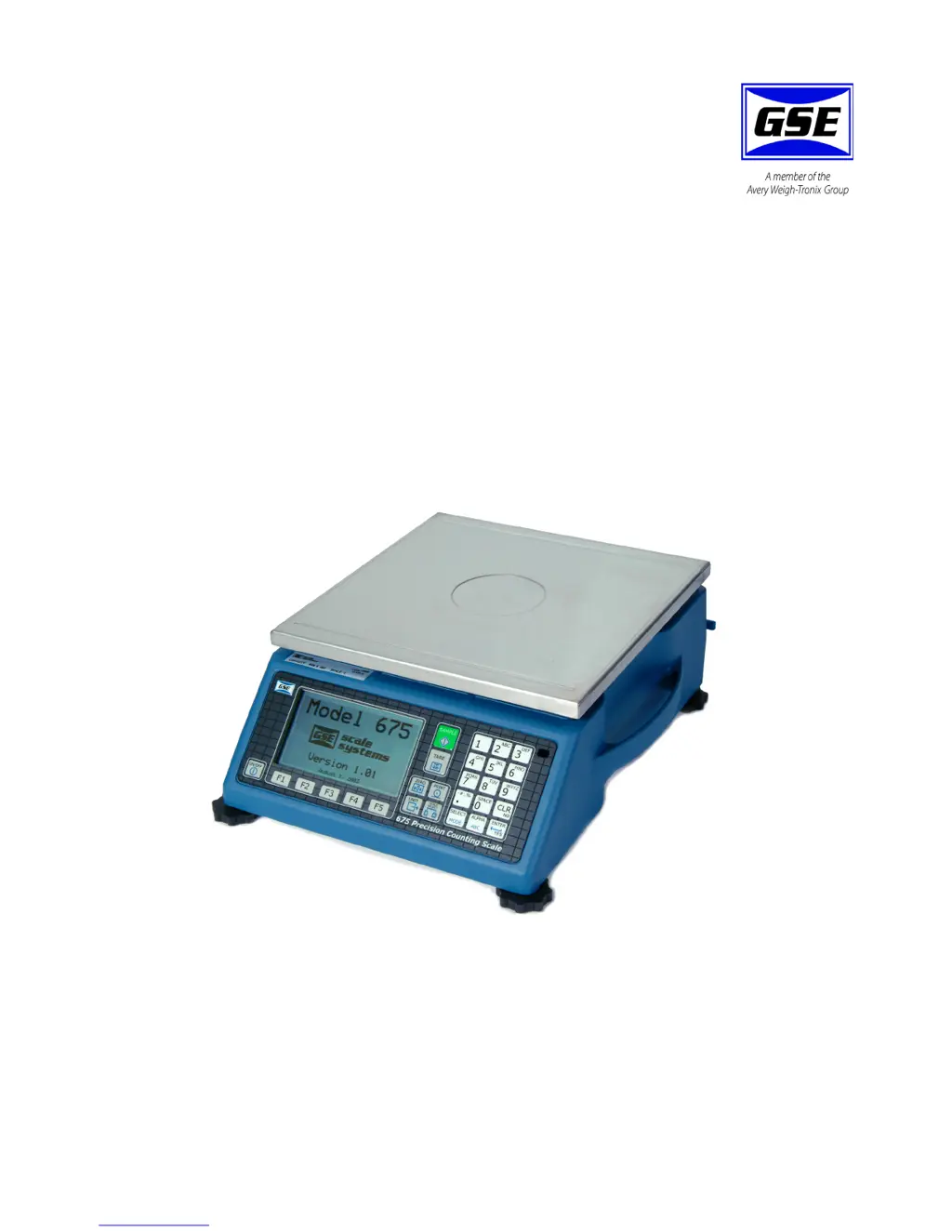
What to do if my GSE 675 Scales display '#> Dsply'?
- WwardkevinAug 31, 2025
If your GSE Scales display '#> Dsply', either clear the totals or settle for only being able to transmit the totals.
What to do if my GSE 675 Scales display '#> Dsply'?
If your GSE Scales display '#> Dsply', either clear the totals or settle for only being able to transmit the totals.
What does 'P___ Invld Mode!' mean on my GSE Scales?
The 'P___ Invld Mode!' error on your GSE Scales indicates an attempt was made to access a non-existent parameter. Key in a valid parameter and press, or press only or to proceed to the nearest lower valid parameter.
What does P___ Invld Mode! mean on GSE Scales?
The 'P___ Invld Mode!' error on GSE Scales means to key in a valid > > parameter and press, or press only or to proceed to the nearest lower valid parameter.
What does 'CoDE03 Over- Load!' mean on GSE 675 Scales and how to fix it?
The 'CoDE03 Over- Load!' error on your GSE Scales means the input signal is greater than positive full scale. Use the same checks as for an underload situation.
What does tx Con'd mean on GSE Scales?
The 'tx Con'd' message on GSE Scales appears briefly when the handshake is re-asserted after the tx on hold message occurs.
Why do my GSE Scales say CoDE08 Check Conn?
The 'CoDE08 Check Conn' error on your GSE Scales usually indicates a defective or incorrectly wired load cell. Check the wiring and connections of the load cell.
What does CoDE14 Must Keyin mean on GSE Scales?
The 'CoDE14 Must Keyin' error on GSE Scales means that the choice for the current parameter must be keyed in.
What does 'prtyX error' mean on my GSE 675?
The 'prtyX error' on your GSE Scales means that the parity of a received character did not match the parity specified in the setup mode at P202. This could also result if the baud rate (P200) or the number of data bits (P201) are incorrect.
What does Wrong parm mean on GSE Scales?
The 'Wrong parm' error on GSE Scales means that the parameter specified for data collection using the %* command was invalid or not of type float.
What does CoDE07 Tare< 0! mean on GSE Scales?
The error 'CoDE07 Tare< 0!' on GSE Scales indicates that, for auto-tares, the GROSS Weight must be greater than zero unless P162 is changed to allow negative tares.
Details the structure and purpose of the user manual.
Explains the formatting used for keystrokes and displayed messages.
Defines signal words and symbols for hazards and important notes.
Guidelines for connecting pluggable equipment to accessible sockets.
Specifies isolator requirements for permanently wired connections.
Instructions for safe handling and replacement of batteries to prevent explosion.
Advises against installing the unit near water as it is not a washdown unit.
Details DB9 connector pin assignments for connecting a remote scale.
Instructions for enabling and setting up the Quick Count application.
Details how to store and recall part numbers with average piece weight.
Explains how to access setup menus for the APW Lookup application.
Instructions for using the Quick Count method for parts counting.
Steps for sampling and counting parts using the APW Lookup.
Using the keypad for simple sample and count operations.
Important considerations and tips for performing calibration.
How to enter the calibration mode from the application menus.
Specific steps to access calibration from APW Lookup or Quick Count.
Introduction to the various calibration methods available.
Descriptions and remedies for operational errors like Under Load and Zero Max.