Model 675 User Instructions 15
2.1.2 Setup
This menu was designed for accessing the items that will need to be changed most
often. Below is an explanation of the choices in the menu. Follow the instructions on
the display for each key.
2.1.3 Setup Menus
This is the next level of menus, which offer more advanced setup.
Cal (Calibration)
Refer to Chapter 4 for complete instructions on calibrating the Model 675.
Display Style
Choose one of the display types and press [F5] (EXIT) to save the change and return
to the main menu.
Style 1
This is the classic GSE 2x5 display. The weight or quantity will be displayed in larger
font while the prompts will be to the right of the weight display.
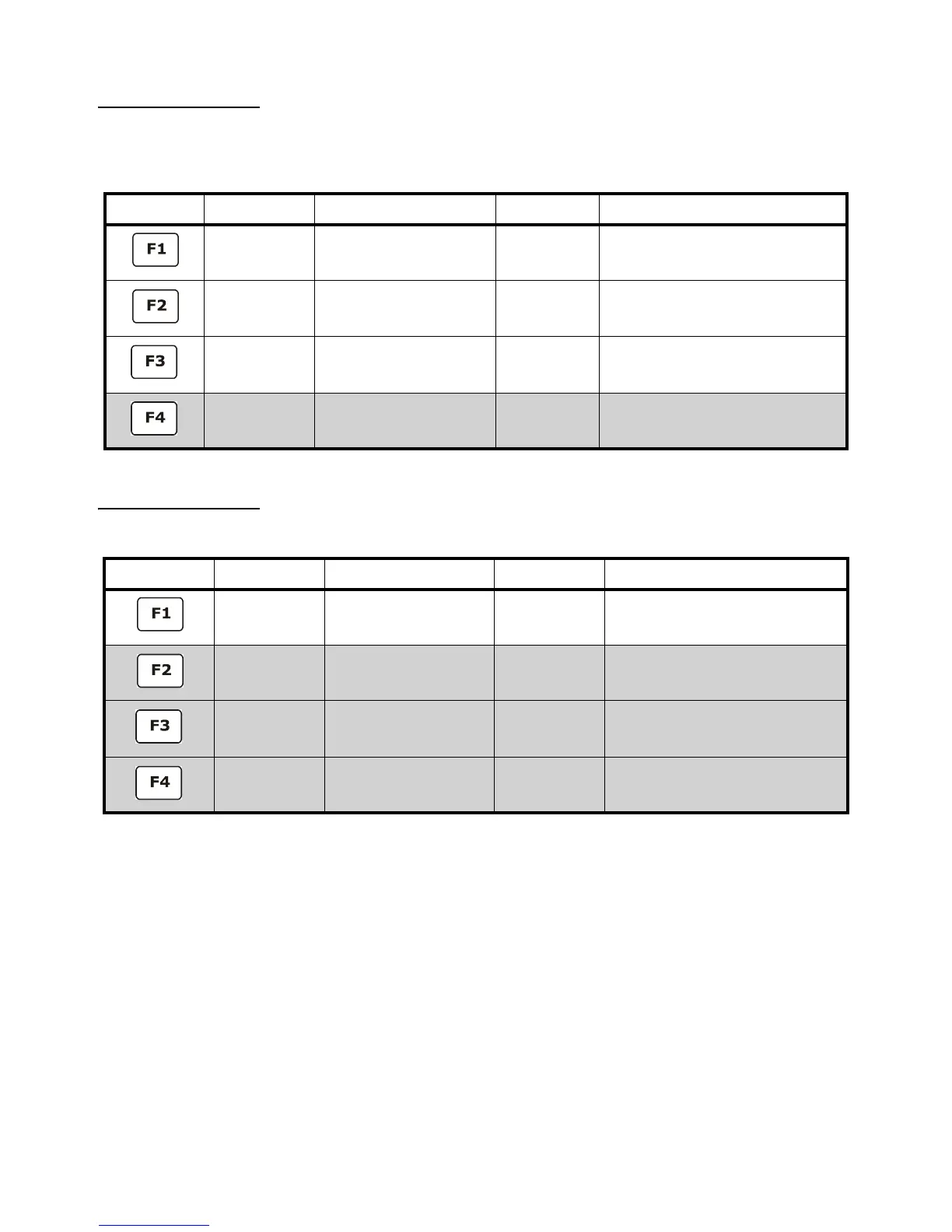
Function Key Parameter Description Default Setting Keypress
CHANGE
SAMPLE
Change the default sample
size
10 Key in new sample size and press
[ENTER] to accept or [F5] to escape
CLEAR TOTALS Clears the accumulation
registers
Not applicable Press [ENTER] to clear totals or [CLR] to
escape
KEY-IN APW Key in an average piece
weight for sample
0 Key in new average piece weight and
press [ENTER] or [F5] to escape
SETUP MENUS Continues on to the Setup
Menus
Not applicable Press [F4] to continue
Function Key Parameter Description Default Setting Keypress
CAL Calibration any of the
enabled scales
Not applicable Key in access code and press [ENTER]
or press [F5] to escape
DISPLAY STYLE Chose how the display will
appear
Style 2 Press either [F1] - [F3] to chose the
desired display style or [F5] to escape
PRINT MENU Choose what information to
print out
Not applicable Continues on to the Print Menu selections
ADVANCE
SETUP
Continues on to the
Advanced Setup Menu
Not applicable See page 17



 To Next Page