8 Model 675 User Instructions
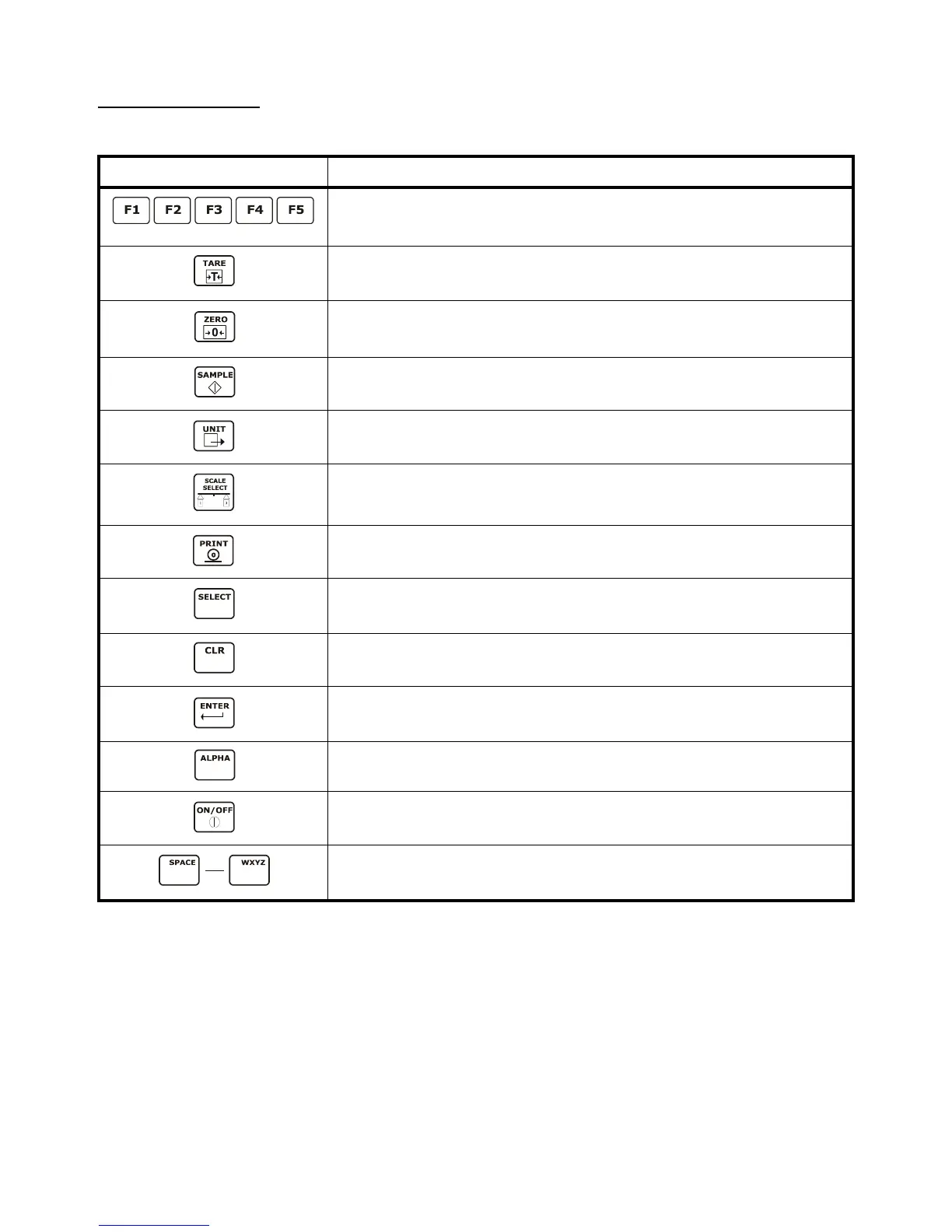
1.10.1 Keypad Functions
All of the keys perform different functions. Some keys have more than one function.
Key Description
Act as soft keys which will perform a specific function. Refer to the text on the display for the
function of each soft key.
Subtracts the weight of the tare from the displayed weight. Commonly used for removing the
weight of a container.
Performs a gross zero and displays the gross mode.
Performs a sample for an accurate parts counting and calculates an average piece weight.
Toggles between the available units.
Selects between all enabled scales. The current scale number will be shown on the display.
Print data from a specified communication port.
Select among modes such as Gross, Net, Tare, Quantity and Average Piece Weight.
Clear the entry buffer or answer "NO" to a question.
Enter data or answer "YES" to a question.
Enable/disable alpha entry mode. Refer to page 4 for setup information.Key
Turn the scale on or off.
Numeric keys used to manually enter a value for tare weight, average piece weight, sample
size etc.
MODE
NO
YES
ABC
0
9



 To Next Page