Model 675 User Instructions 13
2 Configuration
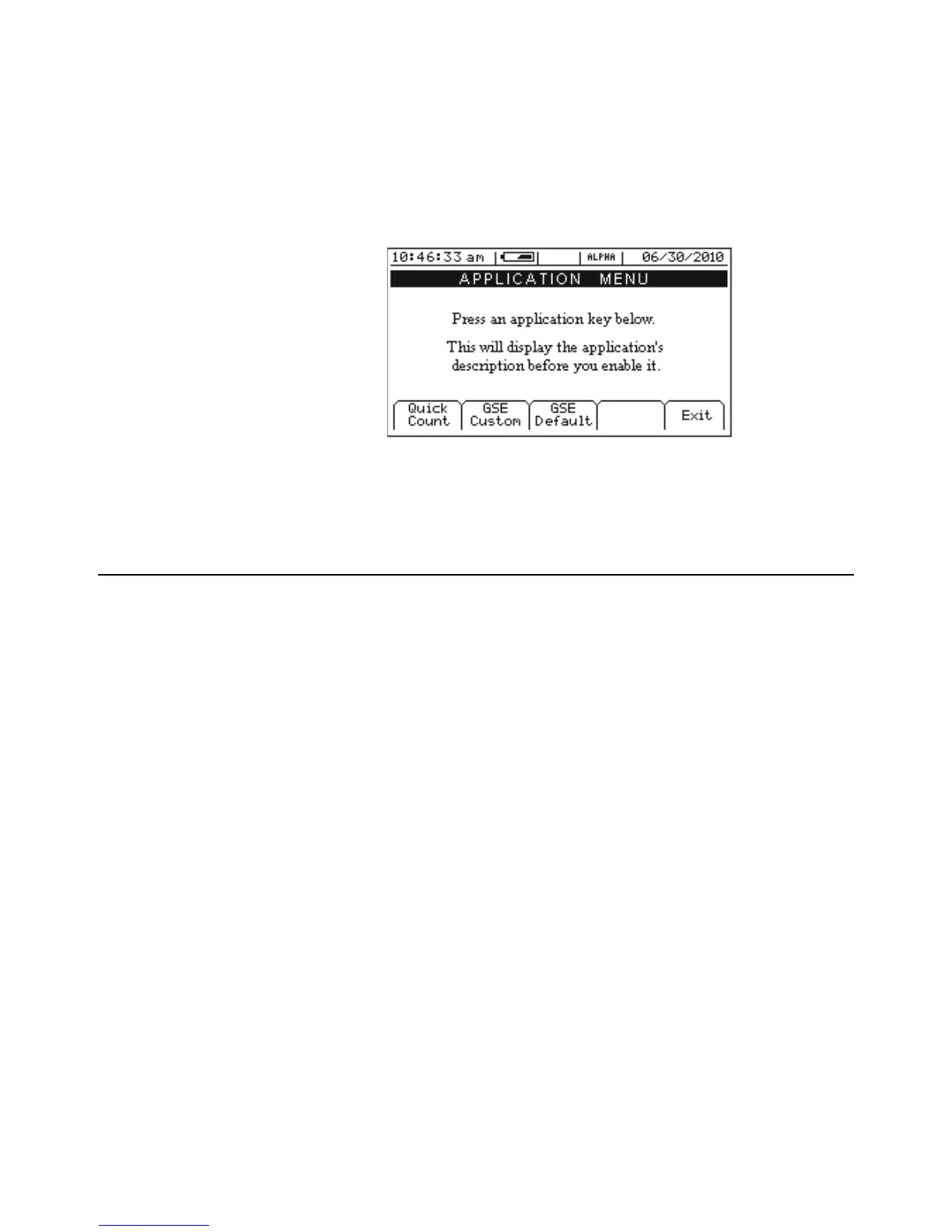
The Model 675 Precision Counting Scale comes from the factory with the Application
Menu enabled. This is where you will choose the preferred method of parts counting or
weighing. See the explanations of each method in this chapter. After each counting
method are the instructions for setting up that method.
Refer to Chapter 3 for operating instructions of each method.
Figure 2.1 Model 675 Power up Screen
2.1 F1 - Quick Count
The Quick Count mode is designed for performing a quick sample and count. The soft
keys are used in secession from left to right to increase speed and ease of parts
counting. Basic functionality is offered to simplify operation. Below are the available soft
keys and an explanation of their purpose in the Quick Count mode.
F1 F2 F3 F4 F5



 To Next Page