14 Model 675 User Instructions
2.1.1 Quick Count Setup Menu
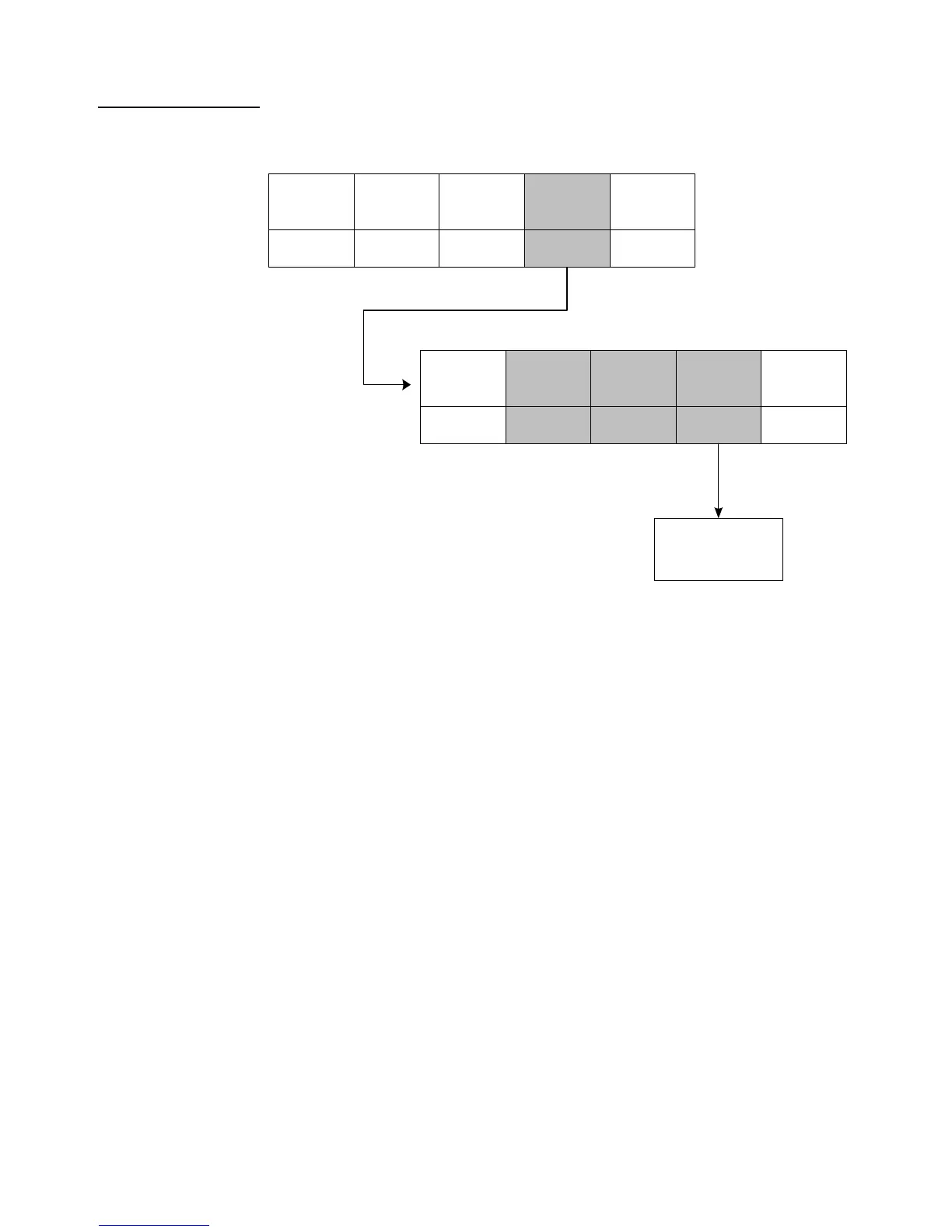
Use the [F4] Setup menus key from the Quick Count screen to gain access to different
menus. Menu items shaded in gray are multiple level.
Setup the Quick Count Mode
1. Press [F1] from the Application Menu. The display will come up with an
explanation of the Quick Count menu.
2. At this time you can choose the Quick Count mode by pressing [ENTER]
(YES) or return to the Application Menu by pressing [F5] (Exit) or [CLR]
(NO).
2a. The Quick Count file will load automatically and return to the Quick Count
mode.
Exi t
F5
Cal
F1
Di spl ay
Styl e
F2
Pri nt
Formats
F3
Advance
Set up
F4
See Advanced Menu
Section for complete
details
Key- i n
APW
F3
Change
Sample
F1
Exi t
F5
Set up
Me nu s
F4
Cl ear
Totals
F2



 To Next Page