18 Model 675 User Instructions
2.2 F2 - GSE Custom
Presently APW Lookup is the only application offered under GSE Custom.
2.2.1 APW Lookup
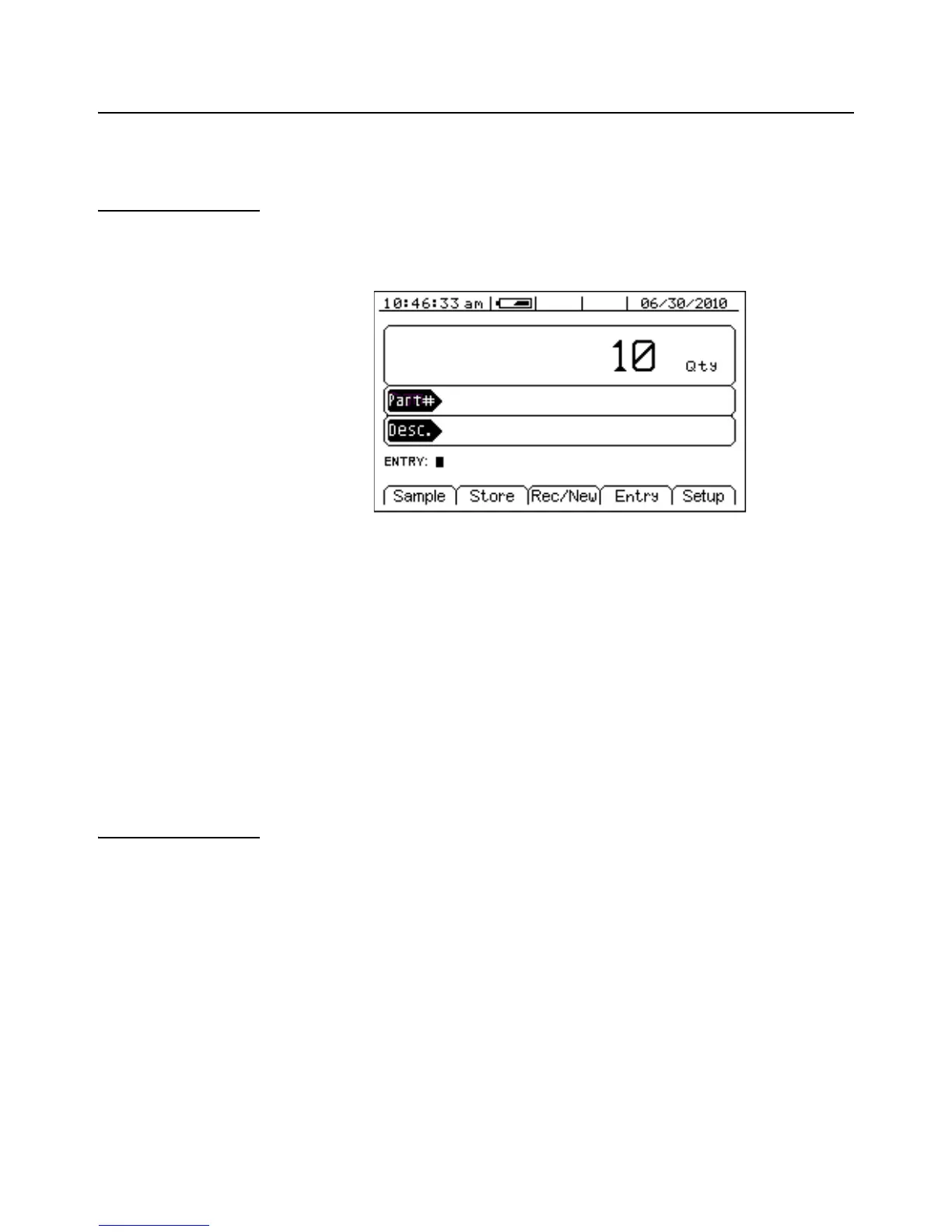
The APW LOOKUP offers the flexibility of storing and recalling part numbers. The
average piece weight and part description will be stored and recalled with the part
number.
Setup the APW Lookup Mode
1. Press the [F2] (GSE Custom) from the Application Menu.
2. Press [F1] (APW Lookup). The display will come up with an explanation of the
Application Menu.
3. Choose the Application Menu mode by pressing [ENTER] (YES) or return to
the menu choices by pressing [F5] (Exit) or [CLR] (NO).
4. The Application Menu file will load and will return to the Application Menu
mode.
2.2.2 APW Lookup Setup Menu
Use the [F5] Setup key from the Application Menu screen to gain access to different
menus.
F1 F2 F3 F4 F5



 To Next Page