34
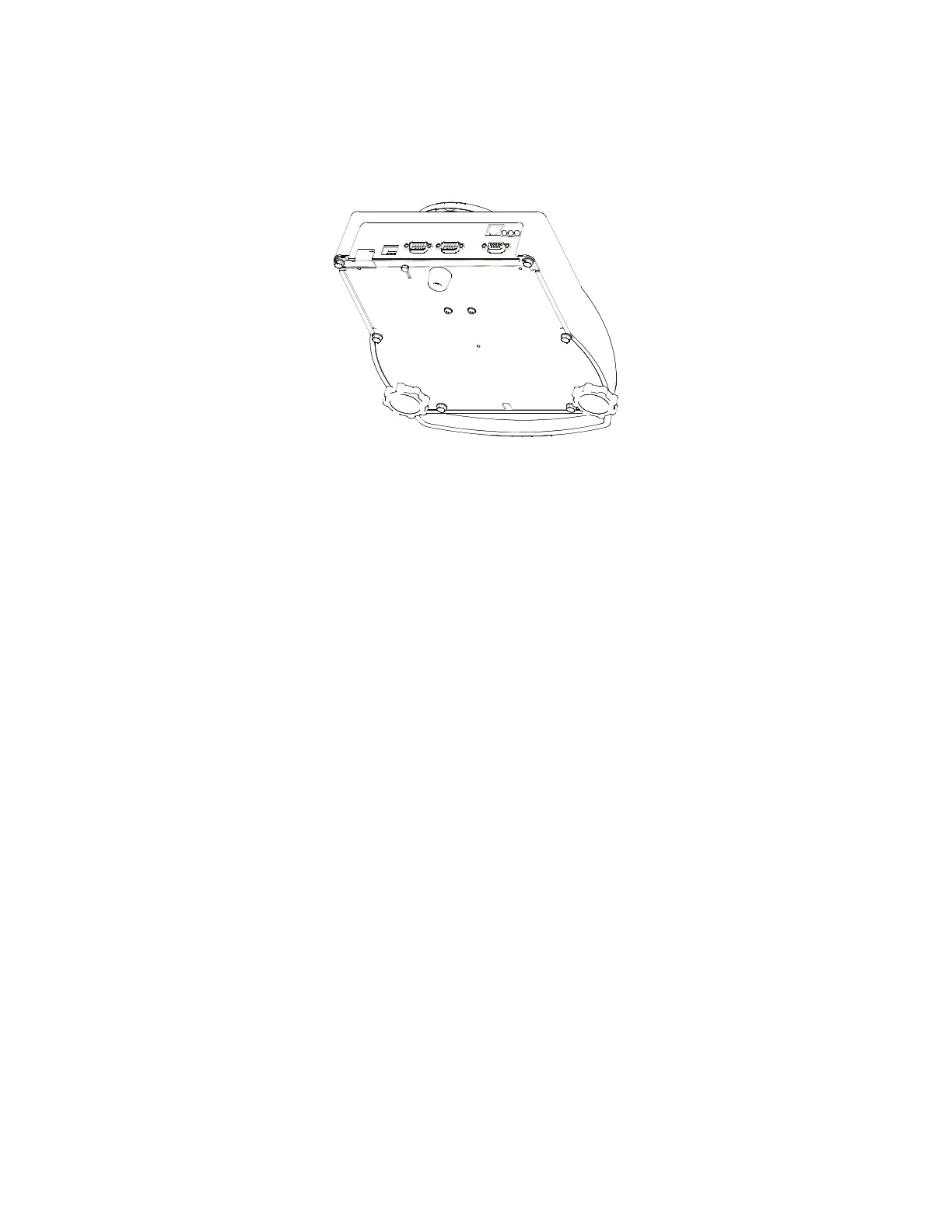
4. Line up the hole of the switch cover with the screw hole of the bottom plate.
5. Install both bottom plate screws. Make sure the screws have a hole to pass a lead seal through.
6. Pass the lead seal through the holes of both screws.
Figure 12: Physical Seal
AUDIT TRAILS
Three separate incrementing, non-resetable audit trail parameters are used by the Model 672 to indicate
changes to various parameters, P60201 – OIML, P60203 – Calibration , and P60204 – Setup. An audit trail
counter will increment only once upon exiting the Setup Mode and saving changes regardless of how many
settings were changed.
OIML Audit Trail
Changes to any of the following parameters will increment the OIML (Euro) audit trail at P60201:
• P109 – P119 (Scale Setup)
• P122 (Return to Zero)
• P131 – P134 (Units)
• P150 – P154 (Calibration and Custom Units)
• P162, P163 (Negative Tare Enable, Tare Rounding Enable)
• P300 – P309 (Selectable Modes)
• P410, P412 (OIML Enable, Preset Enable)
• P420 (Standard VF Display Mode)
• P600 – P646 (Rename Parameters)
• P800 – P820 (Key Functions)
• P989 – P4999 (Custom Transmit)
• P61101 – 61140 (Calibration and Linearization)
• P65001, P65002 (Default All, Default –Cal)
Calibration Audit Trail
Any changes to the existing calibration will increment the Calibration (CAL) audit trail at P60203. This
includes any changes to P60101 – P61140 of the information parameters.
Setup Audit Trail
Changes to any of the Setup Mode parameters will increment the setup audit trail at P60204.



 To Next Page