9
F5
APW LOOKUP
The APW LOOKUP offers the flexibility of storing and recalling part numbers. The average piece weight
and part description will be stored and recalled with the part number.
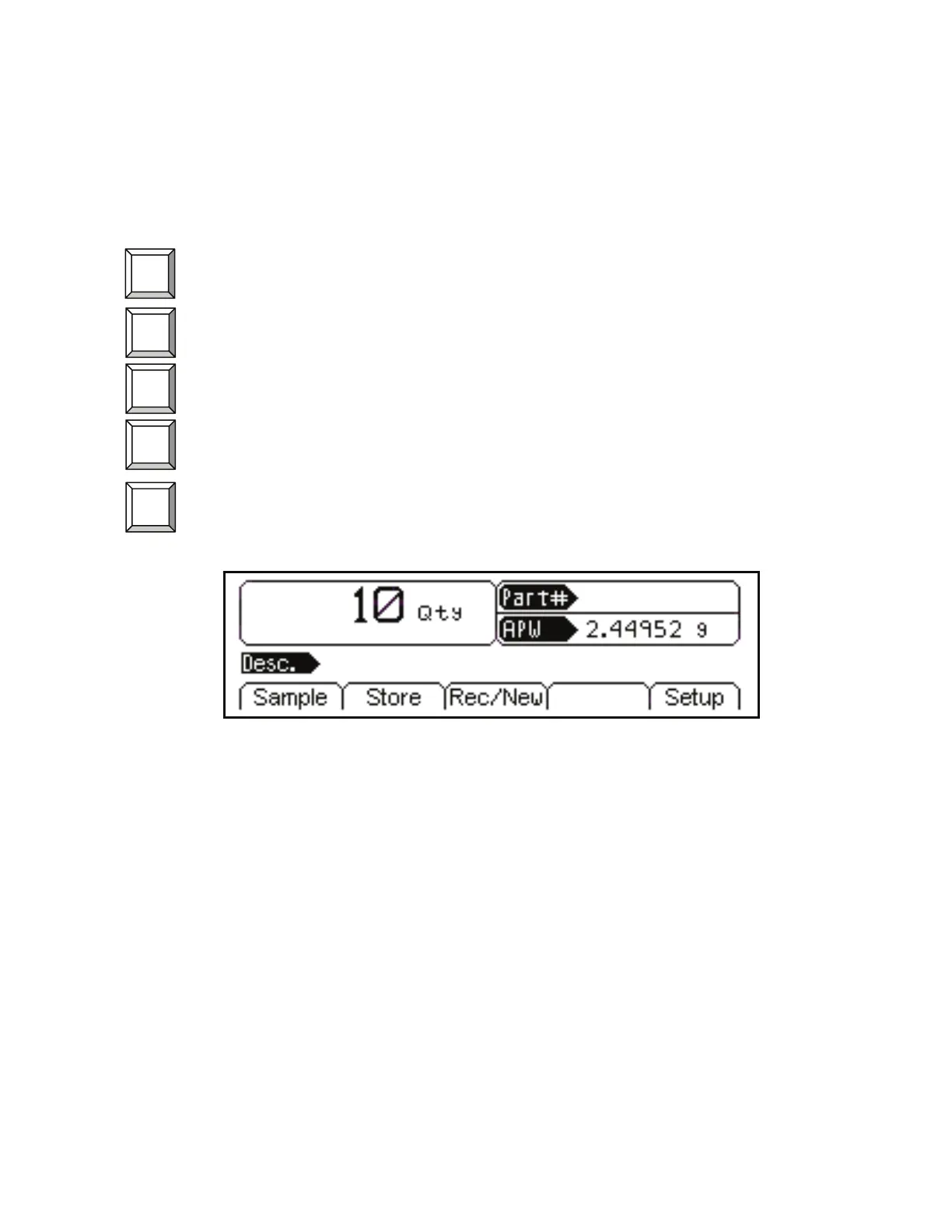
Sample - Uses default sample size and prompts user to add that many pieces.
Store – Store a part number with average piece weight and description.
Rec/New –
Add a new part number or recall a part number from the database.
Entry – This only appears when a part number is entered. Scan in or key in the part number and
press
5. Press 6 to access the Description, Lot #, Bin # and APW fields.
Setup - Access setup menus, see page 10 for further details.
Figure 9: APW Lookup Screen Example
F2
F4
F3
F1



 To Next Page