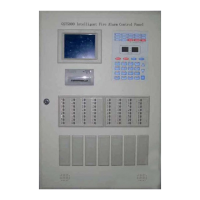
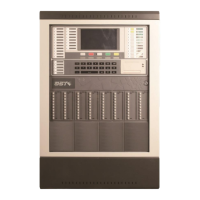
GST200-2 Intelligent Fire Alarm Control Panel
Installation and Operation Manual
Page 30
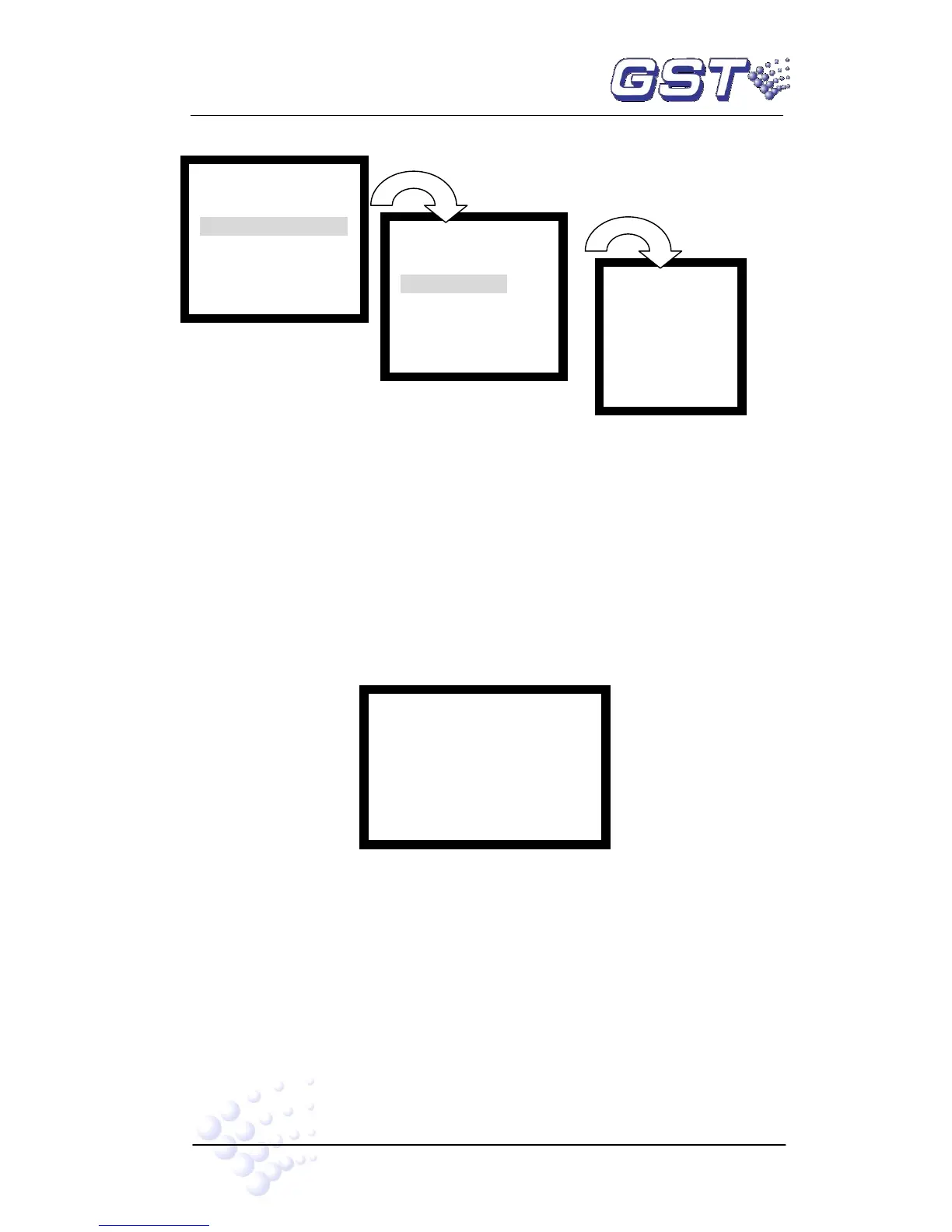
Fig. 6-6
2 (Group) (012)(020) // 2 groups are defined. There are 12 addressable
devices on Loop 1, and 20 on Loop 2.
Group:01 office 1 // Zone number and location of the zone
NO. 001 Sounder //Device address and type
Output: Persist // Device properties
Office 1 // Device location
Entering number 4 to choose “4. In Test Mode Zones” will enter the screen for
browsing zones in test mode, as shown in Fig. 6-7.
Fig. 6-7
Sum:002 // Total number of zones in test
Zone 01: office1 // Zone 1 is in test mode. Zone description is “office1”.
Zone 05: office5 // Zone 5 is in test mode. Zone description is “office5”.
Entering number 5 to choose “5: COM Devices” will enter the screen for browsing
network FACPs and repeater panels.
Entering number 6 to choose “6. Access” will enter the screen for browsing ZCP
key definition, as in Fig. 6-8.


 To Next Page