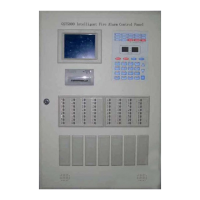
GST200-2 Intelligent Fire Alarm Control Panel
Installation and Operation Manual
Page 32
special conditions.
Event: It is the message generated by the FACP when there is fire alarm or action
of device.
A result is composed of the following items.
6.2.2.4 Browsing history log
Pressing LOG, the FACP enters the state of browsing history record. Using
△
=
and
=
▽
,
you can browse every item, the screen is shown in Fig. 6-10.
Fig. 6-10
NO. 200 // The two hundredth history log
! FIRE! // Fire alarm message
TIME: 10:23 14/08 // Date and time of the event
Zone: Name // Zone number, zone name
121 Optical // Device address and type
6.2.2.5 Browsing fault messages
You can view fault messages by pressing VIEW FAULT when the screen is displaying
non-fault messages. The display varies by the type of fault messages. Please refer to
Section 5.3.
6.2.2.6 Browsing disable messages
You can view disable messages by pressing VIEW DISABLE when the screen is
displaying non-disable messages. The screen of loop mode is shown in Fig. 6-11 and
the screen for zone mode is shown in Fig. 6-12 and Fig. 6-13.


 To Next Page