www.gtec-power.de 70
3) Retransfer the parallel system to the normal mode from the maintenance bypass mode.
please operate as below.
a) Turn on OS, OS1, OS2 and OS3 one by one.
b) Switch the manual bypass rotation switch of each UPS to bypass.
c) Turn on BS1, BS2 and BS3 one by one, about 20 seconds later, confirm the static bypass of each
UPS should be on.
d) Turn off the maintenance bypass switch MSB
e) Turn on MS1, MS2 and MS3. About 30 seconds later, the rectifiers should be on.
f) Turn on all the battery switches one by one.
g) Switch the manual rotation switch to UPS. After 90 seconds, all UPSs should transfer to the normal
mode at the same time.
Recycling information in accordance with the WEEE
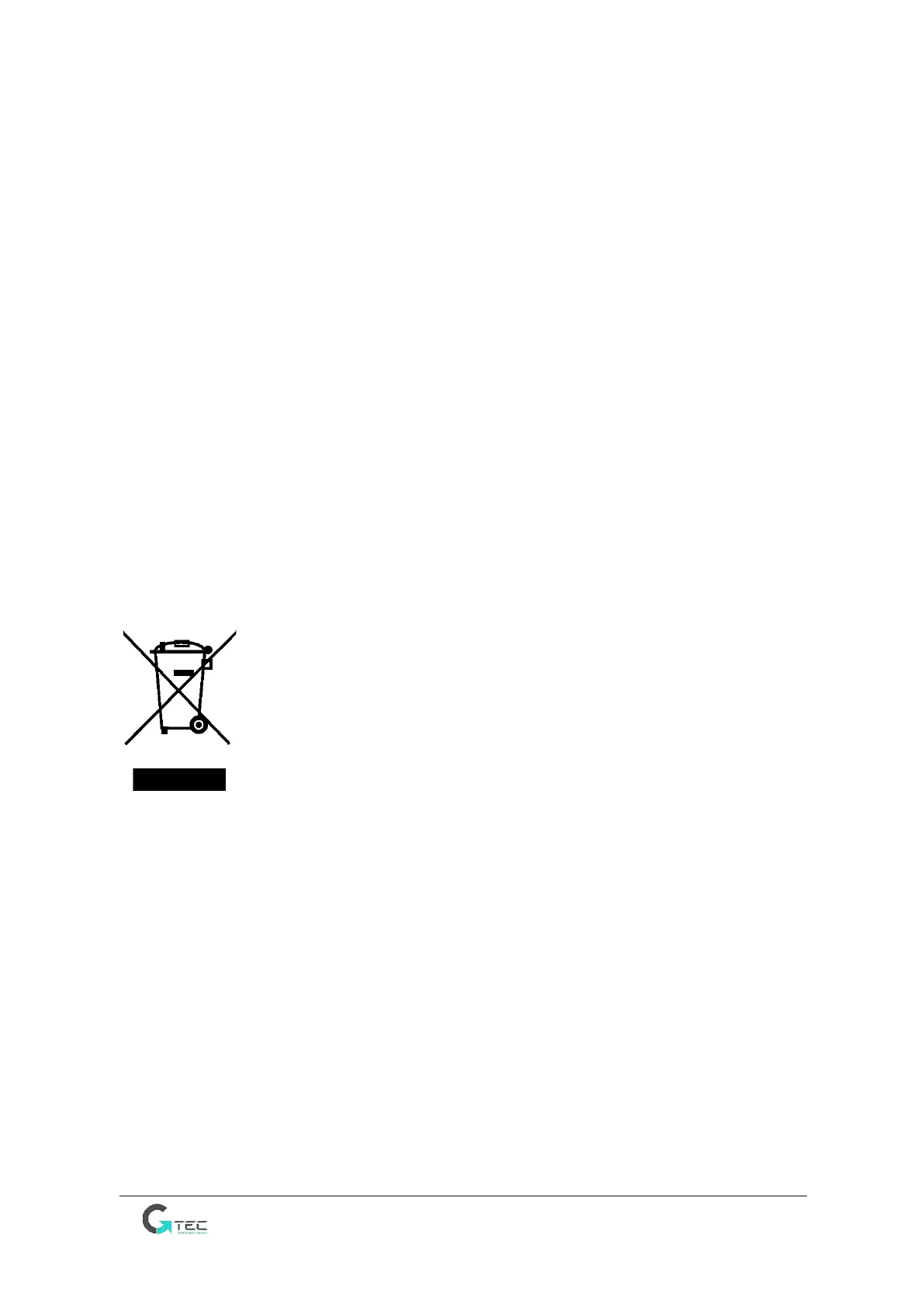
The product is marked with the wheelie bin symbol. It indicates that at the end of life the product should
enter the recycling system.
You should dispose of it separately at an appropriate collection point and not place it in the normal
waste stream.
The figure below shows the wheelie bin symbol indicating separate collection for electrical and
electronic equipment (EEE).
The Horizontal bar underneath the crossed-out wheelie bin indicates that the equipment has been
manufactured after the Directive came into force in 2005.
The main parts of the drive can be recycled to preserve natural resources and energy. Product parts and
materials should be dismantled and separated.
Contact your local distributor for further information on environmental aspects. End of life treatment
must follow international and national regulations.



 To Previous Page