66
Determining the PID Constants (AT or Manual Settings) Section 3-8
• Auto-tuning will stop if the Run/Reset parameter is set to Reset and the
Reset Operation parameter is set to stop control, or if you switch to man-
ual operation.
• The following operation will be performed if the Reset Operation parame-
ter is set to fixed SP operation.
• If the Run/Reset parameter is changed to Reset during auto-tuning,
the present SP will be changed to the fixed SP or the remote SP after
autotuning has been completed.
• If auto-tuning is executed while the Run/Reset parameter is set to Re-
set and the Run/Reset parameter is changed to Run during auto-tun-
ing execution, the program will be started after completing auto-tuning.
• The results of AT are reflected in the Proportional Band (P), Integral Time
(I), and Derivative Time (D) parameters for the PID set at the time AT exe-
cution starts. For details on PID sets, refer to PID Sets on page 136.
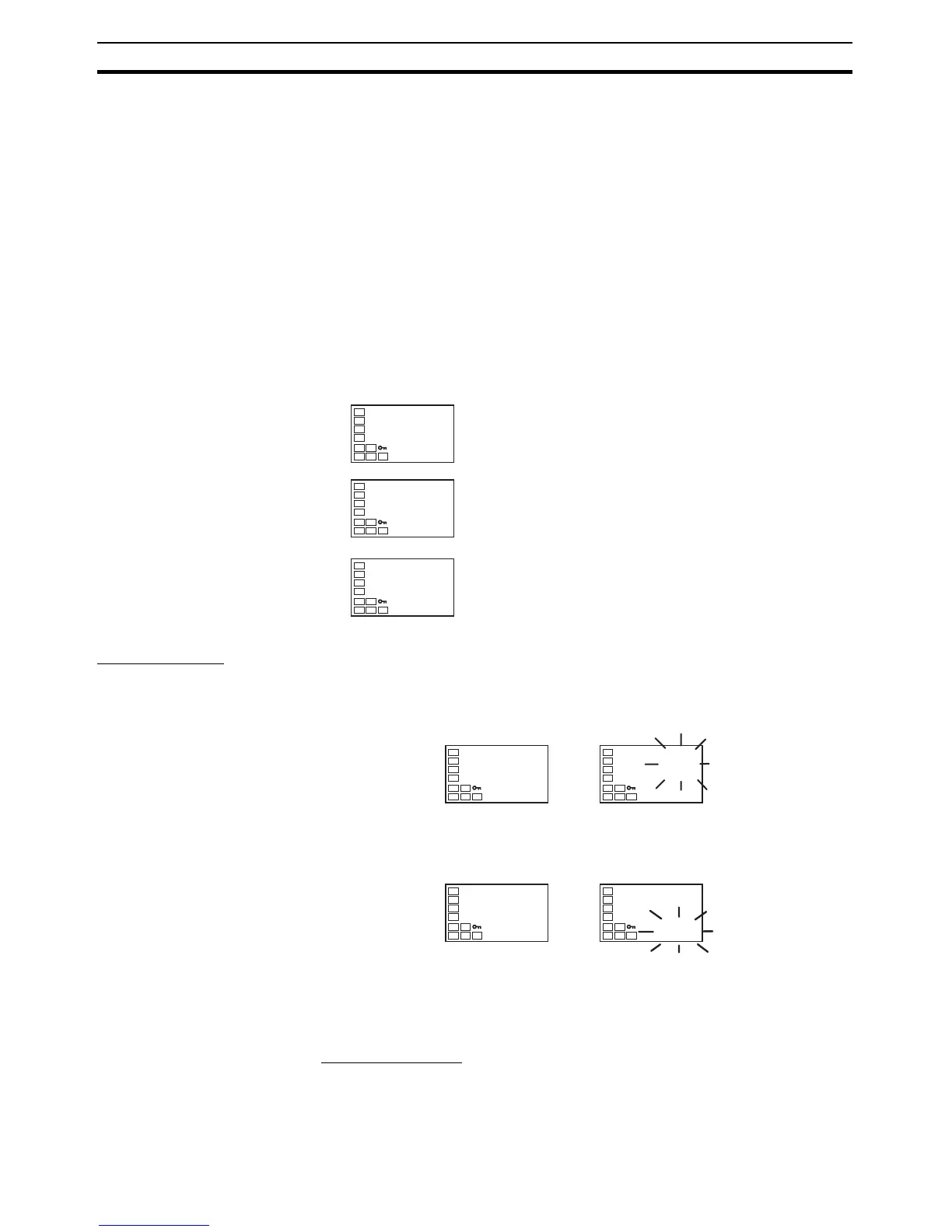
AT Operations AT is started when either at-2 (100% AT) or at-1 (40% AT) is specified for
the AT Execute/Cancel parameter. During execution, the AT Execute/Cancel
parameter on the No. 1 display flashes. When AT ends, the AT Execute/Can-
cel parameter turns OFF, and the No. 1 display stops flashing.
If you move to the operation level during AT execution, the No. 2 display
flashes to indicate that AT is being executed.
Only the following parameters can be changed during auto-tuning: Communi-
cations Writing, Run/Reset, and AT Execute/Cancel. Other parameters cannot
be changed.
AT Calculated Gain
The AT Calculated Gain parameter sets the gain for when PID values are cal-
culated using AT. When emphasizing response, decrease the set value. When
emphasizing stability, increase the set value.
∗
.i
233.0
C
∗
.p
(0
∗
.d
40.0
PID Setting Level
PID* Proportional Band
PID* Integral Time
PID* Derivative Time
(
∗
: 1 to 8)
at
off
at
at-2
AT Execute/Cancel
No. 1 displa



 To Next Page