48
Initial Setting Examples Section 3-1
3-1 Initial Setting Examples
Initial hardware setup, including the sensor input type, alarm types, control
periods, and other settings is done using parameter displays. The O and M
Keys are used to switch between parameters, and the amount of time that you
press the keys determines which parameter you move to.
This section describes 3 typical examples.
Explanation of Examples
25.0
0.0
C
in-t
0
cntl
pid
cntl
M
M
M
pid
in-l
0
in-h
100
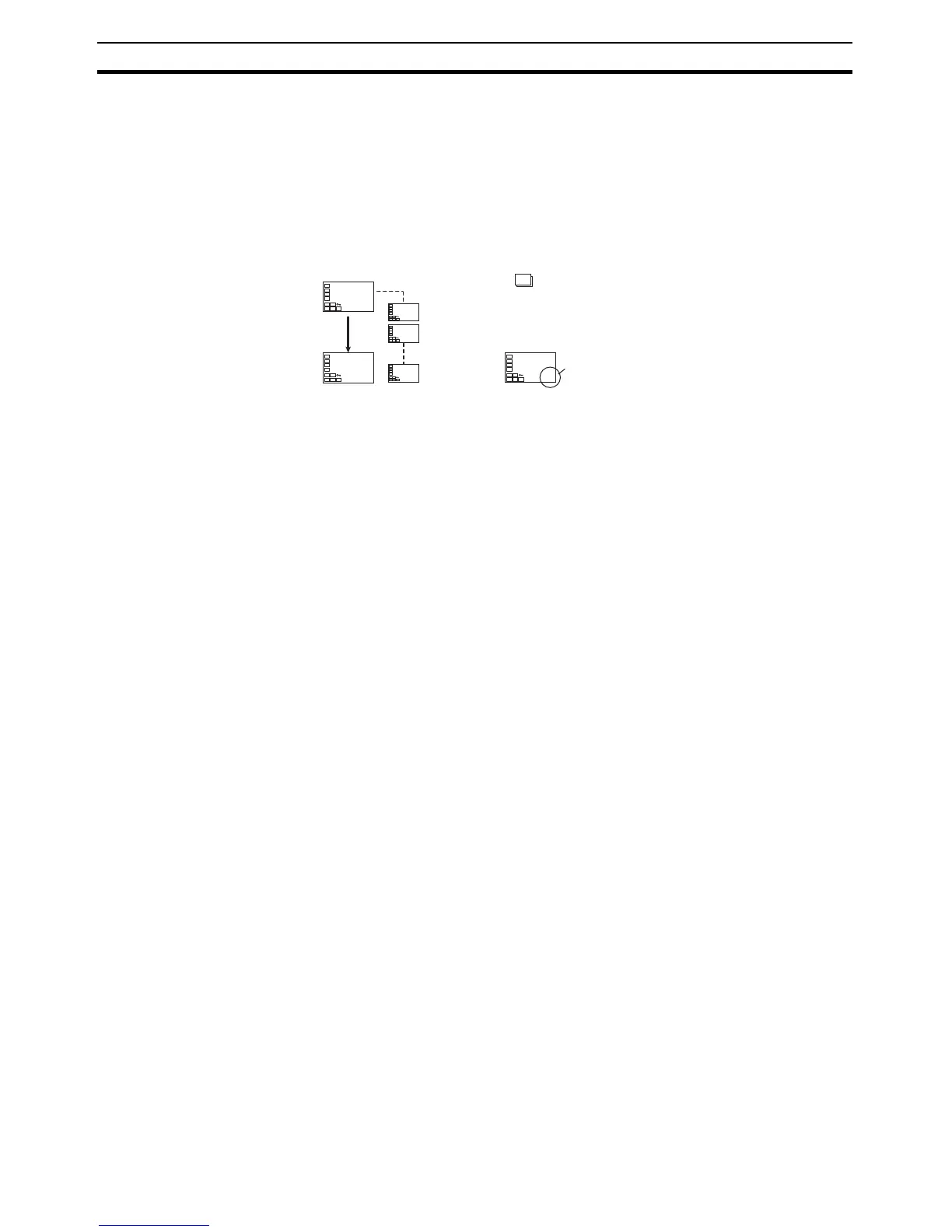
Changing Parameters
A image means that there are parameters.
Continue pressing the M Key to change parameters
until you reach the intended parameter.
Changing Numbers
Numeric data and selections in each
screen can be changed by using the
U and D Keys.



 To Next Page