64
Using ON/OFF Control Section 3-7
Parameters
3-7-2 Settings
To execute ON/OFF control, set the Set Point, PID ON/OFF, and Hysteresis
parameters.
Setting the PID ON/OFF Parameter
Operating Procedure The following example shows how to change the PID ON/OFF parameter to
onof in the initial setting level.
Symbol Parameter: level Application
s-hc
cntl
orev
c-db
hys
chys
Standard or Heating/Cooling: Initial setting level
PID ON/OFF: Initial setting level
Direct/Reverse Operation: Initial setting level
Dead Band: Adjustment level
Hysteresis (Heating): Adjustment level
Hysteresis (Cooling): Adjustment level
Specifying control method
Specifying control method
Specifying control method
Heating/cooling control
ON/OFF control
ON/OFF control
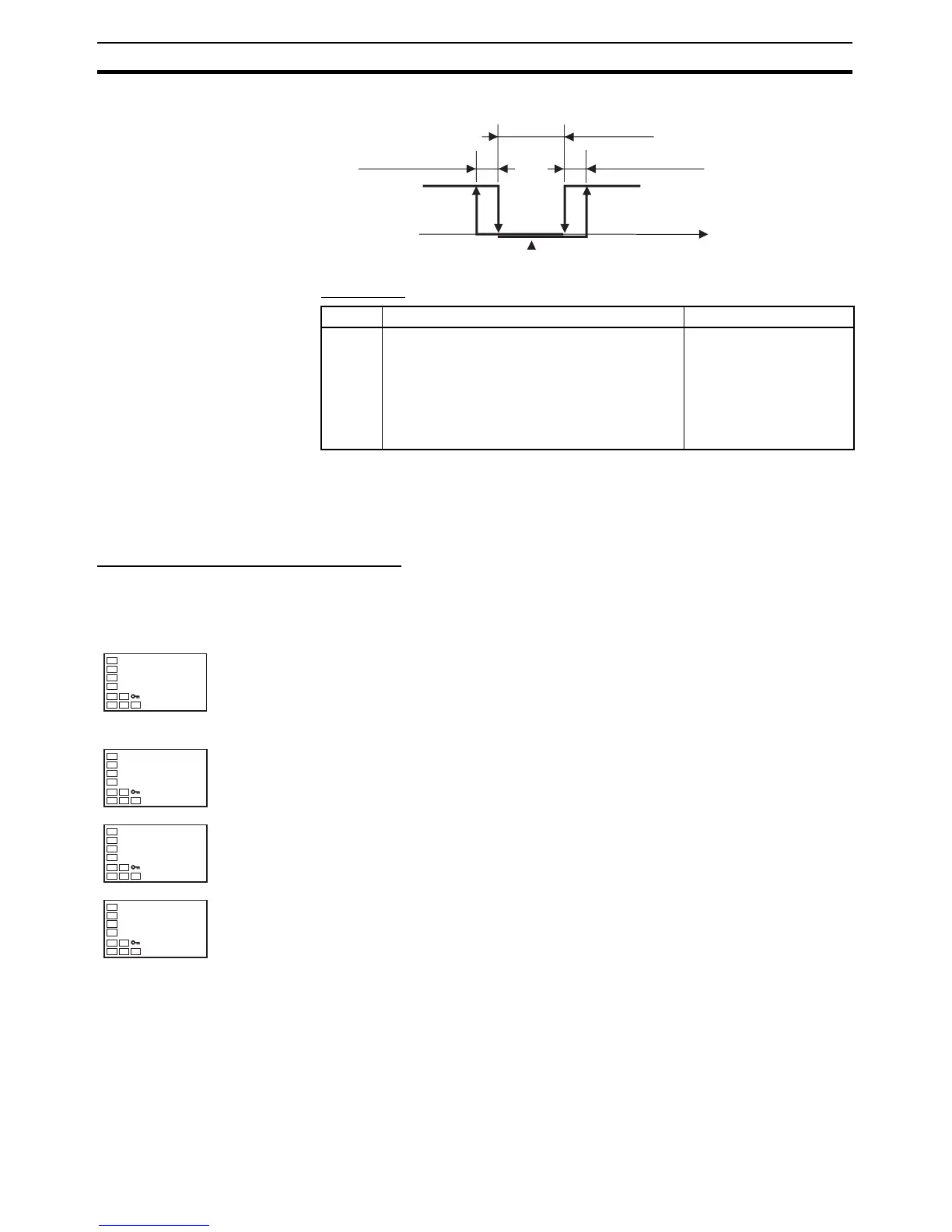
PV
ON
OFF
Reverse operation
Dead band
Hysteresis (heating) Hysteresis (cooling)
Heating
side
Cooling
side
Set point
Operation Level
1. Press the O Key for at least three seconds to move from the operation
level to the initial setting level.
Initial Setting Level
2. The Input Type parameter is displayed in the initial setting level.
3. Select the PID ON/OFF parameter by pressing the M Key.
4. Use the U and D Keys to set onof.
5. To return to the operation level, press the O Key for at least one second.
C
25.0
100.0
P



 To Next Page