62
Setting Programs Section 3-6
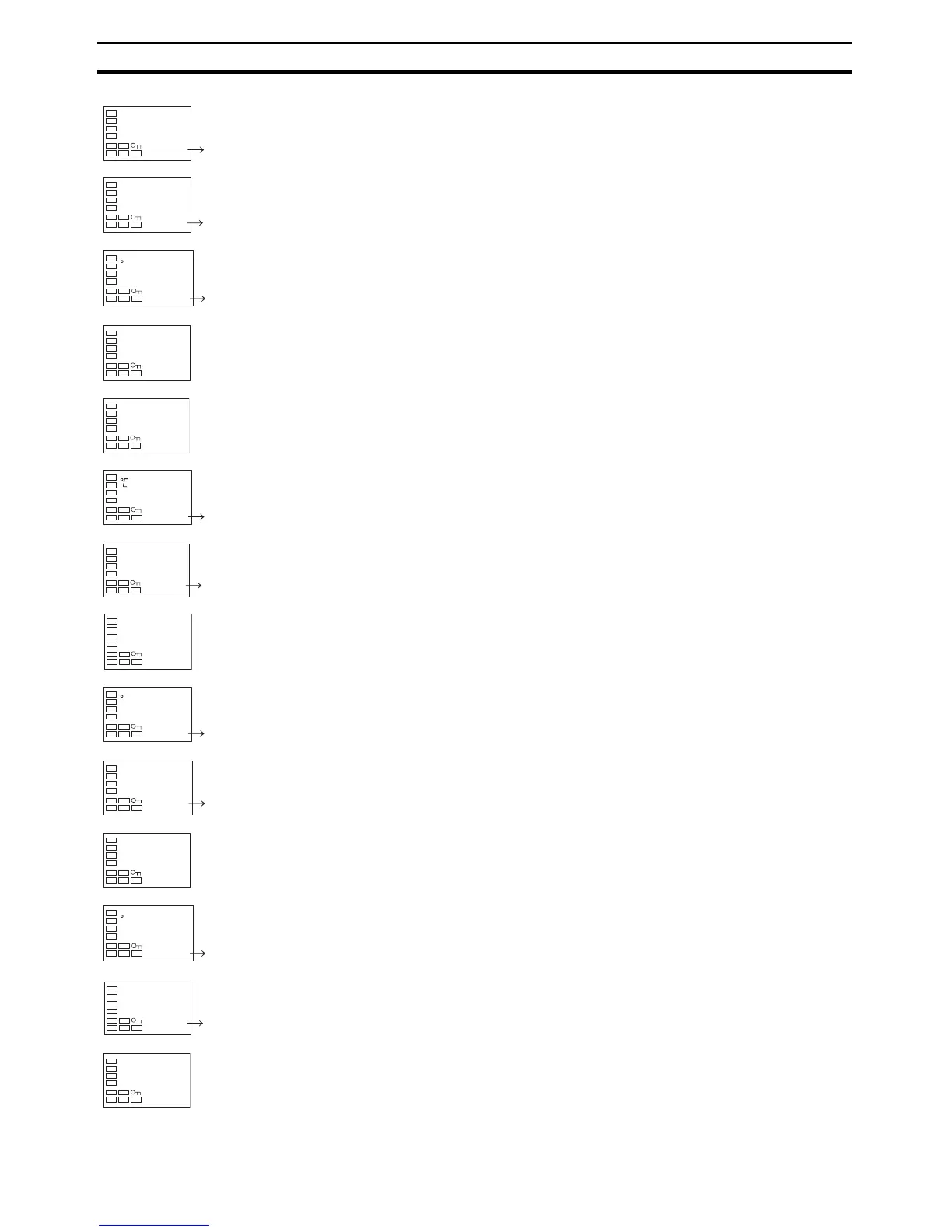
4. Press the M Key to select the Number of Segments Used parameter.
5. Press the UD Keys to change the setting to 4.
6. Press the M Key to select the Display Segment Selection parameter.
7. Press the UD Keys to change the setting to 0.
8. Press the M Key to select the Segment Set Point parameter.
9. Press the UD Keys to change the setting to 50.0.
10. Press the M Key to select the Segment Time parameter. Make sure that
the setting is 0.00.
11. Press the M Key to select the Display Segment Selection parameter.
Make sure that the setting is 1.
12. Press the M Key to select the Segment Set Point parameter.
13. Press the UD Keys to change the setting to 100.0.
14. Press the M Key to select the Segment Time parameter.
15. Press the UD Keys to change the setting to 0.20.
16. Press the M Key to select the Display Segment Selection parameter.
Make sure that the setting is 2.
17. Press the M Key to select the Segment Set Point parameter.
18. Press the UD Keys to change the setting to 100.0.
19. Press the M Key to select the Segment Time parameter.
20. Press the UD Keys to change the setting to 0.40.
21. Press the M Key to select the Display Segment Selection parameter.
Make sure that the setting is 3.
22. Press the M Key to select the Segment Set Point parameter.
23. Press the UD Keys to change the setting to 50.0.
24. Press the M Key to select the Segment Time parameter.
25. Press the UD Keys to change the setting to 0.20.
26. Press the M Key to end setting the program.
s-no
8 4
d.seg
end 0
sp
0.0 50.0
c
time
0.00
d.seg
1
sp
0.0 100.0
time
0.00 0.20
d.seg
2
sp
0.0 100.0
c
time
0.00 0.40
d.seg
3
sp
0.0 50.0
c
time
0.00 0.20
d.seg
end



 To Next Page