English
.34
.35
Default mode ECO mode Fast mode
Cup light
Yes No Yes
Pre-brewing*
Yes Yes No
Automatic stop
20 minutes 10 minutes 30 minutes
Cup volume memory
Yes Yes Yes
NOTE*: The pre-brewing function moistens the ground coffee beans in the percolator
with a small amount of water before complete extraction. This allows for a higher coffee pressure in the percolator
which helps to extract the oils and all the flavours from the ground beans.
1. When the machine is in the « ON » position (control panel buttons lit),
press and hold the button
until the modes are displayed.
2. The light will flash, and the following indications will be displayed for different settings:
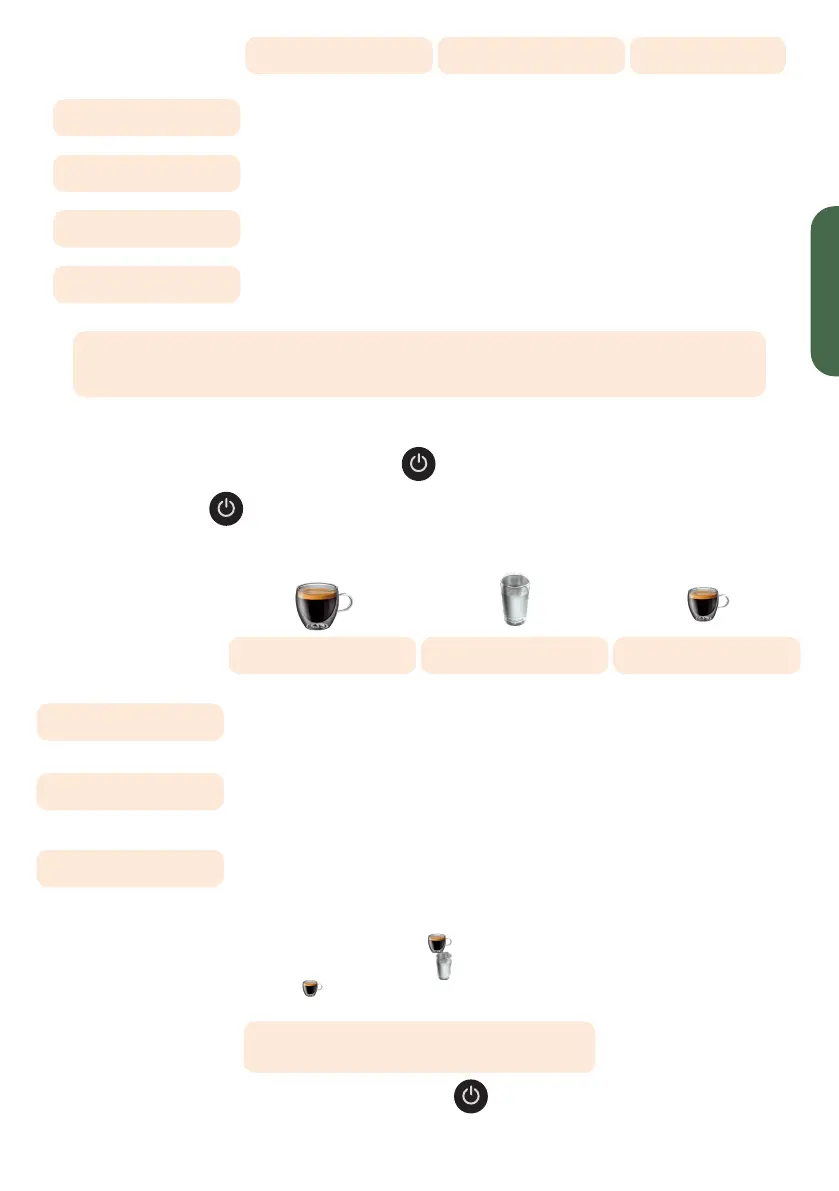
Lungo button Hot water button Espresso button
Default mode Light on and steady Flashing light Flashing light
ECO mode
Flashing light Light on and steady Flashing light
Fast mode
Flashing light Flashing light Light on and steady
3. Press the Lungo button
for the default mode,
the Hot Water button
for the ECO mode
and the Espresso button
, for the fast mode. Two beeps indicate that the mode is selected.
NOTE: if you press the illuminated button for each mode,
the machine will not respond.
4. If you want to save the setting, press
again or wait 5 seconds
for the machine to go back into standby.


 To Next Page