39
Troubleshooting system management
This section provides troubleshooting information for common system management problems.
High CPU utilization
Symptom
The display cpu-usage command shows that the CPU utilization of the device is continuously higher than
80%.
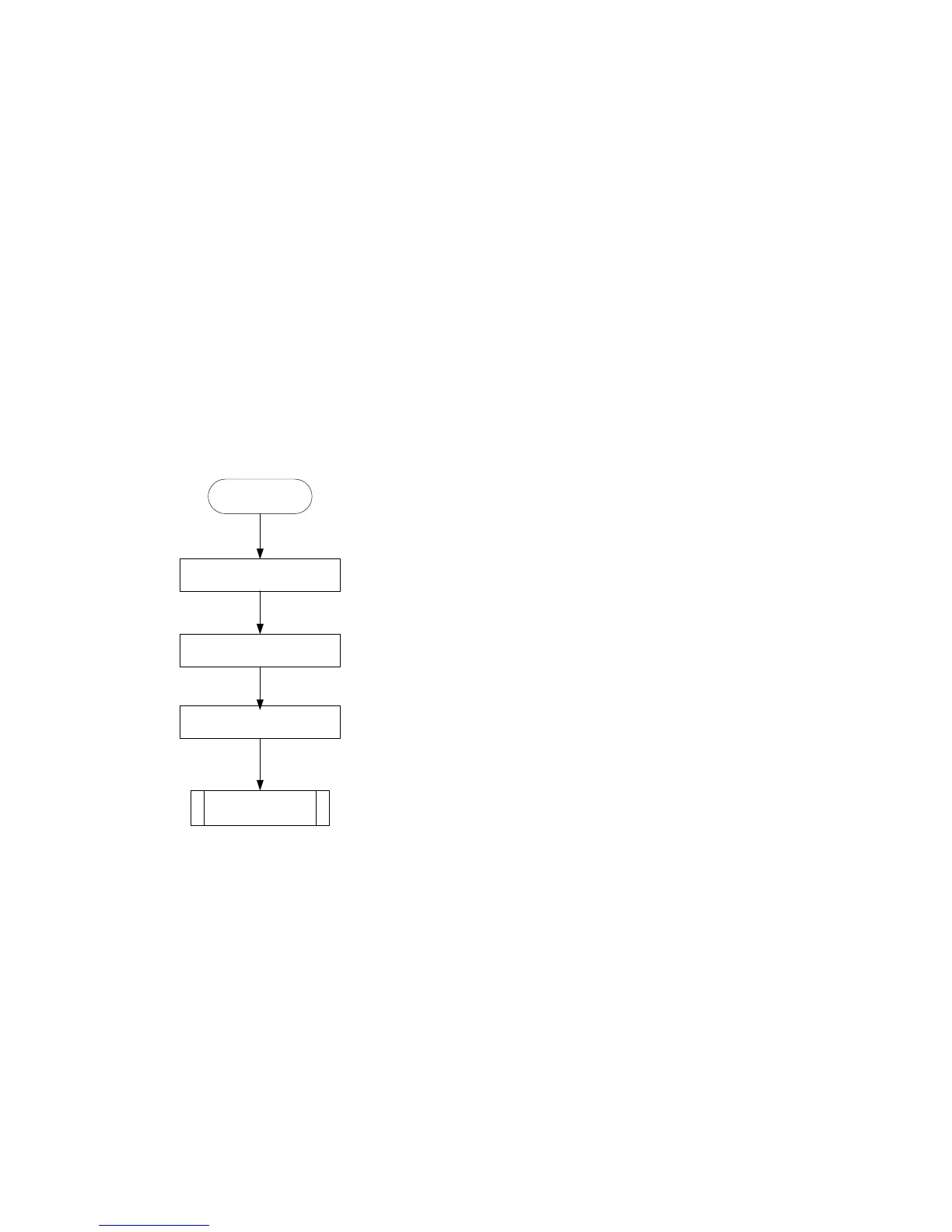
Troubleshooting flowchart
Figure 18 Troubleshooting high CPU utilization
Solution
To resolve the problem:
1. Execute the display cpu-usage command multiple times to display CPU usage information. (Details
not shown.)
2. Identify the job with a high CPU utilization.
[Sysname-probe]display process cpu slot 2
CPU utilization in 5 secs: 12.8%; 1 min: 6.2%; 5 mins: 5.9%
JID 5Sec 1Min 5Min Name
1 0.0% 0.0% 0.0% scmd
2 0.0% 0.0% 0.0% [kthreadd]
Identify the job with a high
CPU utilization
Contact the
support
Display the job’s stack
Obtain diagnostic
information
High CPU
utilization



 To Next Page
 Loading...