AXOS
5
Compact immunity test System 33
11 Software
11.1
Remote Software
A remote software for the AXOS
5
is available. Connection through RJ45 input at the rear view. If further assistance
required, please contact either your HAEFELY TEST AG representative or the sales department of the HAEFELY
TEST AG.
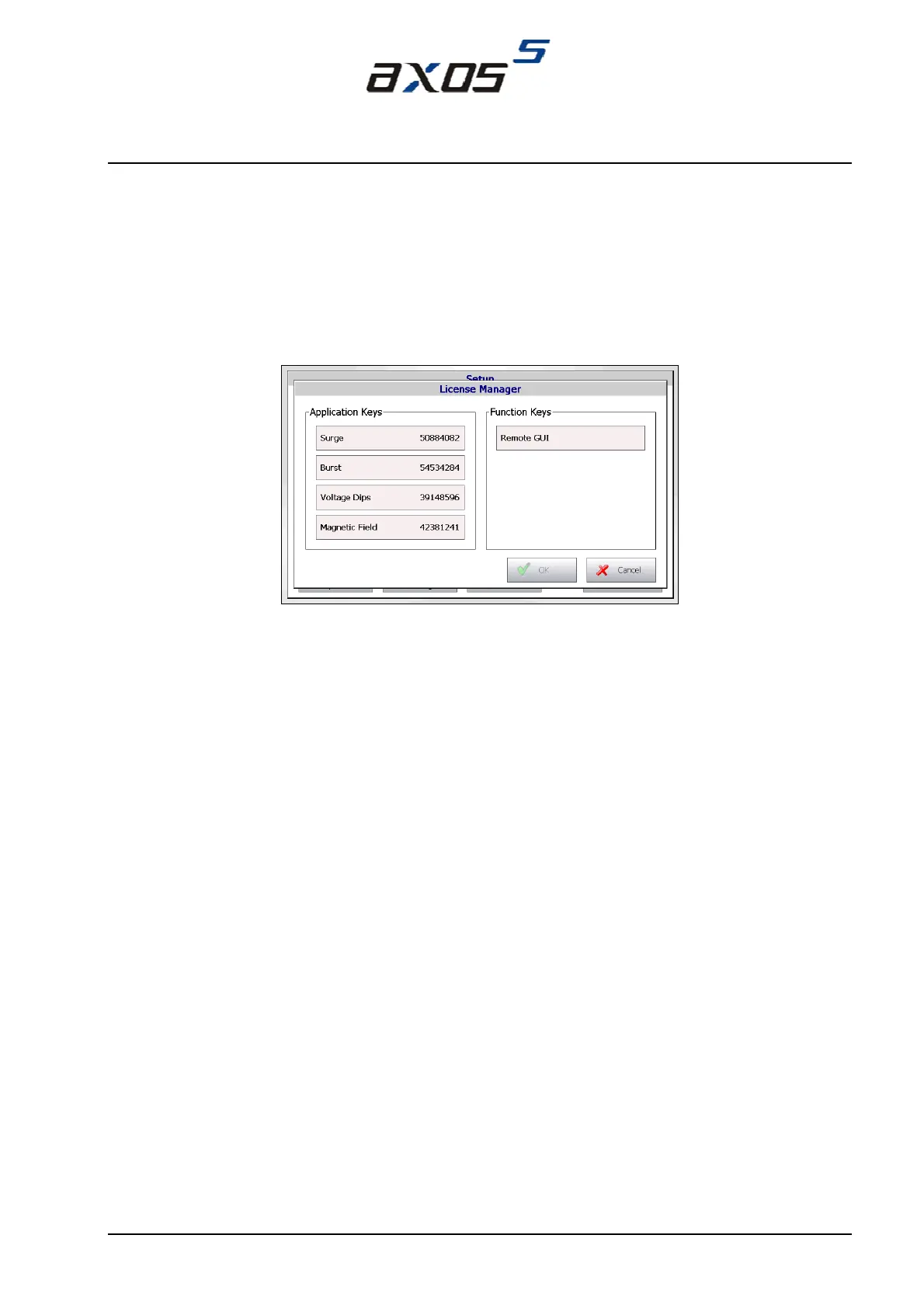
The license code for the “remote GUI” will accessed in the “setup” menu in Figure 5-3 and then in “license manager”.
After entering the license code (Figure 11-1), the “remote GUI” section becomes enabled and it can be either operated
just from the PC or parallel with the touch screen as well. For communication via PC is the IP address required, it is
written in the communication window of the “Setup” menu.
Figure 11-1: License manager
When information and data entered it must be confirmed with “OK”.


 To Next Page