GB
Modus 600RT 27
1. If you have a Viper TTL,
start the DCM matching
with the Viper TTL
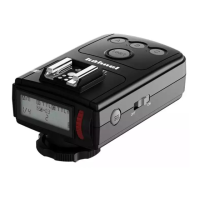
• Turn < ON > the Viper
TTL transmitter whilst
holidng down the < test
> button and release
<test> button after 2
seconds
• The Viper LCD will
show < Co di ng>
2. If you are not using a
Viper TTL and only wish
to DCM several Modus
600RT, then use any
Modus 600RT as the
Master unit
• Press <Function
Button 1> whilst turning
< ON > the power to the
Modus 600RT
• A green LCD on the
Modus 600RT will show
<
MASTER
>
3. Press <Function
Button 2> whilst turing <
ON > power to the slave
Modus 600RT
Setting the DCM
(Digital Channel Matching)
Initialy the Modus 600RT wireless 2.4GHz is set to a
general “open channel” and can be used as it is. To
avoid interference with other wireless ash systems we
recommend to DCM (digital channel match) your Modus
600RT speedlight’s and Viper TTL.
Master – Viper TTL or Modus 600RT
Slave - Modus 600RT
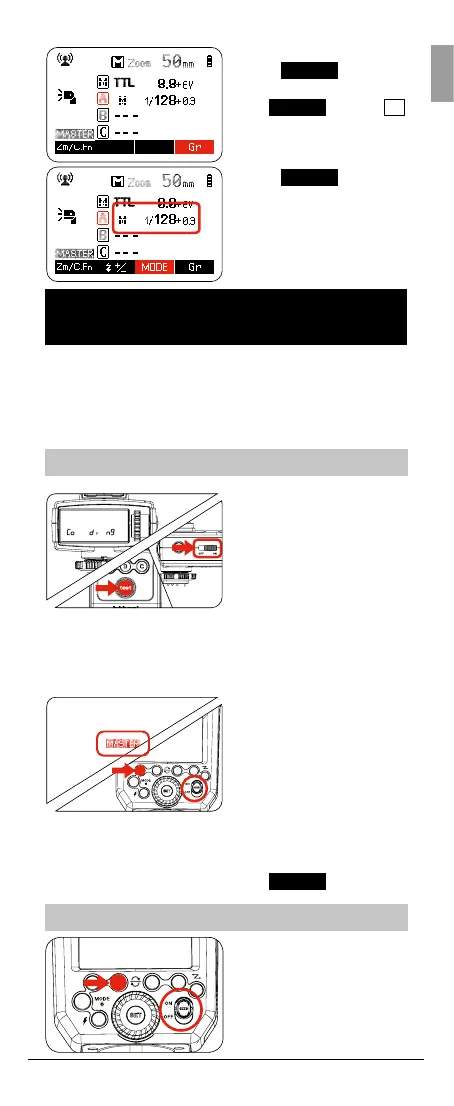
1. Press Function Button
4 <
Gr
>
• Keep pressing Button 4
<
Gr
> until <
A
> is highlighted
2. Press Function Button
3 <
MODE
> and
select the desired Mode
i-TTL <TTL> / Manual
<M> / Off <--->



 To Next Page