6.OPERATION
・WhenDSP(Display)ispressed
Theselectedinformationwillbedisplayedonthescreen.
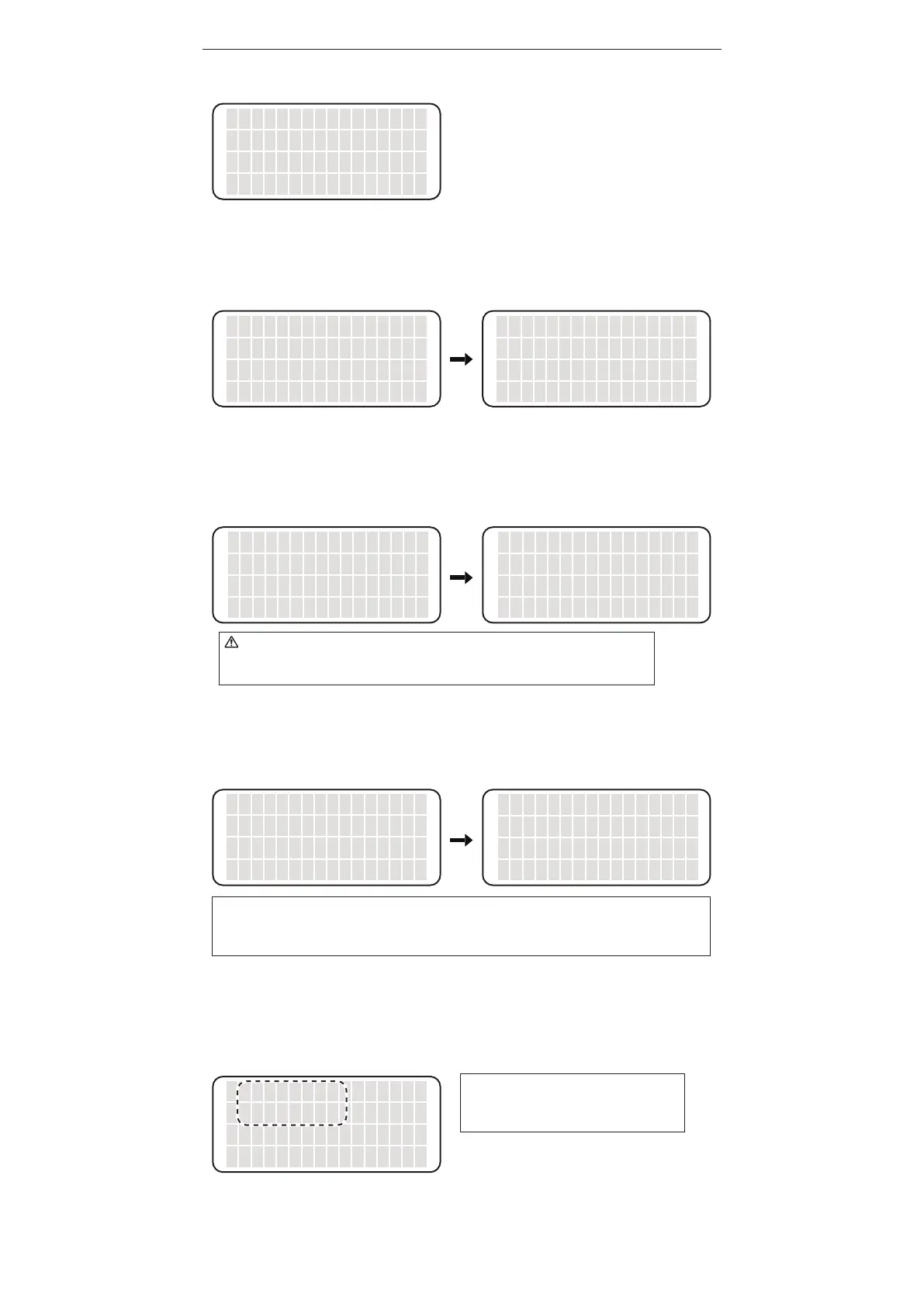
SHOW PROFILE
Thesetprofileinformation(Station,User,andSolder)isdisplayed.
SHOW TIP LOADS
Thesolderingcountisdisplayed.ByselectingRESETandthenOK,thecountisresetto0.
Toescapewithoutresetting,selectCANCEL.
SHOW TIP TIME
Thecumulativerunningtimeontheirontipisdisplayed.*Notincludingshut-offperiod.ByselectingRESET
andthenOK,theperiodisresetto0.Toescapewithoutresetting,selectCANCEL.
SELECT PROFILE
Theprofileinformationtobedisplayedisselectedhere.ProfileinformationNo.1orNo.2canbeselected.
▲
SHOW PROFILE
SHOW TIP LOADS
SHOW TIP TIME
<↑> <↓> <OK>
The cursor moves by pressing the <↑> or <↓>
button. The following items are displayed in order.
・SHOW PROFILE
・SHOW TIP LOADS
・SHOW TIP TIME
・SELECT PROFILE
・TIP TYPE
・<CANCEL>
PROFILE 1
STATION ID
USER NAME
SOLDER TYPE
PROFILE 1
S:○○○○○
U:××××××
S:△△△△
TIP LOADS
approx.
xxxxxx points
<RESET> <OK>
Really RESET OK?
<CANCEL> <OK>
WhenRESETisselected
Really RESET OK?
<CANCEL> <OK>
WhenRESETisselected
TIP TIME
xxxx hours
<RESET> <OK>
1xxxxxxx
2zzzzzzzz
<1> <2>
NOTE:
If you select RESET in the TIP LOADS screen or the TIP TIME screen, you need to enter
the password if password lock is set.
NOTE:
If any user name is set, it is displayed
in this step.
CAUTION
The solder count is an approximate number. The number is sometimes counted when
temperature change occurs in the tip other than soldering.















 To Next Page