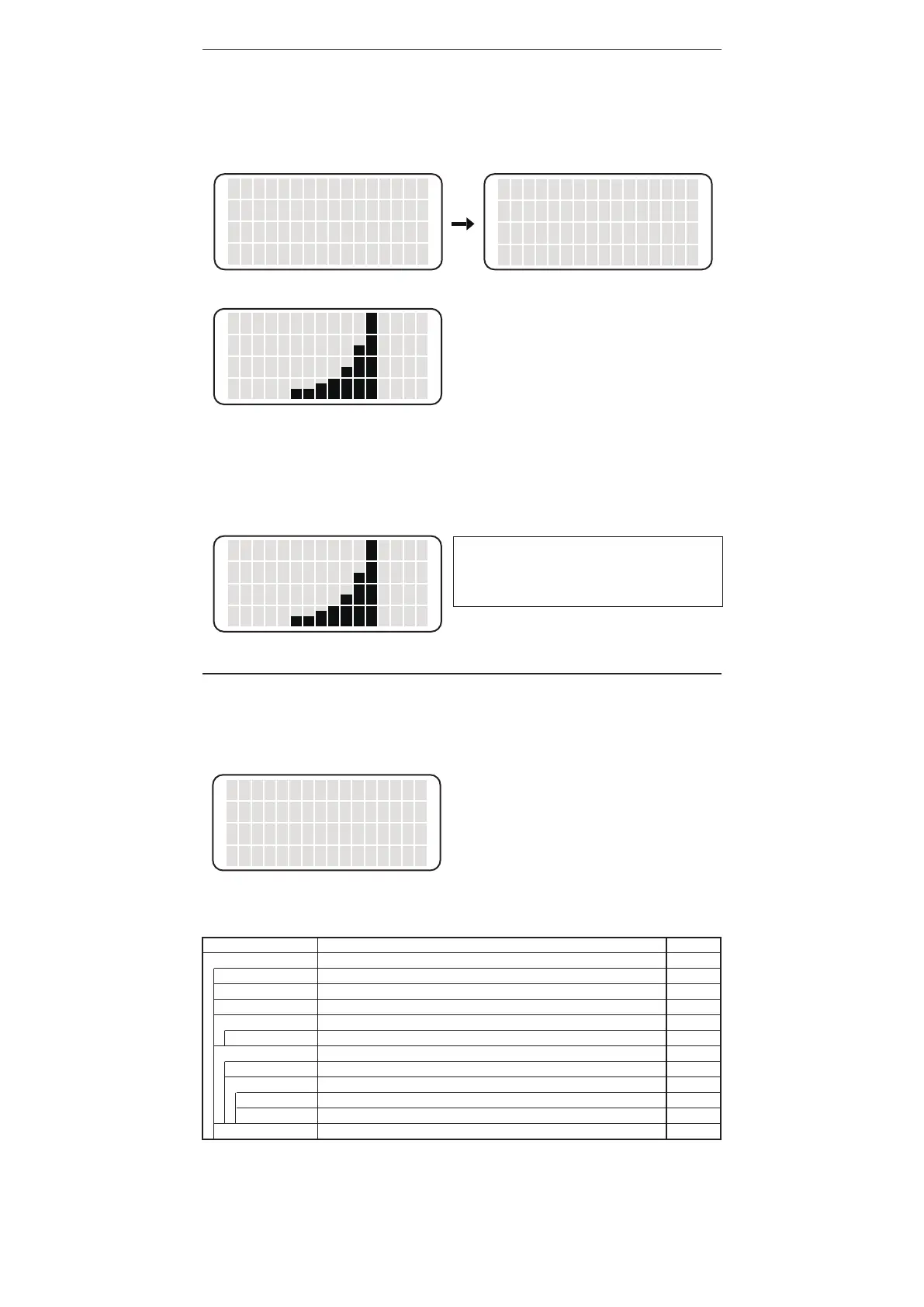
DisplayintheMANUALSETmode(whenT31-01isselected)
<01>
N
When
MANUALSET
isselected
AUTO DETECT
MANUAL SET
OFF
<↑> <↓> <OK>
▲
<01>
<02>
<03>
<↑> <↓> <OK>
▲
6.OPERATION
7.PARAMETERSETTING
• When SET is pressed
Varioussettingscanbechanged.Afterchangingthesetting,settingchangeisreflectedbyselectingSAVE
→OK.Toescapewithoutsettingchange,selectCANCEL.Ifyouaregoingtosetapasswordlock,youare
promptedtoenterthepasswordbeforeenteringSETscreen.
Display in the AUTO DETECT mode (when T31-01 is selected)
01
N
DISPLAY
AUTO SLEEP
AUTO SHUTOFF
<↑> <↓> <OK>
The cursor moves by pressing the <↑> or <↓>
button. The following items are displayed in order.
・DISPLAY
・AUTO SLEEP
・AUTO SHUTOFF
・PASSWORD LOCK
・PROFILE
・ALERT TIME
・<SAVE>
・<CANCEL>
▲
Display
SET
DISPLAY
AUTO SLEEP
AUTO SHUT OFF
PASSWORD LOCK
PASSWORD*
PROFILE
STATION ID
PROFILE 1 (2)
USER NAME
SOLDER TYPE
ALERT TIME**
Display item
DISPLAY / AUTO SLEEP / AUTO SHUT OFF / PASSWORD LOCK / PROFILE / ALERT TIME
NORMAL / EXPAND / OFF
00 (OFF) / 01 - 29 min
OFF / 30 min /60 min
ON / OFF
“A - Z” Select three letters
STATION ID / PROFILE 1 / PROFILE 2
“A - Z”, “0 - 9”, “.”, “-” and space. You can enter up to 14 letters.
USER NAME / SOLDER TYPE
“A - Z”, “0 - 9”, “.”, “-” and space. You can enter up to 14 letters.
“A - Z”, “0 -9”, “.”, “-” and space. You can enter up to 14 letters.
0 - 9999 hours
Initial value
NORMAL
06 min
30 min
OFF
-
-
-
-
-
-
0
* Displayed only when PASSWORD LOCK “ON” is selected.
** CHG TIP will not be displayed when ALERT TIME is set to “0”. (See the “ALERT TIME”)
Display item and initial value of SET screen are as follows.
TIP TYPE
The tip type (450°C, 400°C, 350°C) is displayed.
• When MANUAL SET is selected
When MANUAL SET is selected, the screen changes to the one as shown in the lower right figure. Select
an appropriate number according to the tip to be used. Then, the tip type is displayed so that the tip type is
clearly known.
• When AUTO DETECT is selected
When AUTO DETECT is selected, tip type is automatically detected under the following conditions.
- Only tip type of T31-01 or 02 can be automatically detected.
- The tip must be cold and placed on the soldering iron stand.
When both condition is satisfied, “01” or “02” is detected when the power is turned ON.
NOTE:
Even when tip other than T31-01 or T31-02 is
used, it will display either “01” or “02” with the
AUTO DETECT function.















 To Next Page