36
Operation
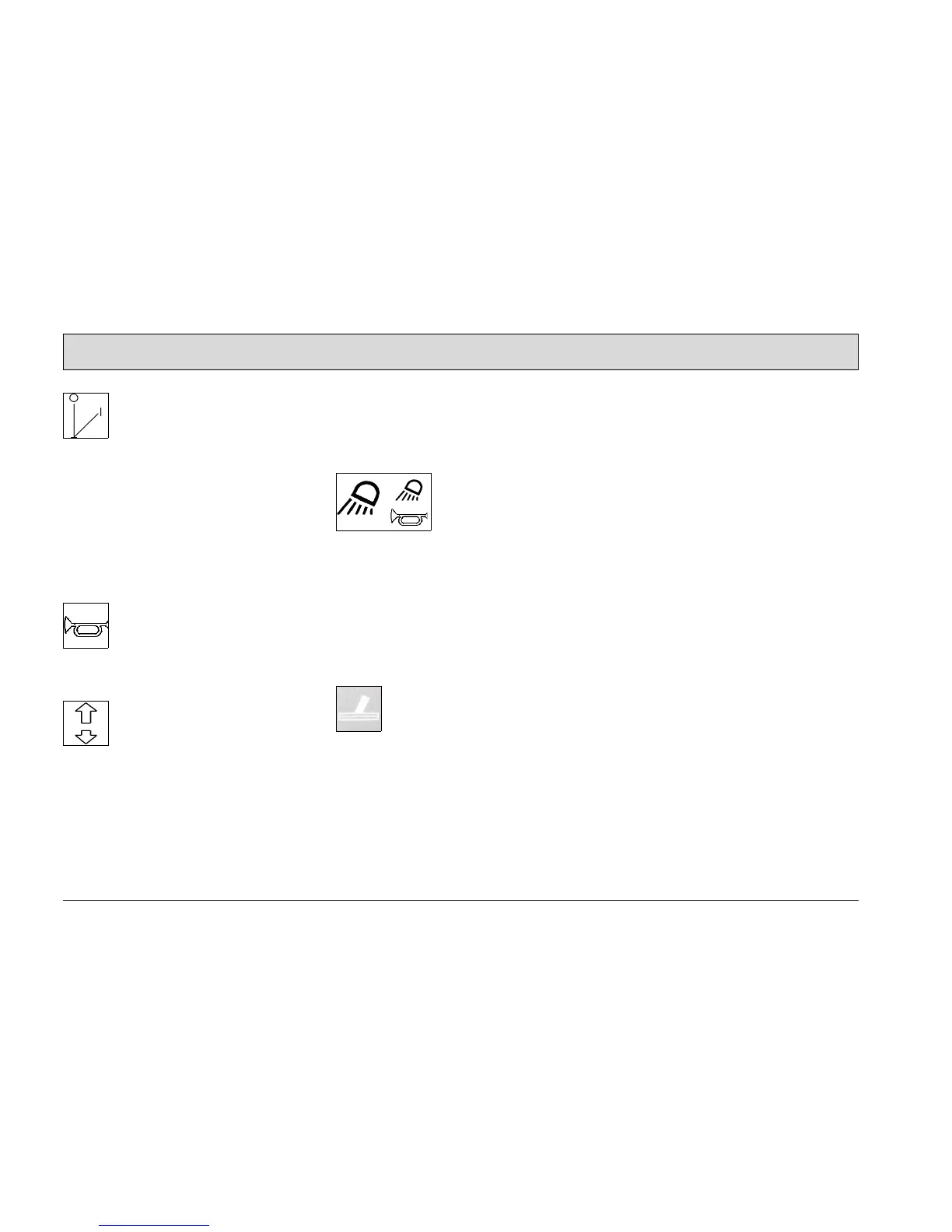
Key switch (Fig. 18/1)
It serves to switch the electrical system
on and off and to secure the vehicle
against unauthorized use. (When
switched on, the operating hour counter
also appears in the display.) When the
switch is set to OFF, all the switching
functions are returned to their original
state (reset).
Horn button (Fig. 18/2)
It serves to sound the horn
Driving direction selection switch
(Fig. 18/3)
It serves to select the driving direction:
• Control forward = forward drive
• Control lever O = neutral position
• Control lever back = reverse drive
To change the driving direction, stop
the vehicle by applying the service
brake, select the new direction and ac-
celerate again.
Switch for working lights or hazard
warning system (option) (Fig. 18/4)
It serves to switch the buzzer and warn-
ing light on and off, as well as to switch
the working lights on and off. Function
is also possible without the key switch.
(Warning light / Working lights are op-
tions).
Scrubbing-vacuum tool (option)
(Fig. 18/5)
This serves to activate the manual floor
scrubbing and vacuuming tool. The
function is can only be activated when
the parking brake is applied, the accel-
erator is not pressed and the driver is
not seated in the driver's seat






 To Next Page