18 02-7150-00.fm
Use
2.2 Controls and display elements
2.2.1 Control panel
The individual functions of the buttons on the control panel are described
below. The respective active functions are visible as corresponding symbols
in white on the display panel. If the symbols are shown in yellow, the functions
are in standby mode.
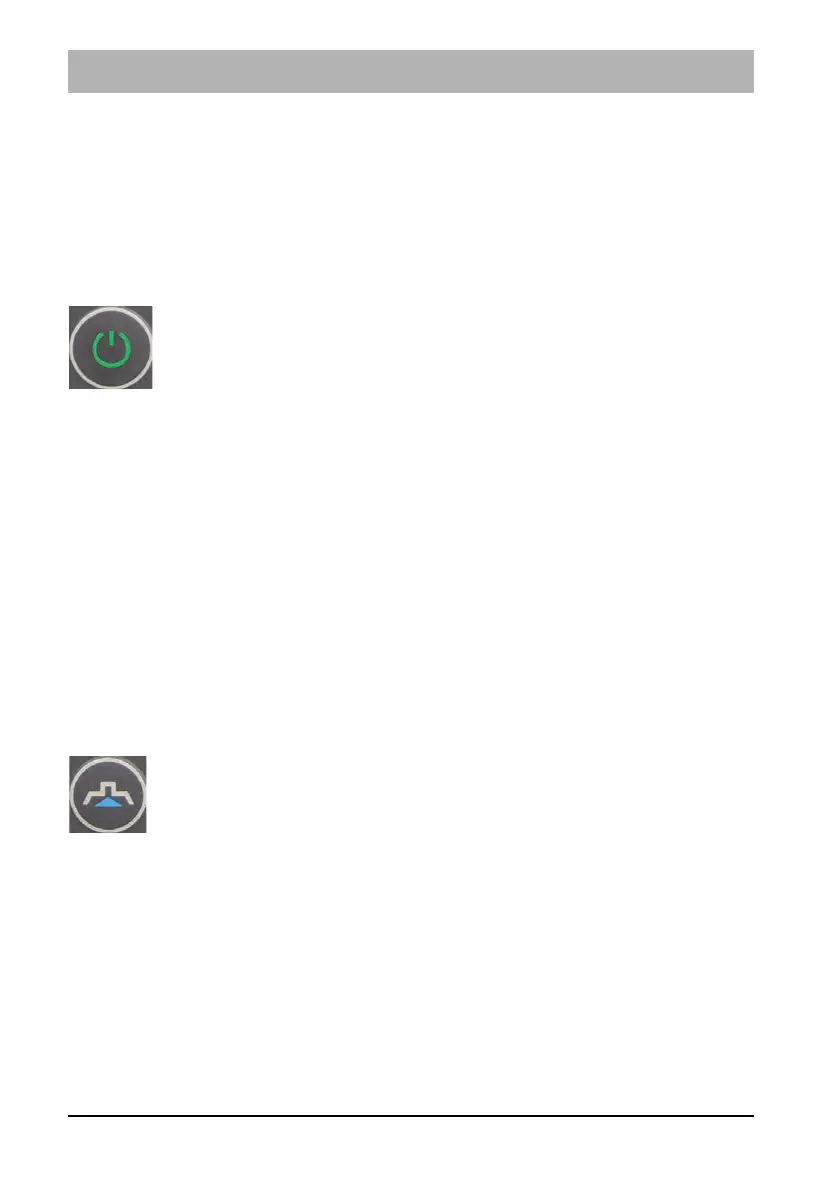
ON/OFF button Fig. 3-3
The machine is turned on and off with this button.
• Press the button for approx. 3 seconds: The machine is turned on.
Note
If the machine is not operated immediately, it goes into Machine lock mode
after approx. 10 seconds. The Lock symbol appears on the display panel.
Briefly press the ON/OFF button again to deactivate the machine lock.
• Press the button briefly: The suction turbine is switched on and off.
After unlocking the operating bar, the drive of the cleaning tools and the
water supply start.
Note
After switching off, the suction turbine continues to run for
approx. 10 seconds to absorb residual water.
• Press the button for approx. 3 seconds: The machine is turned off.
Suction turbine button Fig. 3-4
The suction turbine is switched on and off irrespective of the drive of the
cleaning tools with this button.



 To Next Page