13
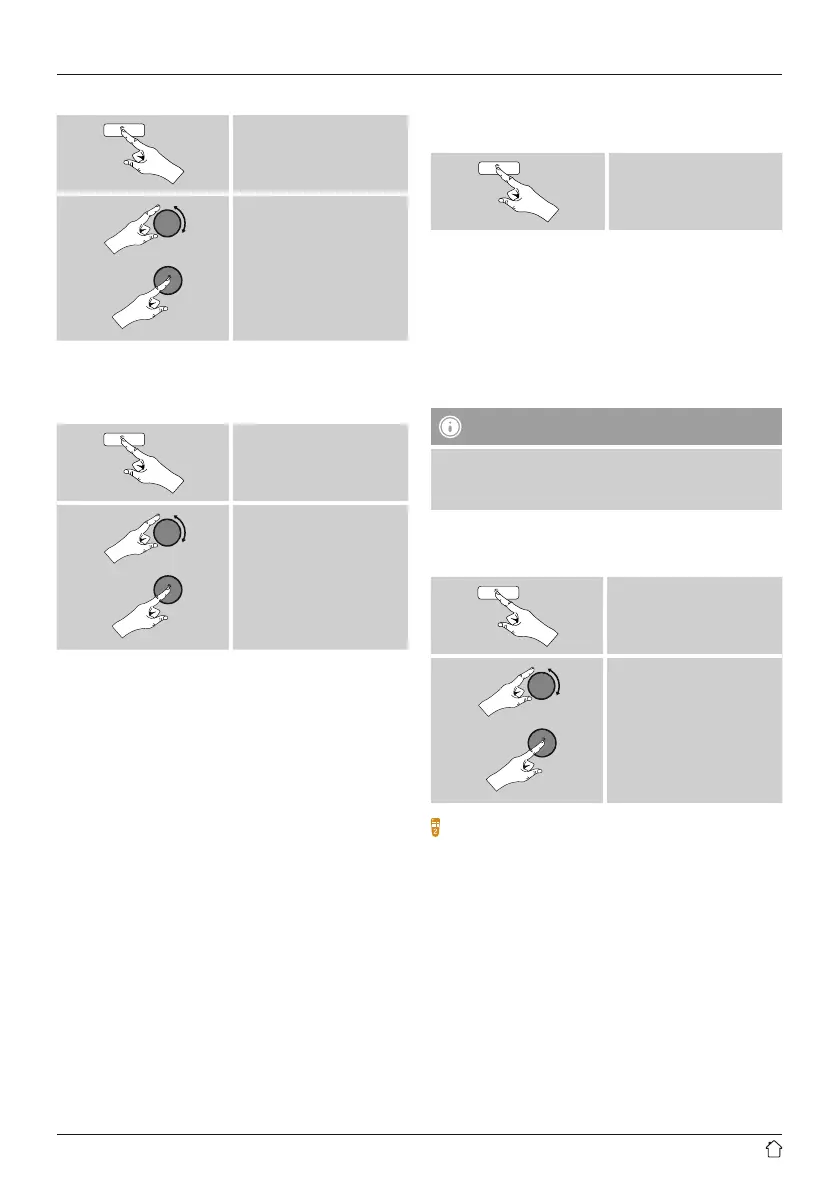
Proceed as follows to choose your desired language:
[menu]
System settings
Language
desired language
6. Main menu /modes
Access the main menu as follows:
[menu]
Main menu
The main menu contains the various operating modes as
well as other options that areexplained separately in the
following chapters.
7. Internet radio
8. Spotify
9. Music player
10. DAB
11. FM
12. Auxiliary Input
13. Sleep
14. Alarms
15. System settings
Select amongst the available operating modes by
repeatedly pressing [mode].
[mode]
7. Internet radio
The radio uses the station list on the vTuner* portal.
Youcan use stations without direct registration on the
following portal: http://www.wiradio-froniter.com.
Youwill nd detailed operating instructions under Section
7.5 Favourites
Note
*Ifnecessary,itispossible to switch providers in order
to make all features and functions of the product
available.
From the main menu or after pressing [mode]repeatedly,
activate Internet radio mode.
[menu]
Main menu
Internet radio
Alternatively,press [IR]onthe remote control to switch
directly to this operating mode.
7.1 Station search
This radio offers various ways to search for stations.
• Use [enter/navigate]tonavigate through each search
function and its options.
• Once you have found astation you like, conrm by
pressing [enter/navigate]. The radio starts playing the
selected station.



 To Next Page