20
9. Music player (UPNP, USB)
This operating mode enables the playback of MP3, WMA
or FlACles that aresaved on aPC, data storage medium
or the local network.
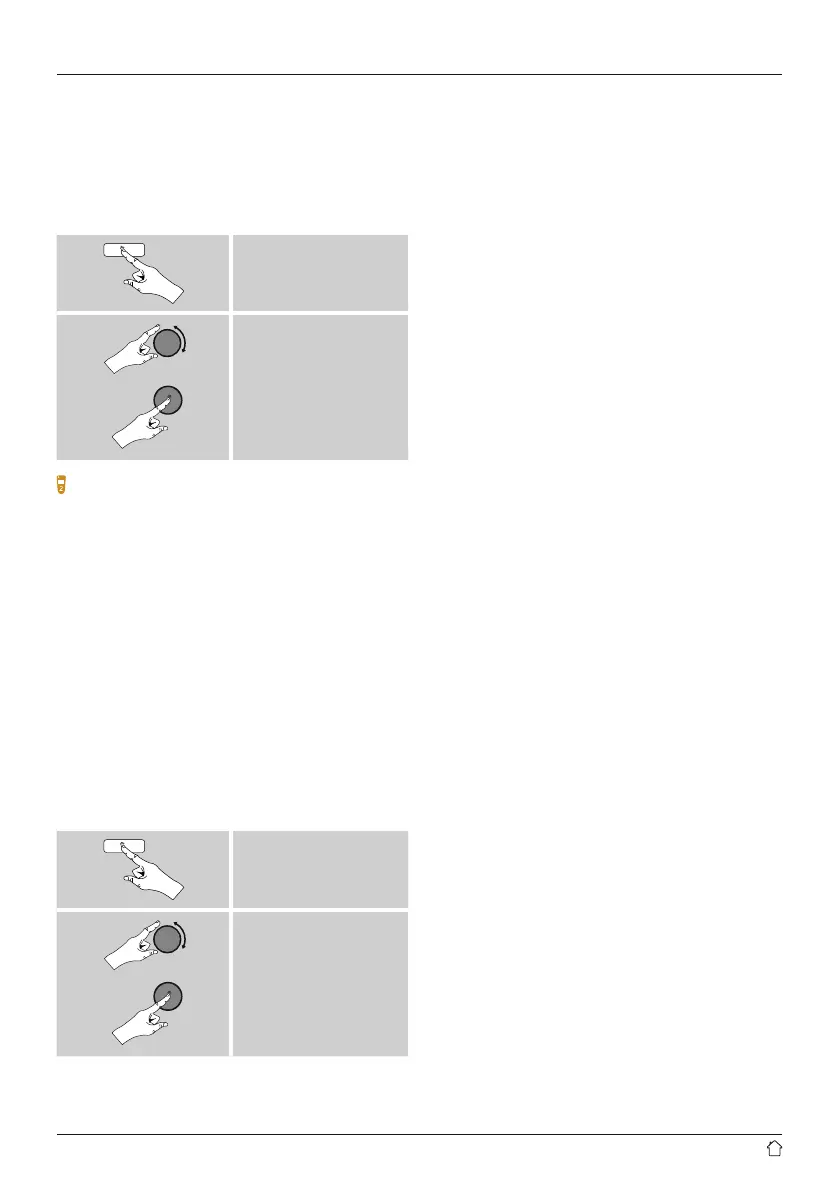
From the main menu or after pressing [mode]repeatedly,
activate Music player mode.
[menu]
Main menu
Music player
Alternatively,press [MEDIA]onthe remote control to
switch directly to this operating mode.
9.1 Playback from external storage media (USB)
• Insert astorage device (such as aUSB stick) into the USB
port of the radio.
• The storage medium should be formatted as aFAT16 or
FAT32 volume.
• The radio recognises the storage medium automatically.
• When the radio asks whether to open the connected
storage device, conrm by selecting YES.
• The les and folders saved on the storage medium are
displayed. Use [enter/navigate]tochoose the desired
le and begin playback
Alternatively,ifthe storage medium is already connected,
choose the desired le for playback as follows:
[menu]
Music player
USB playback
9.2 Playback from acomputer (streaming)
Youcan manage the radio and stream music to it from your
computer.
The following explanation assumes your computer’s
operating system is Windows 8. If you use adifferent
operating system and requireassistance, or if you have
any other questions, please contact our customer support
team.
Requirements:
• The radio and the computer must be on the same
network.
• The radio must be authorised as aplayback device on the
computer.
Proceed as follows:
Control Panel Network and Internet View
network computers and devices
The radio should be shown here.
• Right-click on the icon or designation of the radio and
choose Allow streaming to this device
• Right-click again on the icon or designation of the radio
and choose Show device website to change the
friendly name of the device.
• Anew browser window opens. Youcan make the desired
changes here.
Use:
• The radio can now access shared directories on the
computer,and you can stream audio les to the device
for playback.
• The music directory of your music library is enabled as
standard.
• Create and manage shared folders using Explorer or
Windows Media Player.
• Right-click on the desired music le, choose Play To,
and then select the designation of the radio.
• The radio begins playback of the music le.



 To Next Page