23
10.2 Manual station search
With the manual station search function you can search
through individual frequencies and channels. If you know
the frequency of the desired station and the automatic
station search failed to nd it, use this featuretoset the
reception frequency directly.
Proceed as follows, choosing afrequency range between
5A and 13F:
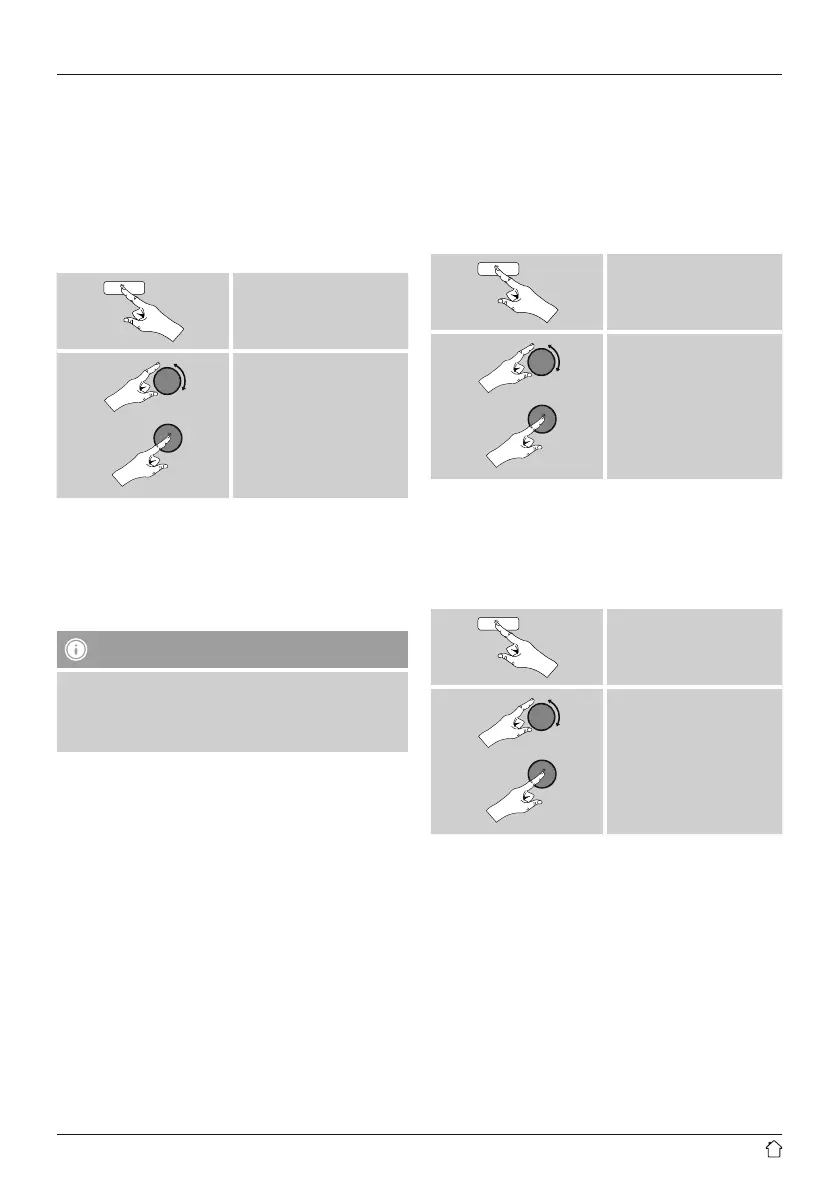
[menu]
Manual tune
The Stability bar indicates the current signal strength.
The marking along the bar indicates the value required for
interference-free reception. If this value is not reached (the
bar is empty), then the signal strength is not sucient on
this channel.
Note
• DAB/ DAB+ permits the transmission of several
stations within asingle frequency block. When sorting
by ensemble the stations aredisplayed according to
how they aredistributed across the frequency blocks.
10.3 Station list
Youcan access the station list in DABmode at any time via
two methods:
a) If astation is already playing, simply turn
[enter/navigate]. The radio willthen display the
station list.
b)
[menu]
Station list
10.4 Sort station list
By default the radio sorts stations into alphabetical order.
Youcan also sort by signal strength or ensemble. To
change the sorting order,proceed as follows:
[menu]
Station order



 To Next Page