24
10.5 Slideshow/Station information
(Picture with text/full screen)
Many digital radio stations in the DAB+ network provide
additional information, which can be displayed on acolour
screen. This could be pictures from the studio, news,
weather information, or adverts, for example. By default,
the radio displays these “slides” in fullscreen. Alternatively,
amix of pictures and text, such as is the default for
internet radio, can be displayed. To switch between the
display modes, press [enter/navigate]while astation is
playing. The display will switch modes.
Alternatively,you can set the default mode in the DAB
menu. To do so, proceed as follows:
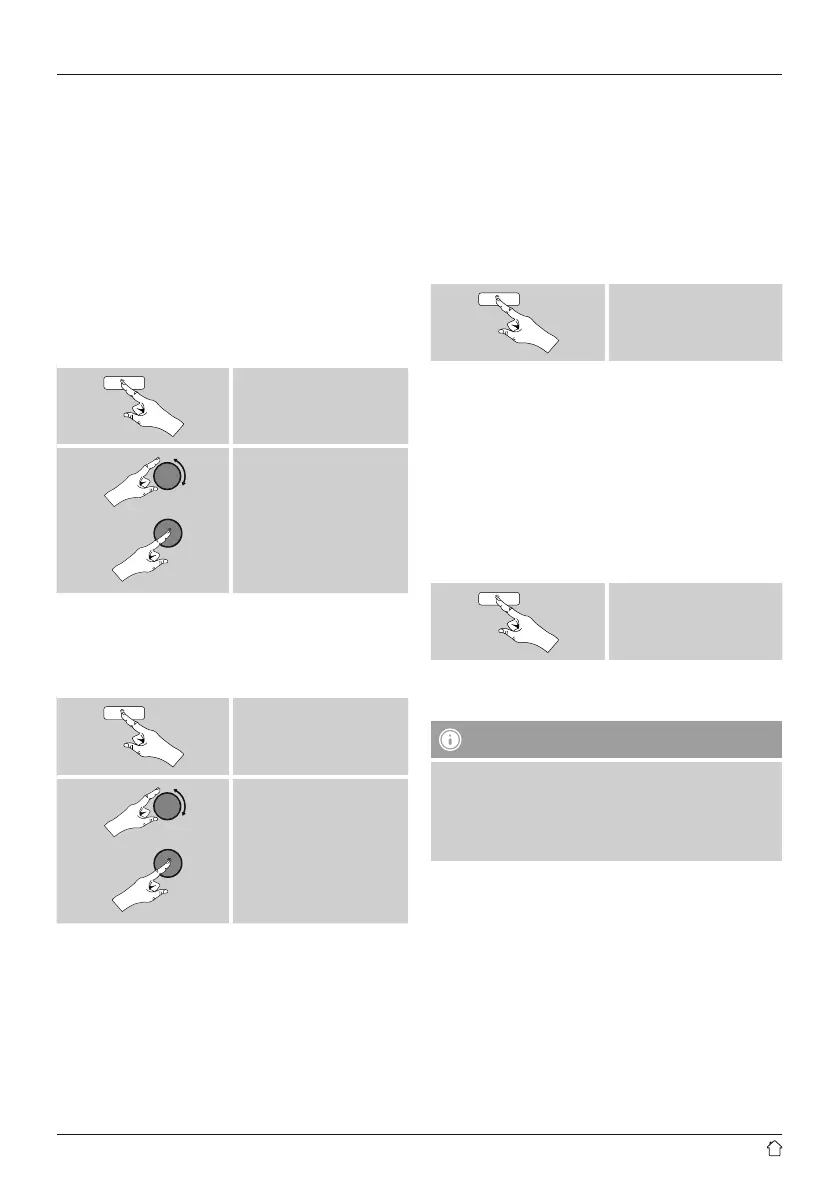
[menu]
Slide Show
10.6 Edit station list
To remove stations that arenot currently in the reception
area, from your station list, proceed as follows:
[menu]
Prune invalid
If you answer YES,then all currently unavailable stations
will be removed from the station list.
10.7 Favourites
Youcan save up to 30 of your favourite stations for quick
and direct access.
10.7.1 Save favourites
• Set the station that you would like to save as afavourite
station preset.
• If the station is received, press and hold [memory]on
the front of the radio.
[memory]
An overview window with the station presets should open
after approx. 2seconds.
• Youcan switch between the station presets (1 to 30) by
turning [enter/navigate].
• Press [enter/navigate]tosave the station on the
desired station preset.
10.7.2 Access favourites
Press [memory]toopen the overview window with the list
of saved stations.
[memory]
Use [enter/navigate]toselect one of your favourites.
Note
Favourites cannot be deleted.
If all30station memory slots arelled and you wish to
save anew station, choose one of the occupied slots.
The station in this slot will be overwritten with the new
station.



 To Next Page