33
15.2.5 View settings
Hereyou can nd all the most important information about
all network connections currently used or congured on
the radio, such as: MACaddress, WLAN region, DHCP
active/disabled, SSID, IP address, subnet mask, gateway
address, DNS (primary and secondary), etc.
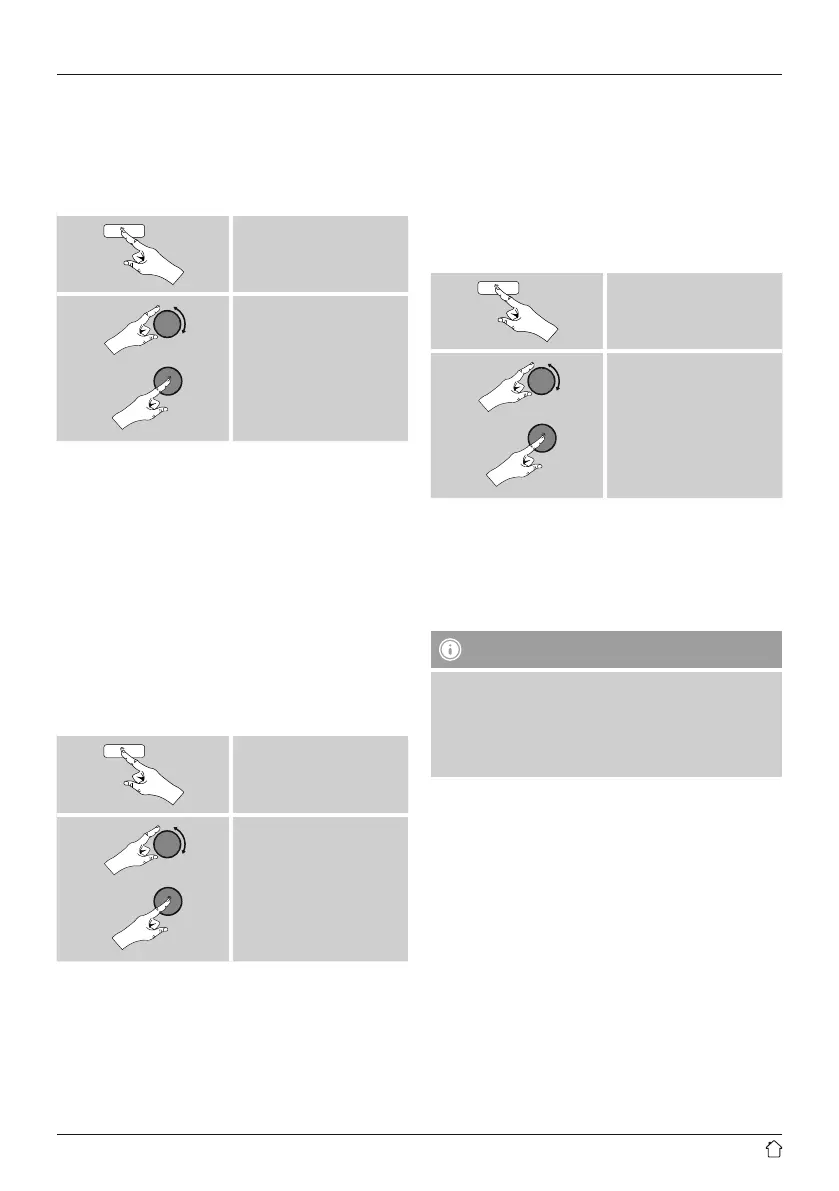
[menu]
System settings
Network
View settings
15.2.6 NetRemote PIN Setup /Smart Radio-App
The radio can be controlled using the application Hama
Smart Radio.
Forthis, you have to have installed the app on your
terminal device (for example smartphone or tablet PC)
and your device has to be in the same network as your
radio. The PIN saved in the radio is to increase security and
prevents other users from connecting with the radio.
If the app is started on your terminal device (for example
smartphone or tablet PC) and it tries to connect with the
radio, awindow will appear on your device requiring you
to enter the PIN.
• Youcan nd and change the PIN as follows:
[menu]
System settings
Network
NetRemote PIN Setup
• The radio PIN is set to 1234 by default.
• Use [enter/navigate]tomake changes.
• Conrm your changes by choosing OK.
15.2.7 Network profile
The radio automatically saves all successfully connected
network proles. This means that re-establishing these
connections (for example, after the radio was disconnected
from the power supply) does not requireyou to re-enter the
network access information.
• To remove network proles individually,proceed as
follows:
[menu]
System settings
Network
Network prole
• Select anetwork prole and press [enter/navigate]to
delete it.
• Conrm the prompt querying if you want to delete the
prole with YES.
• Aprole that is currently active, or that is in use, cannot
be deleted.
Note -Data security
• Beforegiving or selling the radio to someone else, we
recommend performing aFactory Reset.
• This will completely and permanently delete all
network information and connections stored on the
device.



 To Next Page