19
Use:
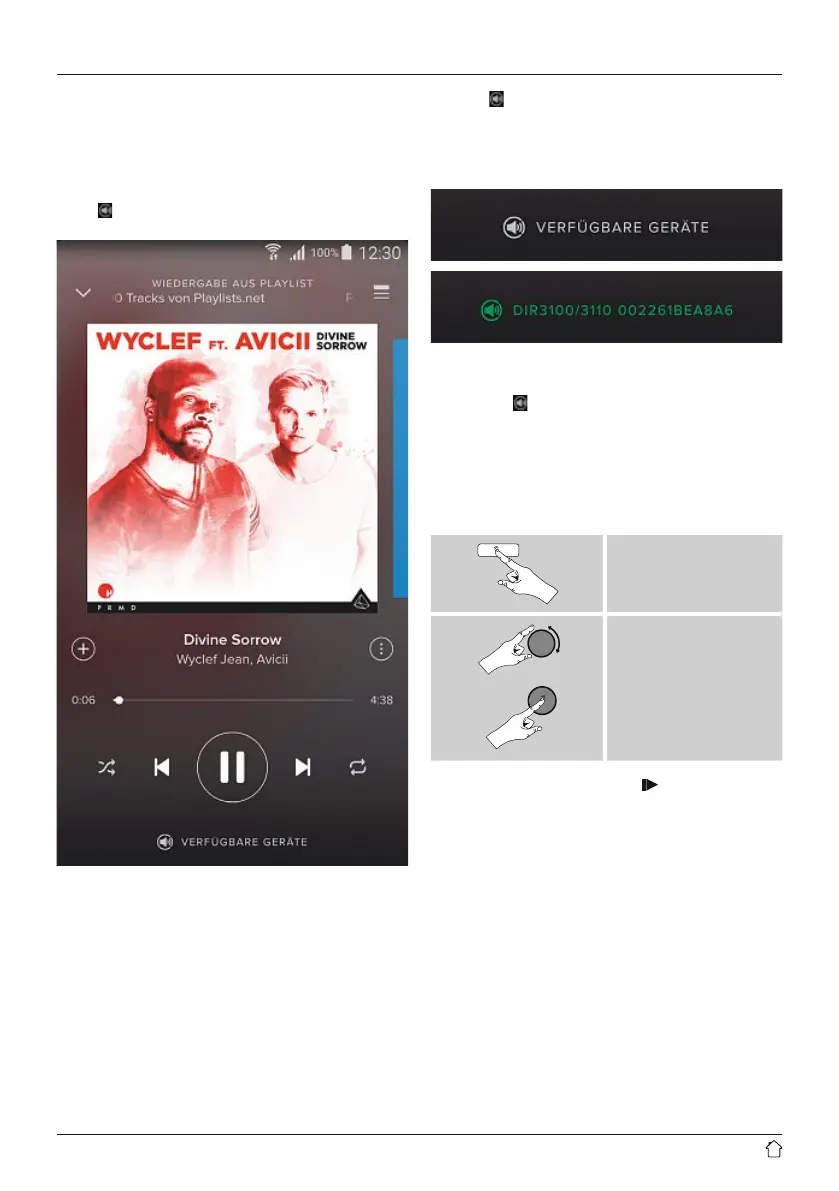
• In the Spotify app, start playback of aplaylist or title as
usual.
• The usual playback information is displayed, such as the
album cover,title, etc.
• At the bottom edge of the screen, the Spotify Connect
logo
is shown next to Available devices.
Playback display
• Choose Available devices to access an overview of
all devices available on the network.
• Select the radio. The audio is now played back on the
radio.
Once the connection has been established, the Spotify
Connect logo
and the device designation aredisplayed
in green.
After successful initial connection:
From the main menu or after pressing [mode]repeatedly,
activate Spotify (Spotify Connect) mode.
[menu]
Main menu
Spotify
• Press [enter/navigate](or [ ]onthe remote
control) to begin playback.
• Alternatively,you can control the radio (skip to adifferent
title, adjust the volume, etc.) using the remote control,
the Smart Radio app, or the Spotify app.



 To Next Page