PIANO / ENSEMBLE Voice Sections12
PIANO Voice Section:
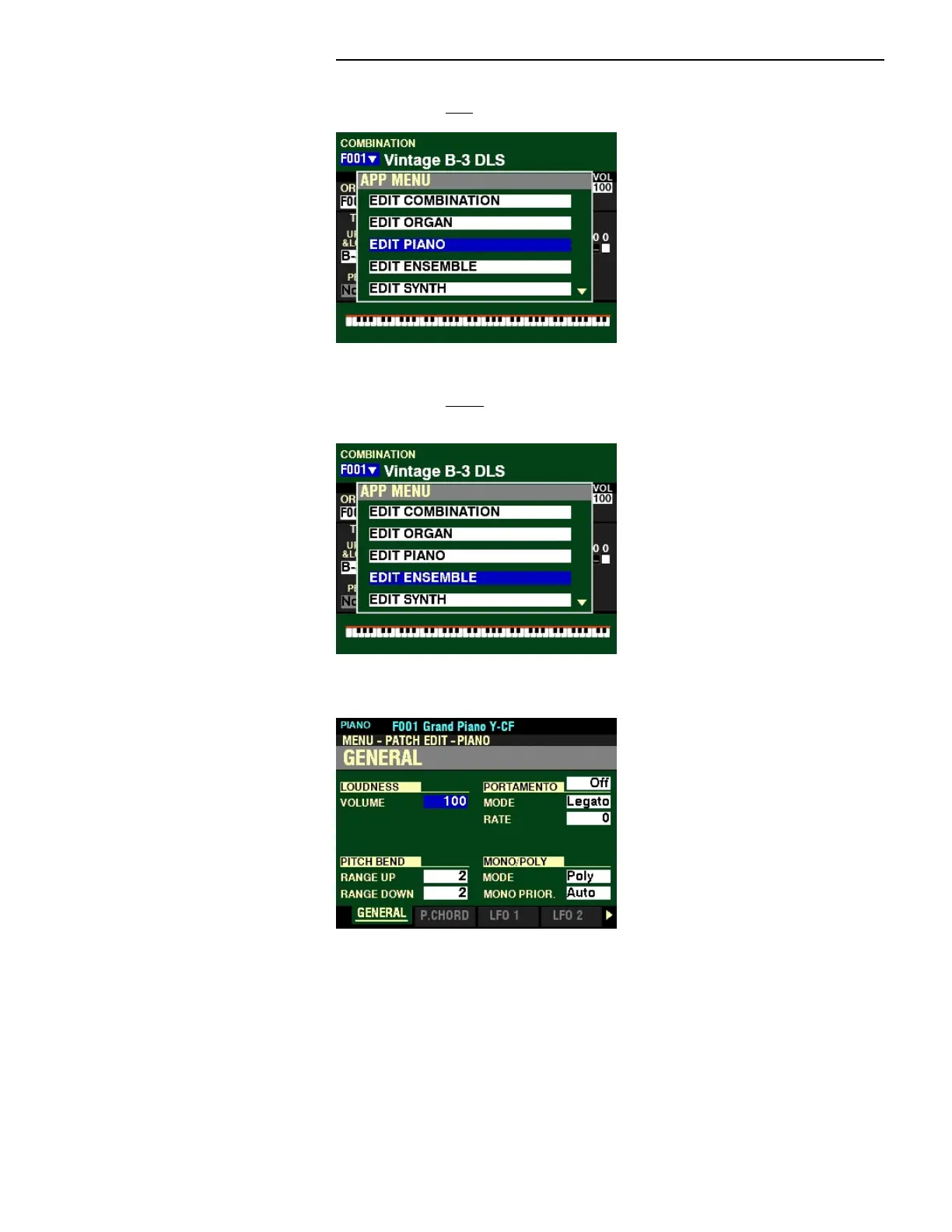
2. Press the DIRECTION “q” button two times. The box “EDIT PIANO” should be highlighted.
ENSEMBLE Voice Section:
2. Press the DIRECTION “q” button three times. The box “EDIT ENSEMBLE” should be
highlighted.
2. Press the ENTER button. The Information Center Display should now look like this:
You are now in the PATCH EDIT FUNCTION Mode. You may now use the DIRECTION and PAGE buttons
in conjunction with the VALUE knob to make various changes to the Patches. These changes are
explained starting below.
NOTE: The Parameters for the PIANO and ENSEMBLE Parameters are identical: therefore, for the
explanation of each Parameter the PIANO Patch will be shown at the top of the screen.



 To Next Page