PIANO / ENSEMBLE Voice Sections74
From the screen shown at the bottom of the previous page, press the PAGE “u” button once. The
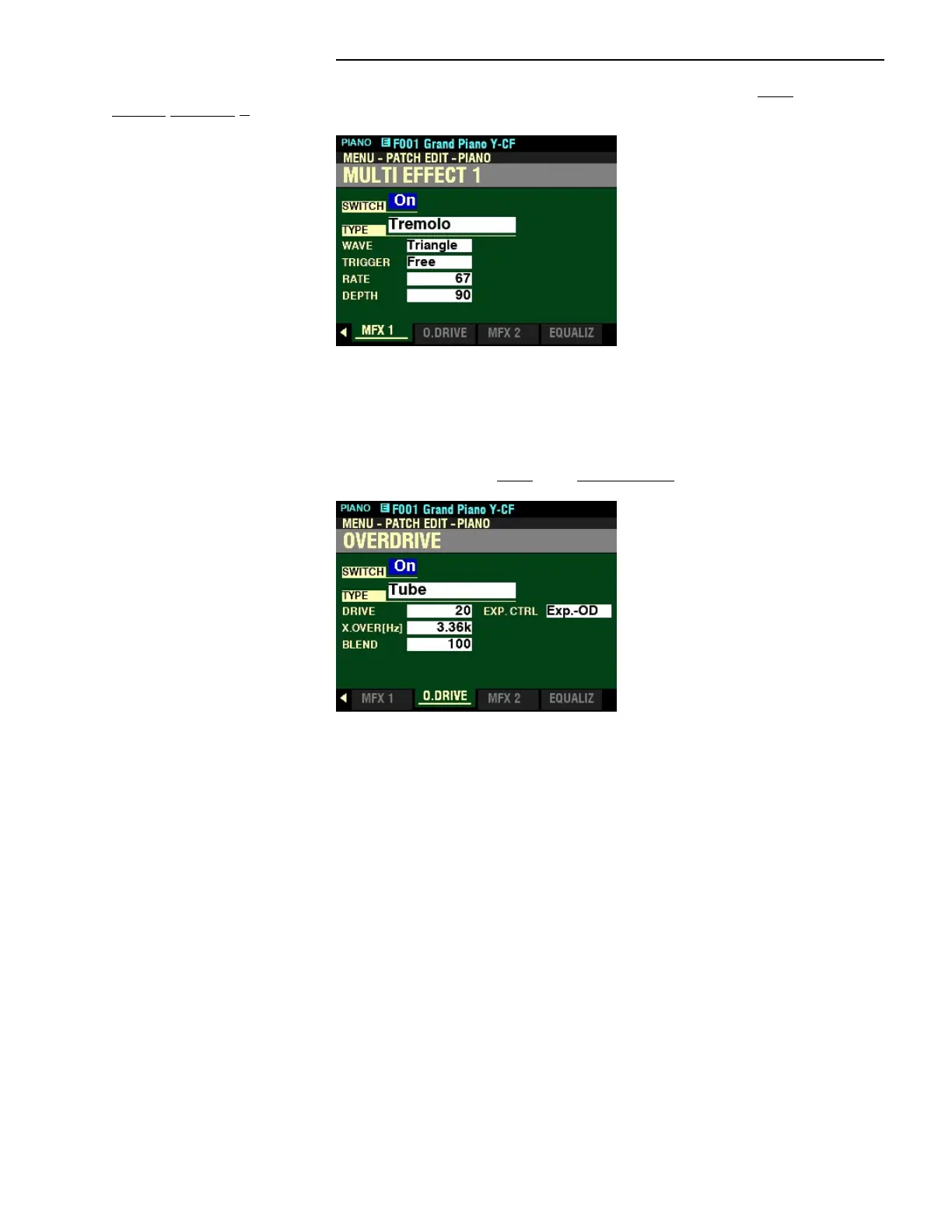
MULTI EFFECT 1 Page should now display.
t MULTI EFFECT 1
This Parameter allows you to adjust the Multi Effects 1 (Tremolo, Wah-Wah, Ring Modulator, Compressor)
for each PIANO/ENSEMBLE Patch.
From the above screen, press the PAGE “u” button once. The OVERDRIVE Page should now display.
t OVERDRIVE
This Parameter allows you to adjust the Overdrive effect in this Section.



 To Next Page