PIANO / ENSEMBLE Voice Sections 75
From the screen shown at the bottom of the previous page, press the PAGE “u” button once. The
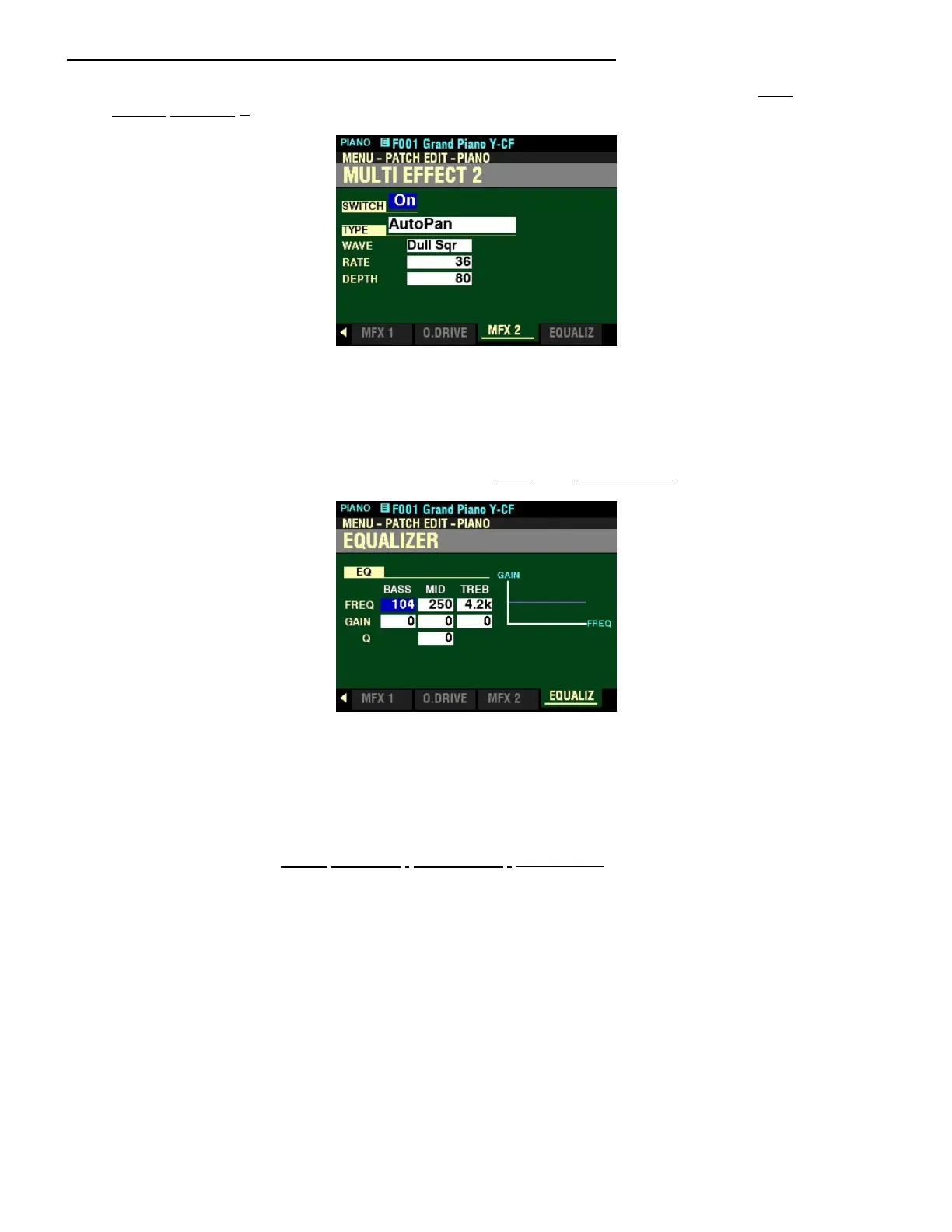
MULTI EFFECT 2 Page should now display.
t MULTI EFFECT 2
This Parameter allows you to adjust the Multi Effects 2 (AutoPan, Phaser, Flanger, Chorus, Delay) for each
PIANO/ENSEMBLE Patch.
From the above screen, press the PAGE “u” button once. The EQUALIZER Page should now display.
t EQUALIZER
This Parameter allows you to adjust the Equalizer in this Section.
NOTE: The MULTI EFFECT 1&2, OVERDRIVE and EQUALIZER effects work the same way for all Voice
Sections of your SK PRO. For information about these effects and the Parameters associated with each of
them, please consult the MULTI EFFECTS / OVERDRIVE / EQUALIZER chapter of this Guide.



 To Next Page