PIANO / ENSEMBLE Voice Sections 25
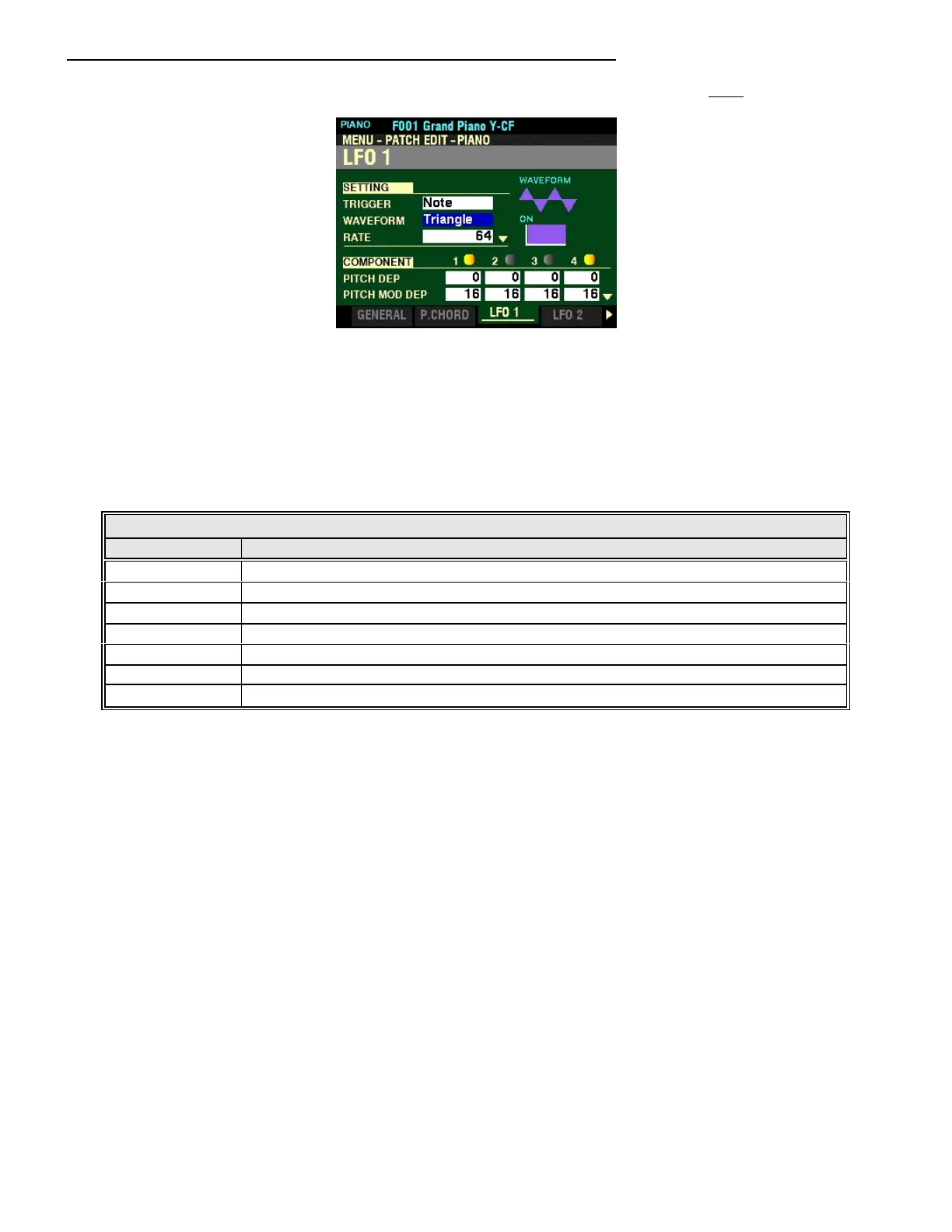
From the screen shown on the previous page, press the DIRECTION “q” button once.
The box to the right of “WAVEFORM” should be highlighted.
WAVEFORM
This Parameter allows you to select the waveform of the LFO.
The data chart below shows the options you may select.
LFO WAVEFORM
Waveform Description
Triangle A waveform which smoothly rises to a peak point and smoothly drops to a zero voltage.
Square A waveform which sharply rises to a peak point and sharplydrops to a zero voltage.
Rectangular Square A waveform which smoothly rises to a peak point and smoothly drops to a zero voltage.
Saw Up A sawtooth wave which ramps upward and drops sharply to a zero voltage.
Saw Down A sawtooth wave which ramps downward to a zero voltage and rises sharply.
S/H Sample/Hold - samples the input analog signal and hold the sampled signal for a specified time.
Fluctuation Random waveform with no periodicity.
Turn the VALUE knob to make your selection.



 To Next Page