PIANO / ENSEMBLE Voice Sections56
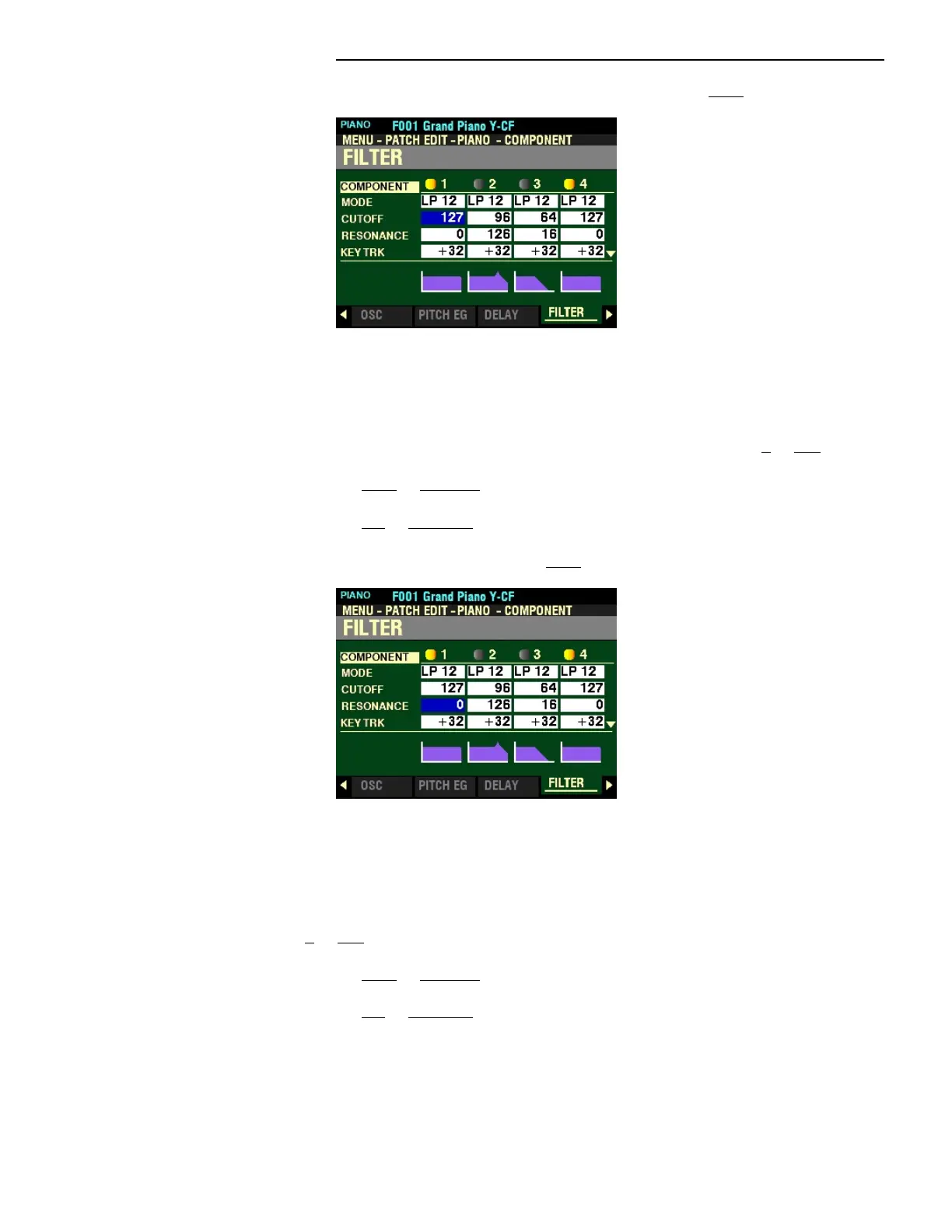
From the screen shown on the previous page, press the DIRECTION “q” button once.
The box to the right of “CUTOFF” should be highlighted.
CUTOFF FREQUENCY
This Parameter allows you to adjust the Cutoff Frequency of the Filter. You can select from 0 to 127.
Turn the VALUE knob to the right to increase the Cutoff Frequency.
Turn the VALUE knob to the left to decrease the Cutoff Frequency.
From the above screen, Press the DIRECTION “q” button once.
The box to the right of “RESONANCE” should be highlighted.
RESONANCE
This Parameter allows you to add a controlled amplification to the Cutoff Frequency, coloring the original
pitch. You can select from 0 to 127.
Turn the VALUE knob to the right to increase the Filter Resonance.
Turn the VALUE knob to the left to decrease the Filter Resonance.



 To Next Page