PIANO / ENSEMBLE Voice Sections26
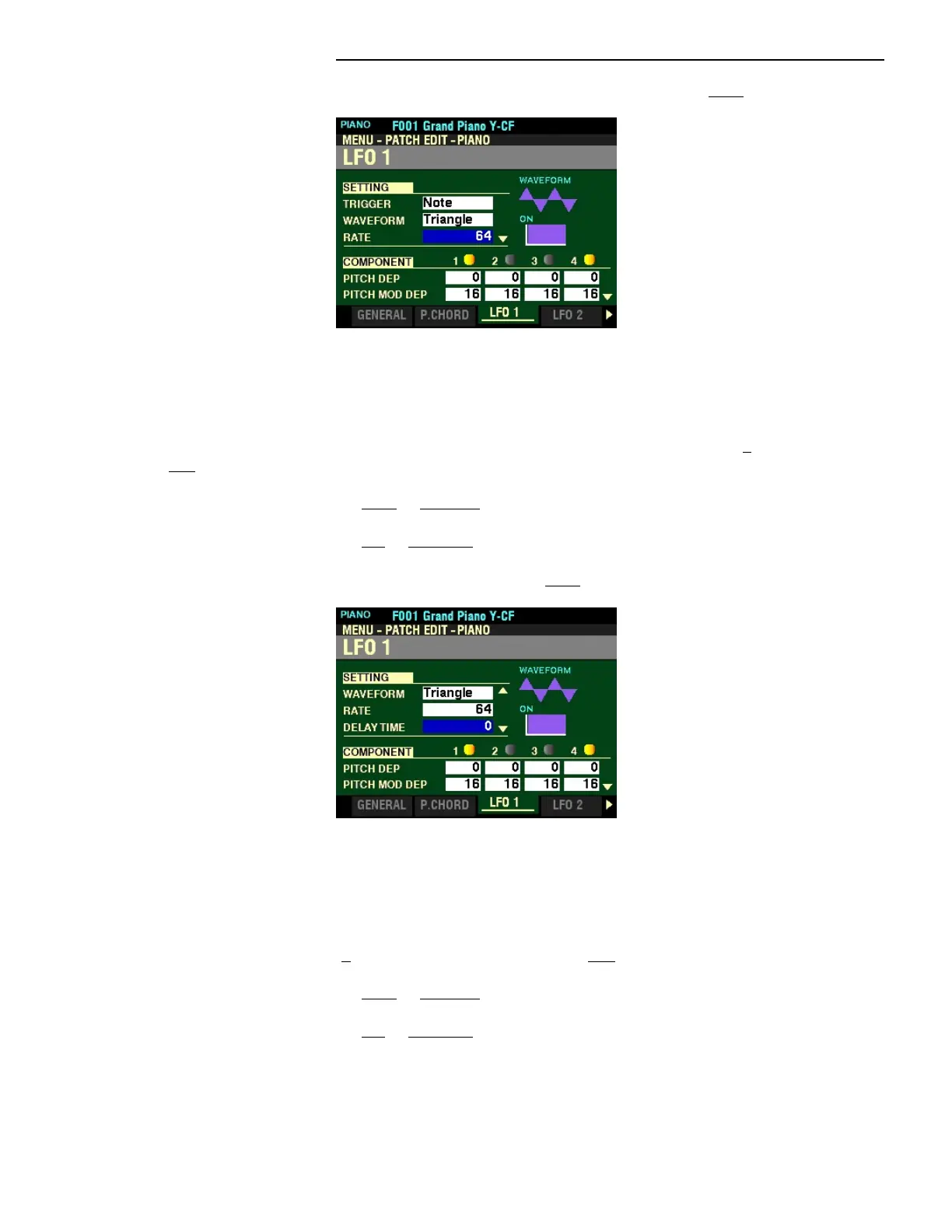
From the screen shown on the previous page, press the DIRECTION “q” button once.
The box to the right of “RATE” should be highlighted.
RATE
This Parameter allows you to adjust the Oscillation Rate of the LFO. You can select from 0 (the slowest
rate) to 127 (the fastest rate).
Turn the VALUE knob to the right to increase the Rate.
Turn the VALUE knob to the left to decrease the Rate.
From the above screen, press the DIRECTION “q” button once.
The box to the right of ”DELAY TIME” should be highlighted.
DELAY TIME
This Parameter allows you to adjust the amount of time after the initial keypress before the LFO begins
oscillating. You can select from 0 (the LFO begins immediately) to 127 (maximum time).
Turn the VALUE knob to the right to increase the Delay Time.
Turn the VALUE knob to the left to decrease the Delay Time.



 To Next Page