PIANO / ENSEMBLE Voice Sections 15
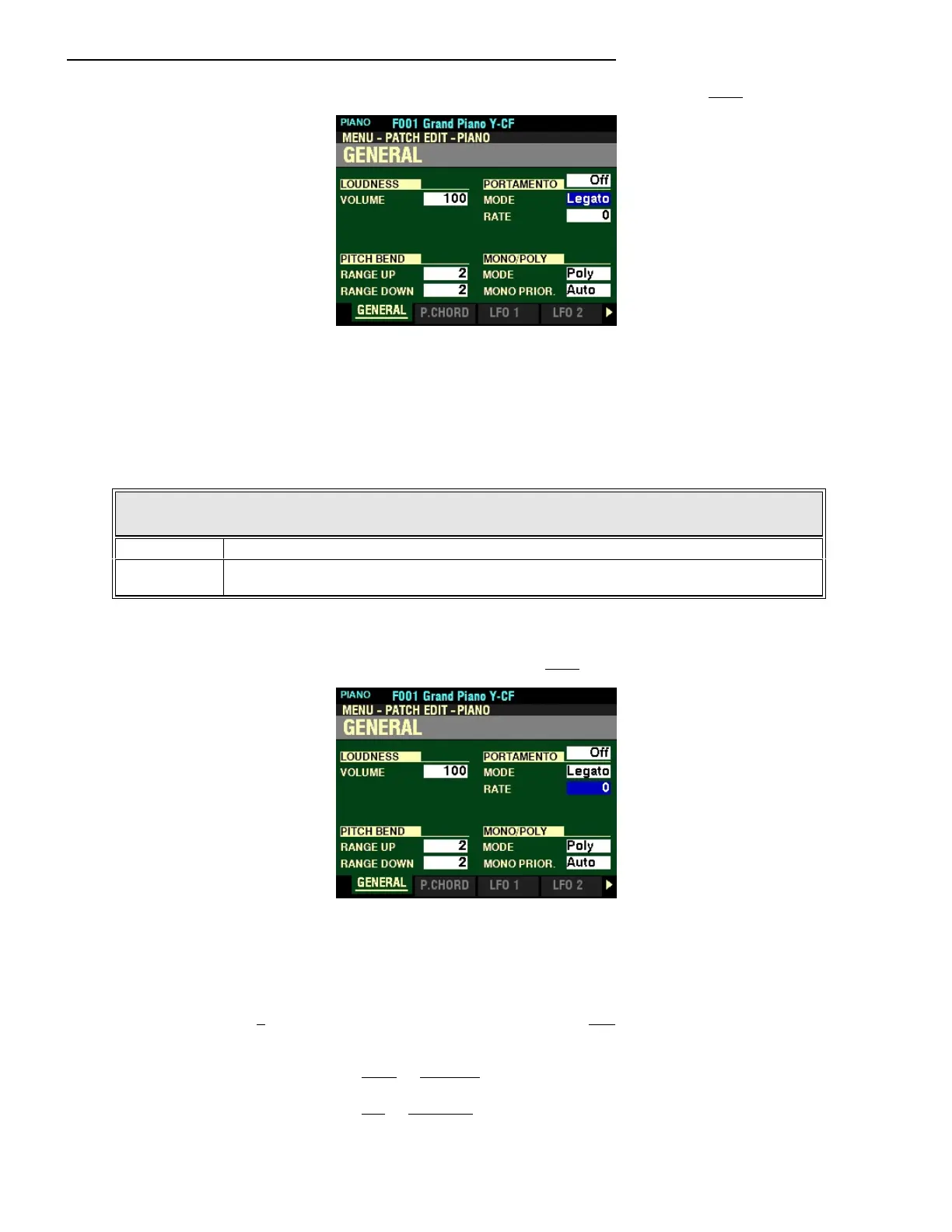
From the screen shown on the previous page, press the DIRECTION “q” button once.
The box to the right of “MODE” should be highlighted.
MODE
This Parameter allows you to adjust how to control the Portamento effect from the keyboard.
The data chart below shows the options you may select.
PORTAMENTO MODE
Parameter Description
Every The Portamento will be heard with every keypress.
Legato The Portamento will be heard only when keys are played “legato” (a key is depressed while
another key is held).
Turn the VALUE knob to make your selection.
From the above screen, press the DIRECTION “q” button once.
The box to the right of “RATE” should be highlighted.
RATE
This Parameter allows you to adjust the rate at which the pitch rises or falls when Portamento is “ON.”
You can select from 0 (the pitch will rise or fall instantaneously) to 127 (the pitch rises and falls at the
slowest rate). Intermediate rates will cause the pitch to rise or fall at rates between 0 and 127.
Turn the VALUE knob to the right to increase the Portamento Rate.
Turn the VALUE knob to the left to decrease the Portamento Rate.



 To Next Page