PIANO / ENSEMBLE Voice Sections16
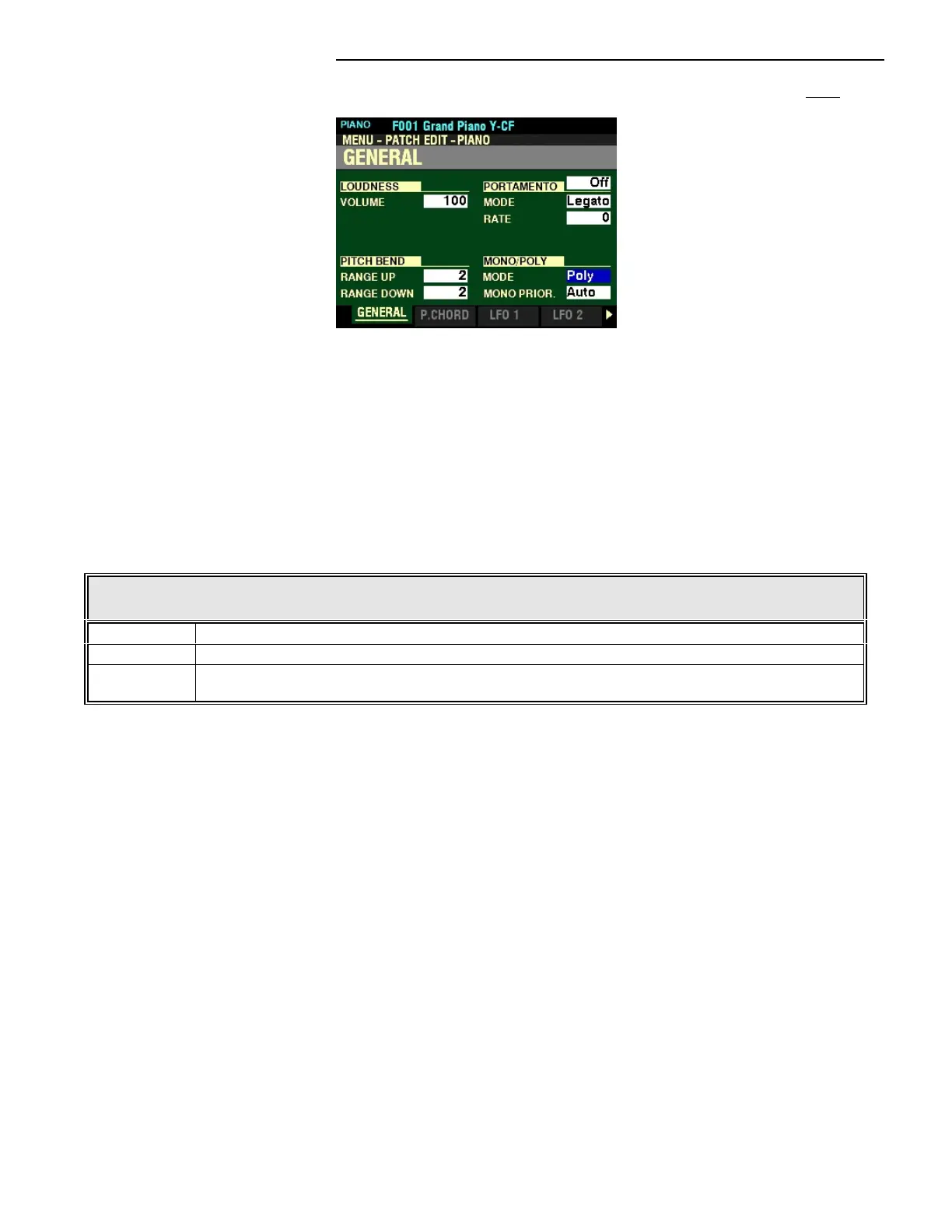
From the screen shown at the bottom of the previous page, press the DIRECTION “q” button once.
The box to the right of “MODE” below “MONO/POLY” should be highlighted.
MONO/POLY
MODE
This Parameter allows you to select whether the selected Patch will play single notes (Mono) or multiple
notes (Poly) when multiple notes are played on the keyboard.
The data chart below shows the options you may select.
MONO/POLY MODE
Parameter Description
Poly “Polyphonic” - if more than one key is depressed, all notes will sound)
Mono “Monophonic” - if more than one key is depressed, only one note will sound)
Rel.C “Release Cancel” - More than one note can be played; however, the last note released will be erased
by the next note played.
Turn the VALUE knob to make your selection.



 To Next Page