PIANO / ENSEMBLE Voice Sections24
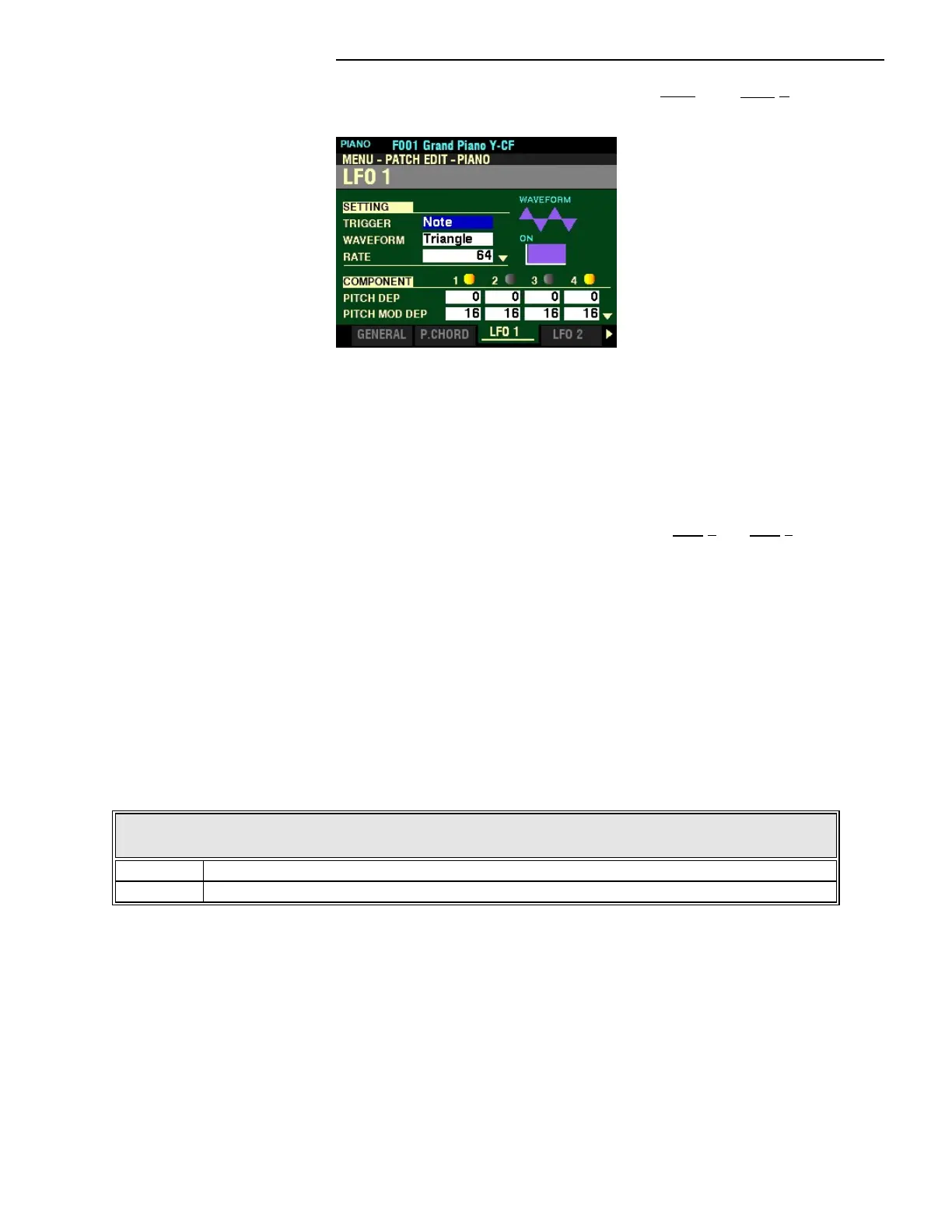
From the screen shown on the previous page, press the PAGE “u” button once. The LFO 1 Page
should now display.
The box to the right of “TRIGGER” should be highlighted.
t LFO 1
Both the PIANO and ENSEMBLE Voice Sections have two LFOs (Low Frequency Oscillators). These can be
used to modulate various Components. These are explained starting below.
NOTE: The Parameters explained below and on the following pages apply to both LFO 1 and LFO 2.
NOTE: The violet-colored shapes on the right side of the screen are visual representations of the shapes of
the selected Parameter. You will see their shapes change in response to the edits you make.
SETTING
These Parameters allow you to control the overall settings for the selected LFO.
TRIGGER MODE
This Parameter allows you to adjust whether the phase of the LFO will reset each time a key is depressed.
The data chart below shows the options you may select.
LFO TRIGGER MODE
Parameter Description
Note The LFO of each note oscillates individually. Each LFO will start its cycle when a key is depressed.
Free Pressing a key will intercept the LFO at whatever point it happens to be in its cycle.
Turn the VALUE knob to make your selection.



 To Next Page