PIANO / ENSEMBLE Voice Sections 23
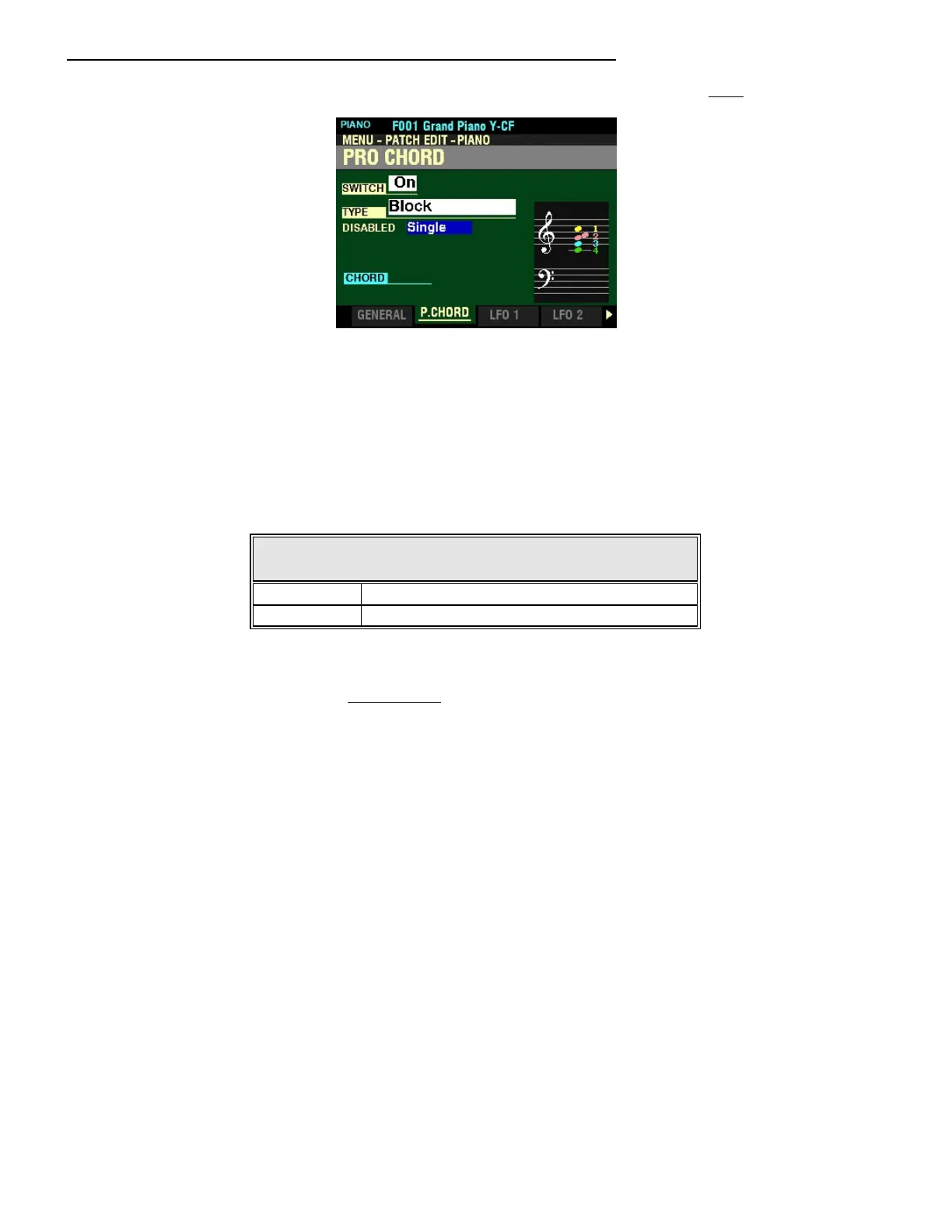
From the screen shown on the previous page, press the DIRECTION “q” button once.
The box to the right of “DISABLED” should be highlighted.
ProChord - DISABLED
This Parameter allows you to select how ProChord works when it is disabled (no chord outlined by the
left hand or disabled by the Foot Switch.
The data chart below shows the options you may select.
Pro Chord - DISABLED
Parameter Description
Single Component 1 only will sound.
Unison All Components will sound.
Turn the VALUE knob to make your selection.
NOTE: For a fuller explanation of Components, see page 224.



 To Next Page